All features
Every embroidery design tool on one page.
Create a design, edit it, turn it into a sketch, put the outfit on a model and price the job. Here is everything TextileStudio.ai does, grouped the way the app is.
- 5 credits per image
- Credits come back if a generation fails
- Quotation tools and Repeat Preview are free
24 features in 4 groups
Tools
Ten tools for six ways to start.
Start from words and choices, from a sketch, from a photo of your own embroidery, turn finished work into a line drawing, clean up a photo of fabric, or extend a design beyond its edges.
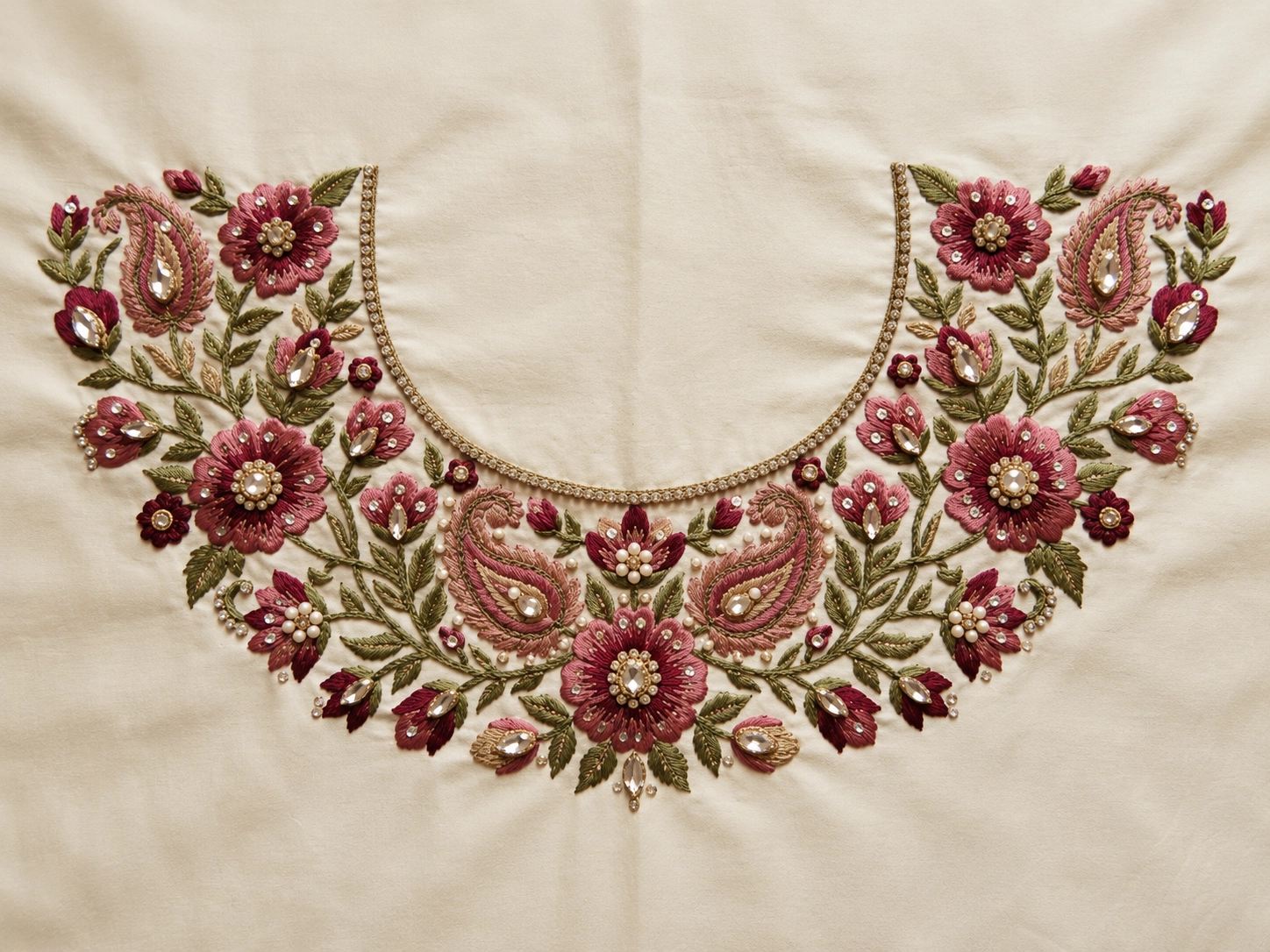
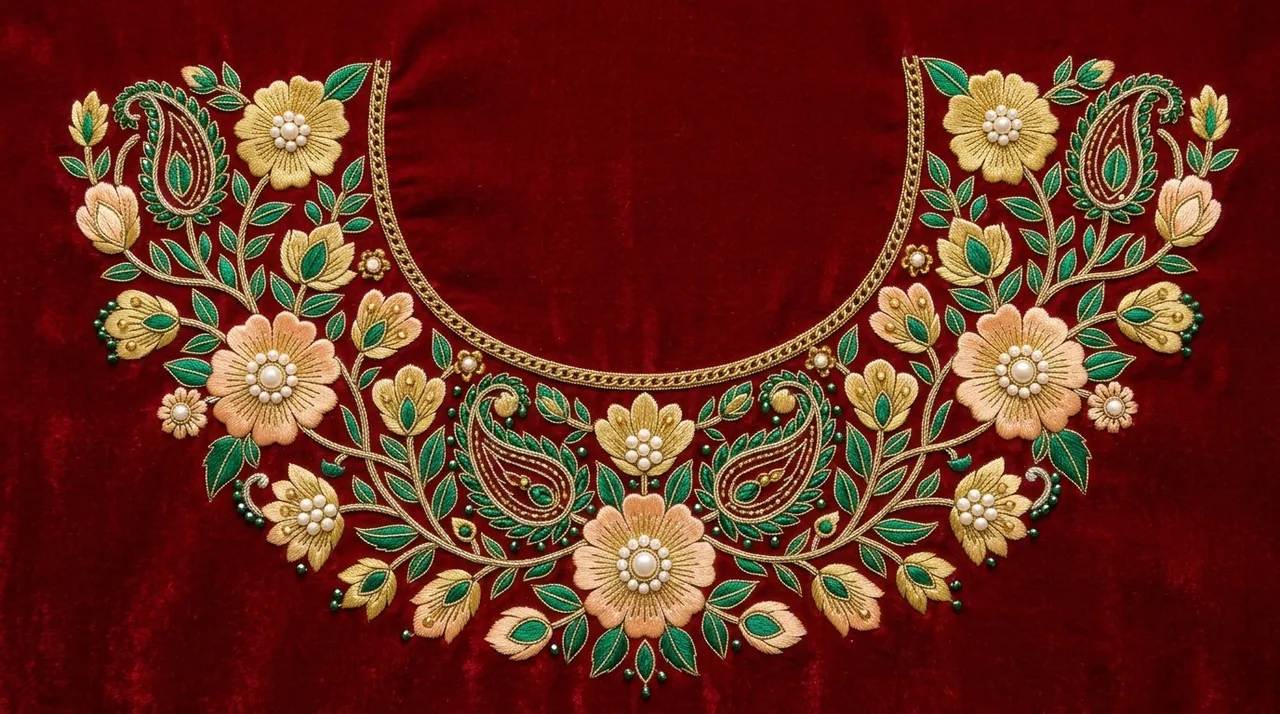
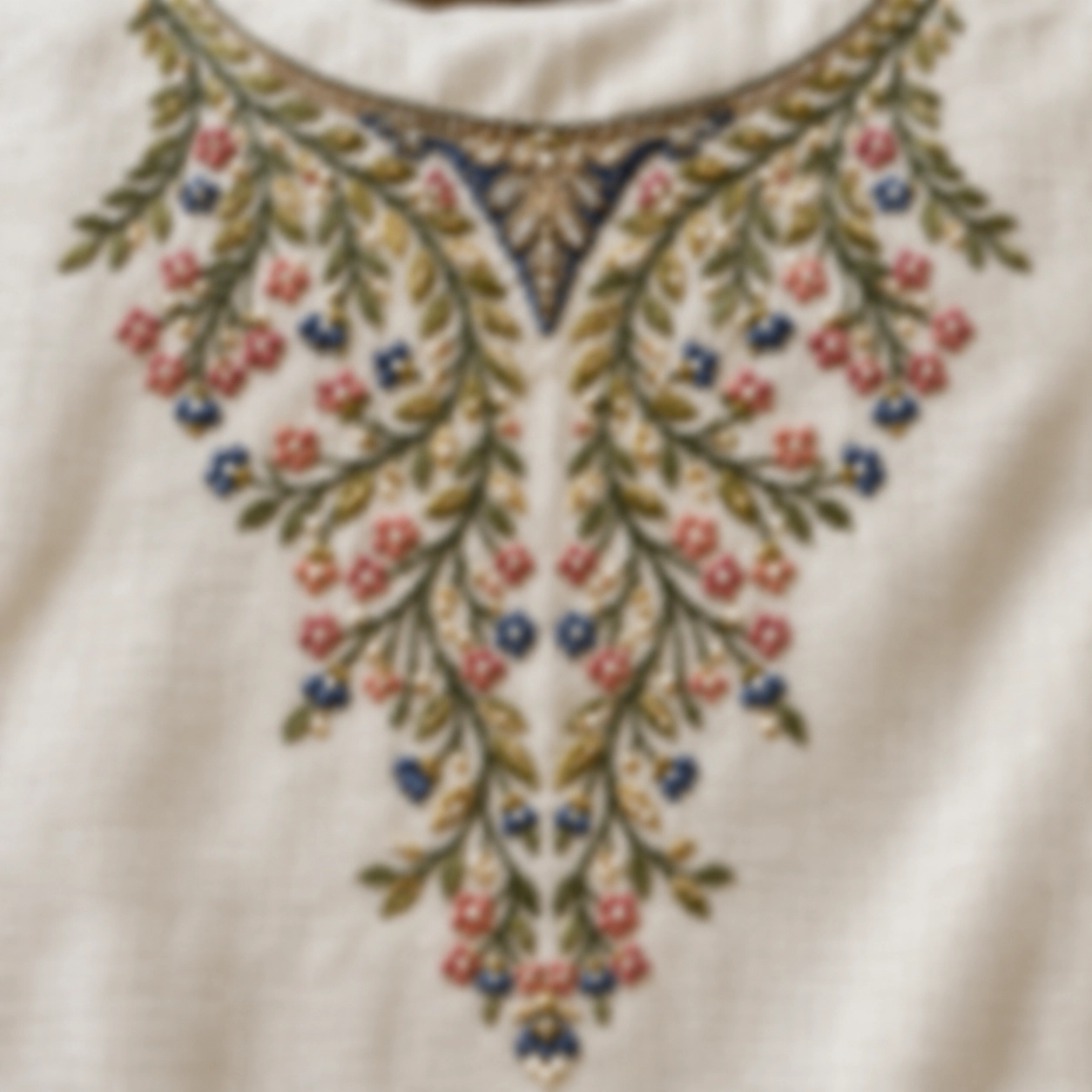
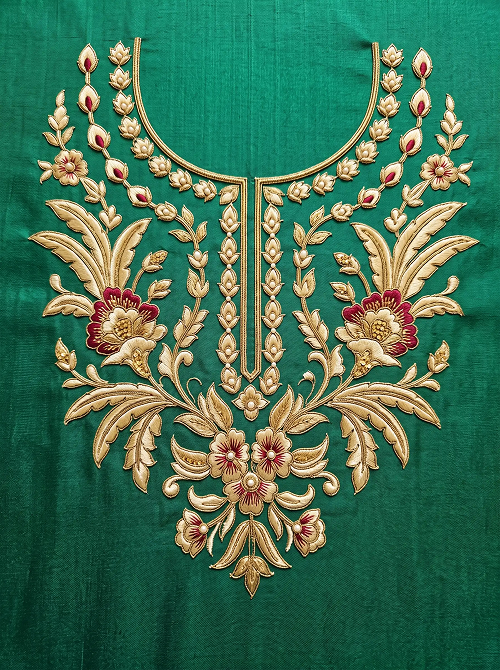
“Heavy embroidery design for a blouse neck with simple floral and paisley patterns.”
Design Studio
Pick a product type, garment and placement, or describe the design in words, and get embroidery designs.
5 credits per image- After
Beads Studio
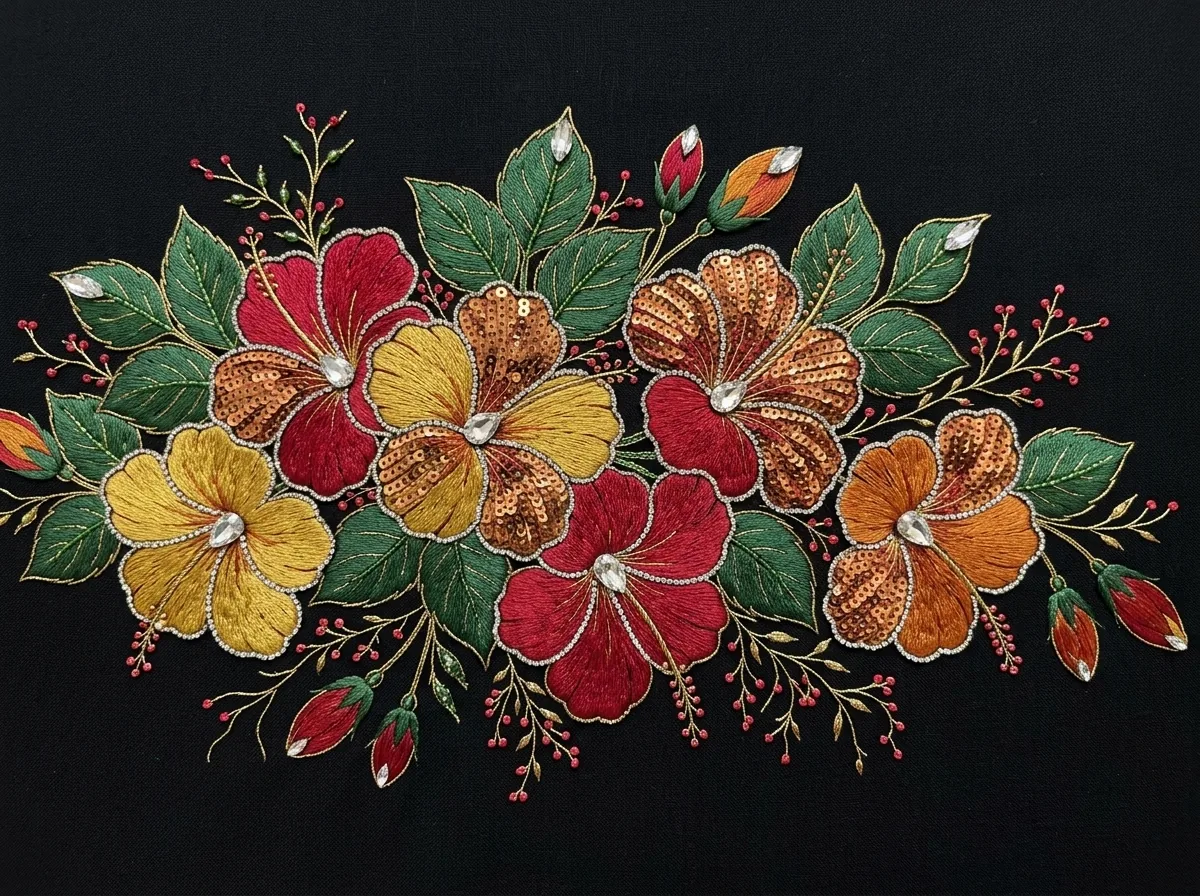
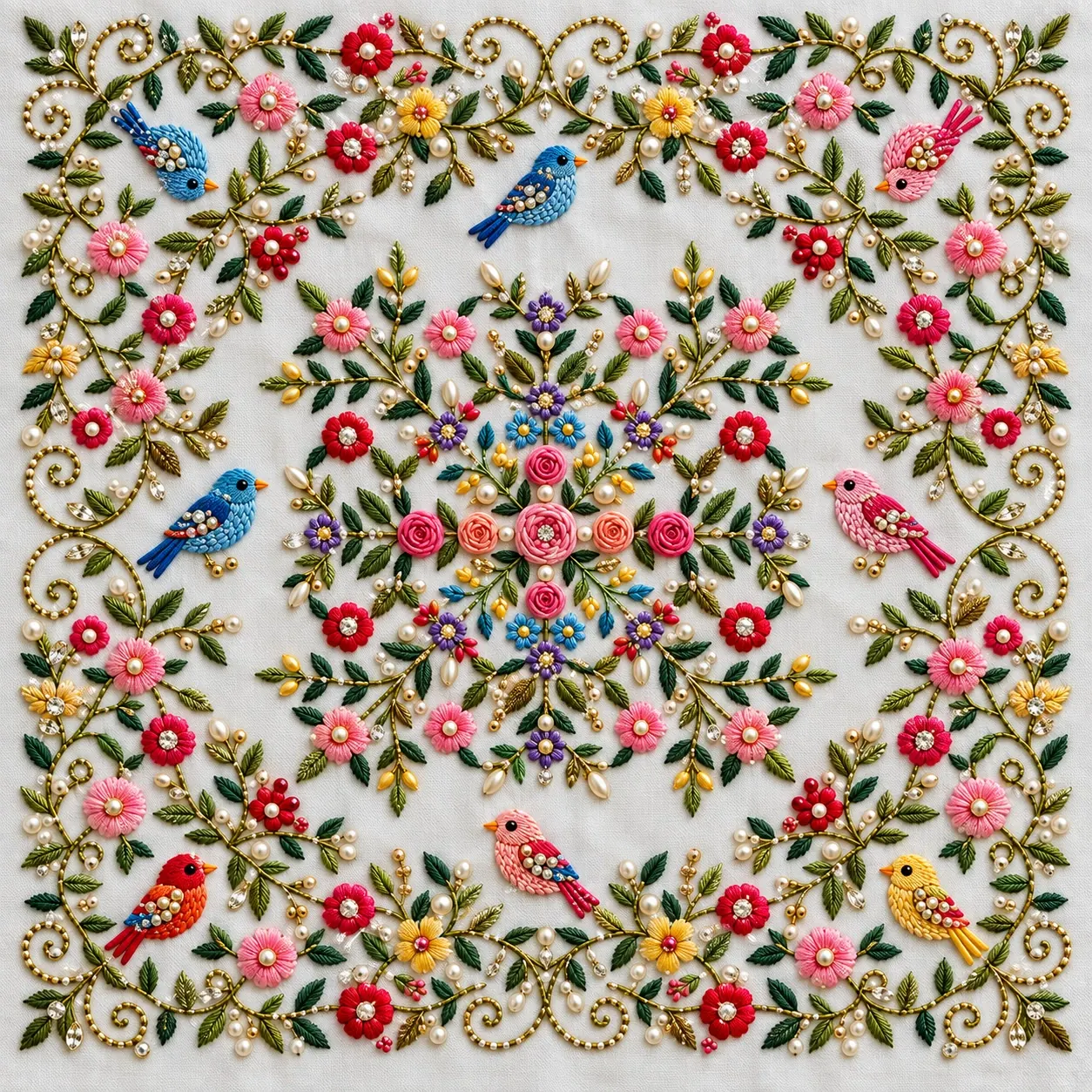
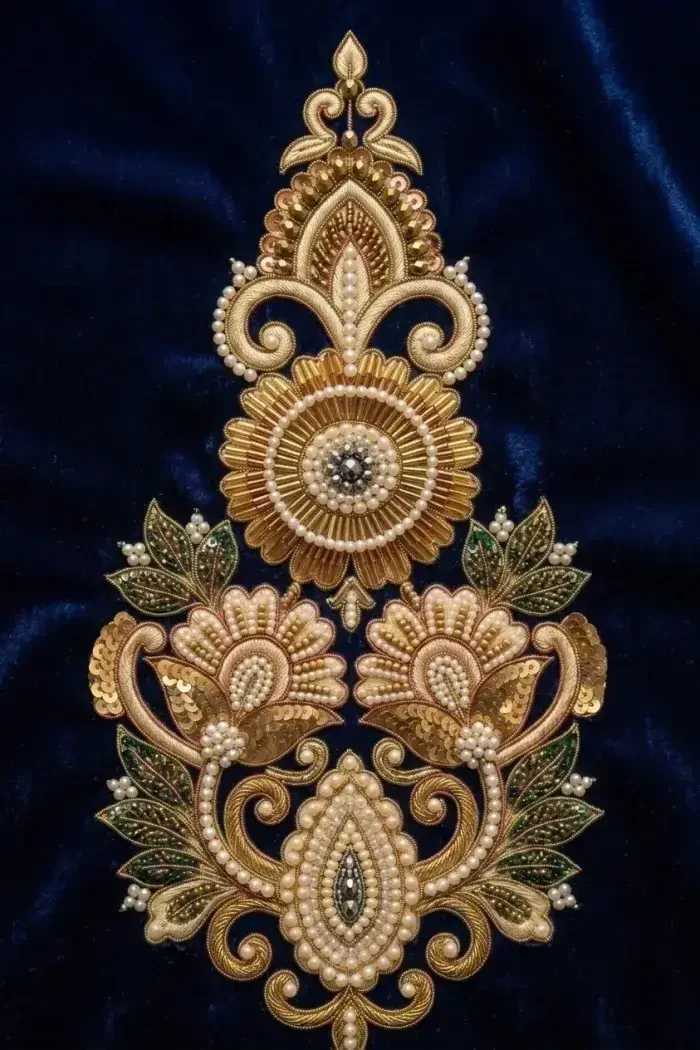
Upload a sketch or photo and see it as bead work in sequence, cut dana, pearl, zarkhan, jari dori and thread.
5 credits per image - After
Style Transfer
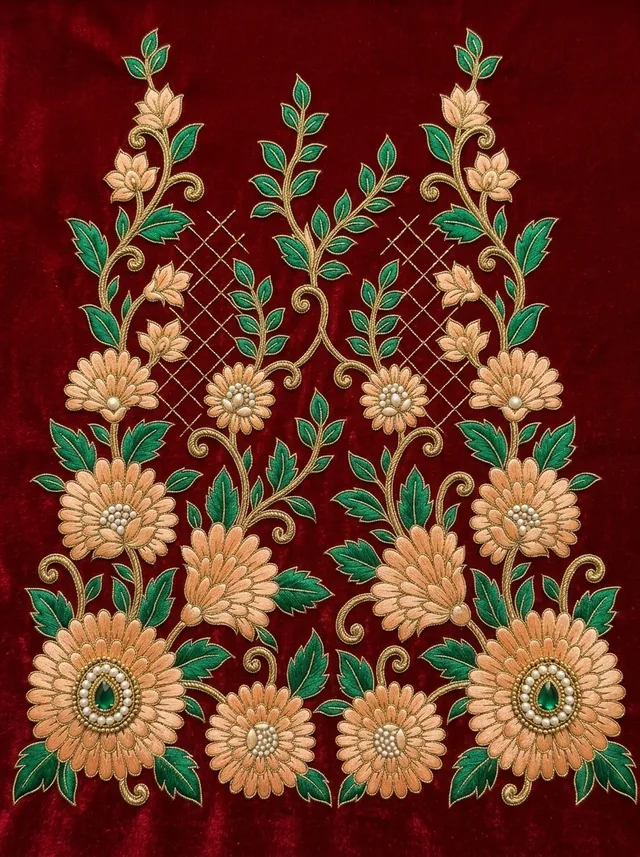
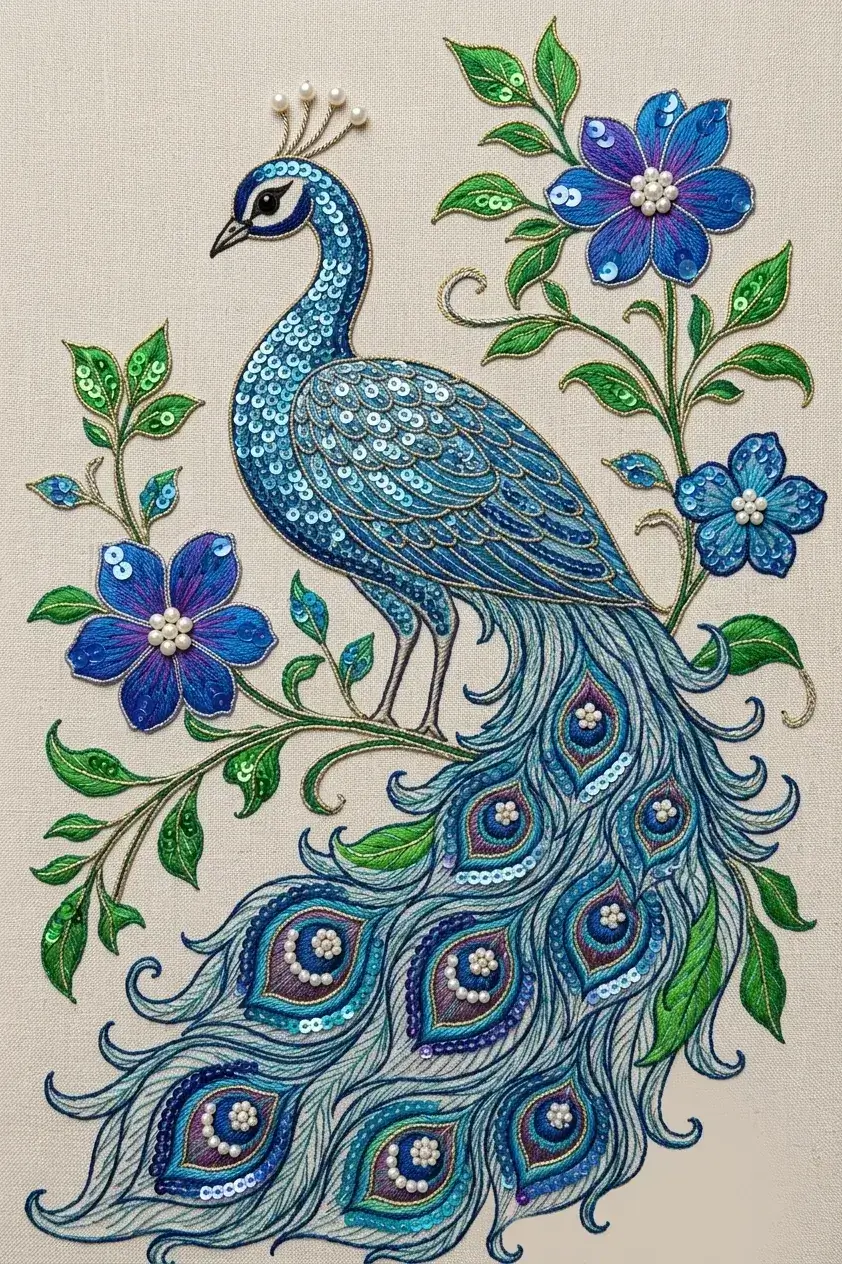
Upload a photo of your own embroidery and a sketch, and get the sketch worked in that style.
5 credits per image - After
Sketch Studio
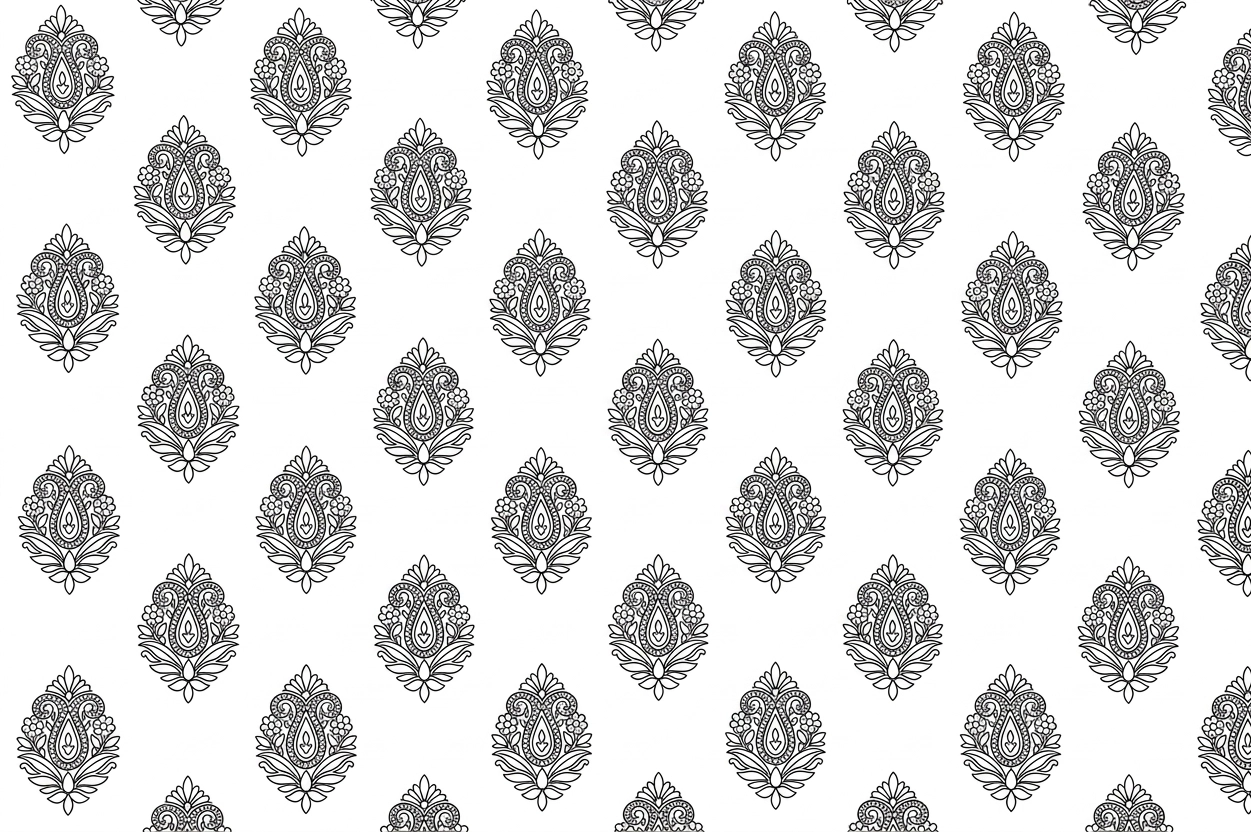
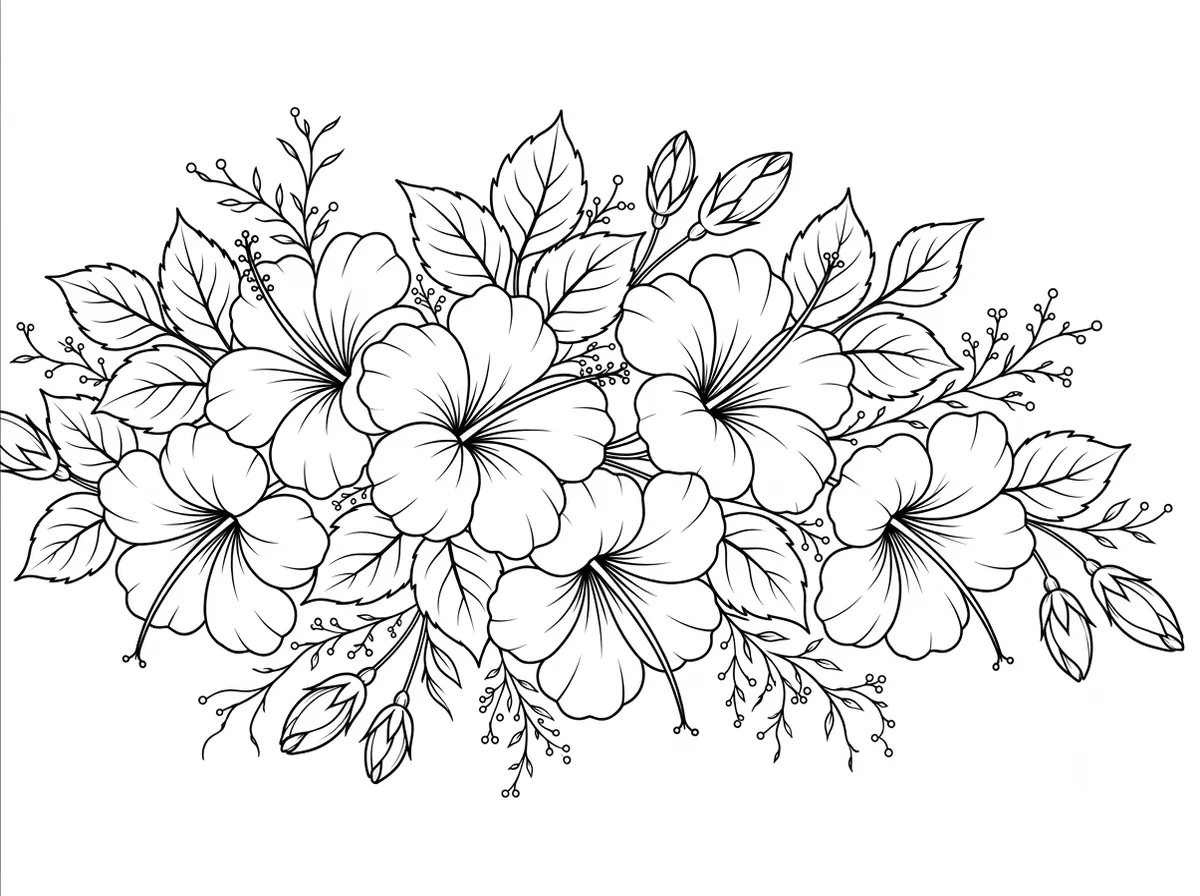
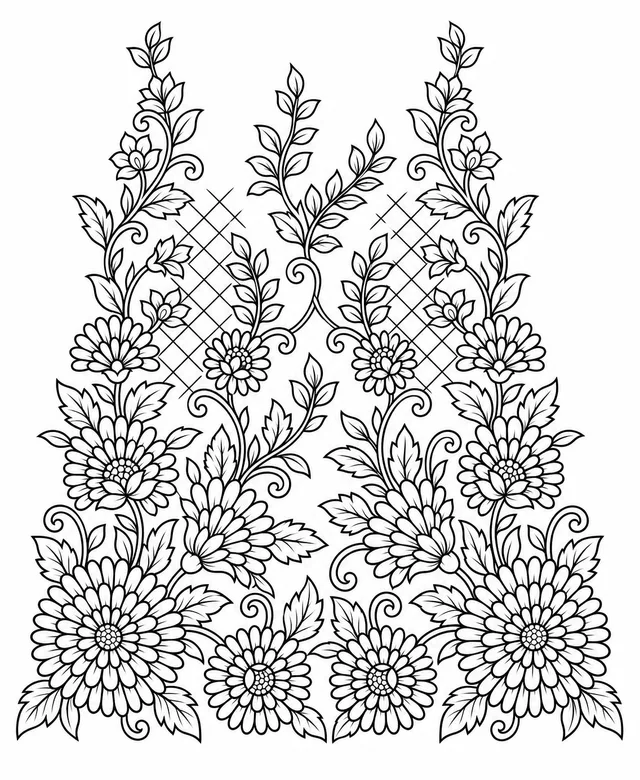
Upload a photo of a finished design and get a black and white line drawing of it.
5 credits per image - After
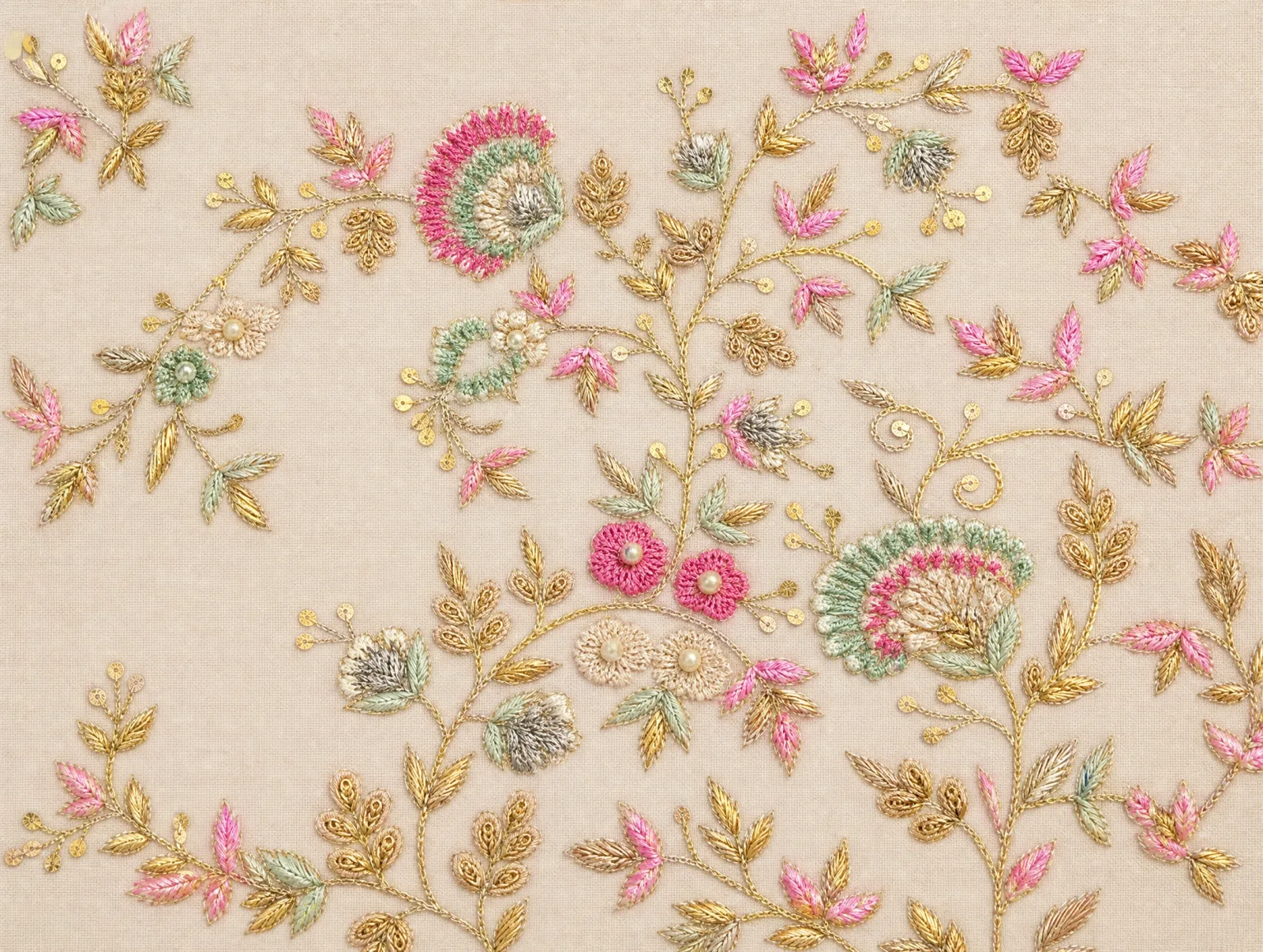
Clean Scan Studio
Upload a photo or scan of fabric and get its design back flat and clean, without wrinkles, shadows or skew.
5 credits per image - After
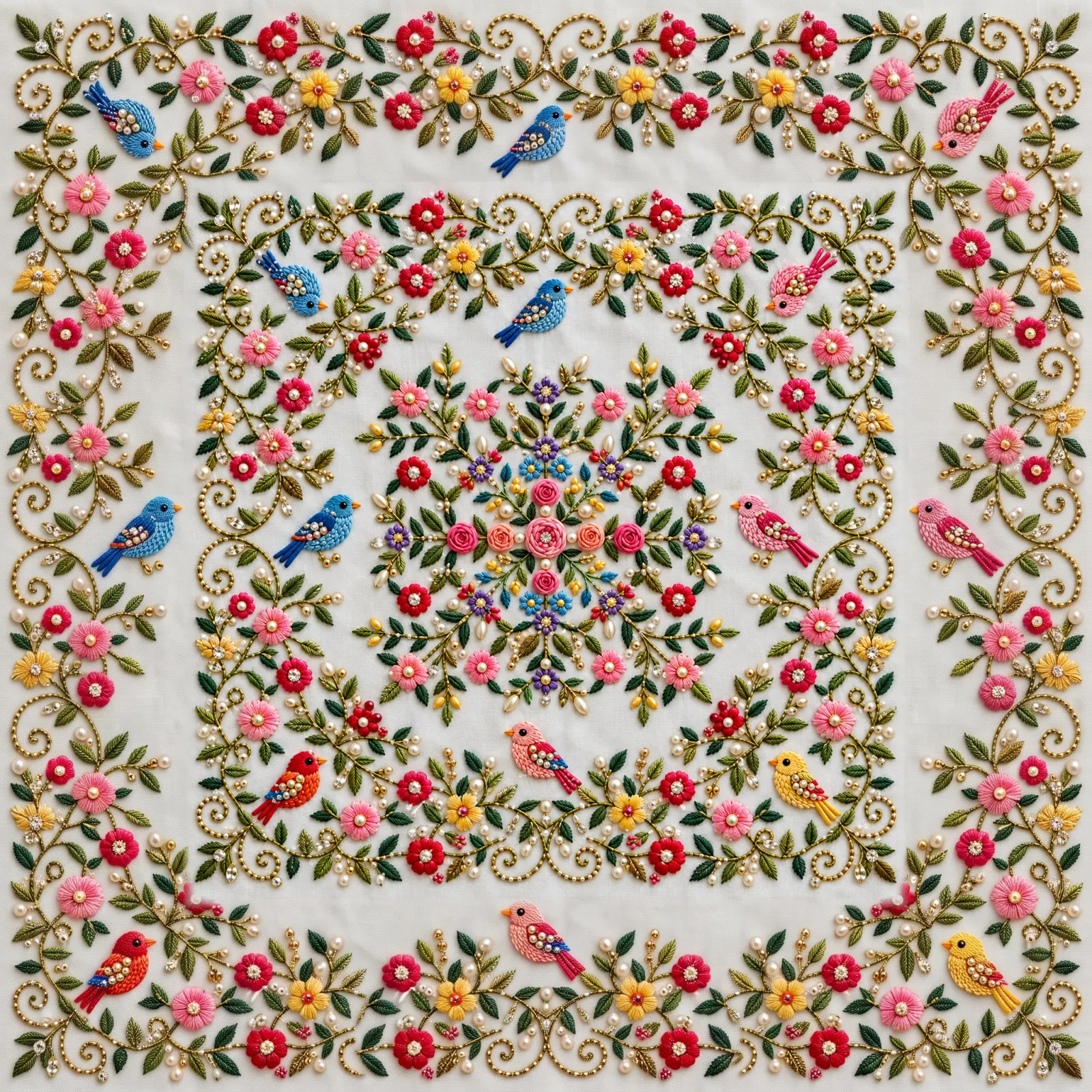
Design Extend Studio
Upload a design and choose how far each side grows; the new area is generated to continue the design.
5 credits per image - After
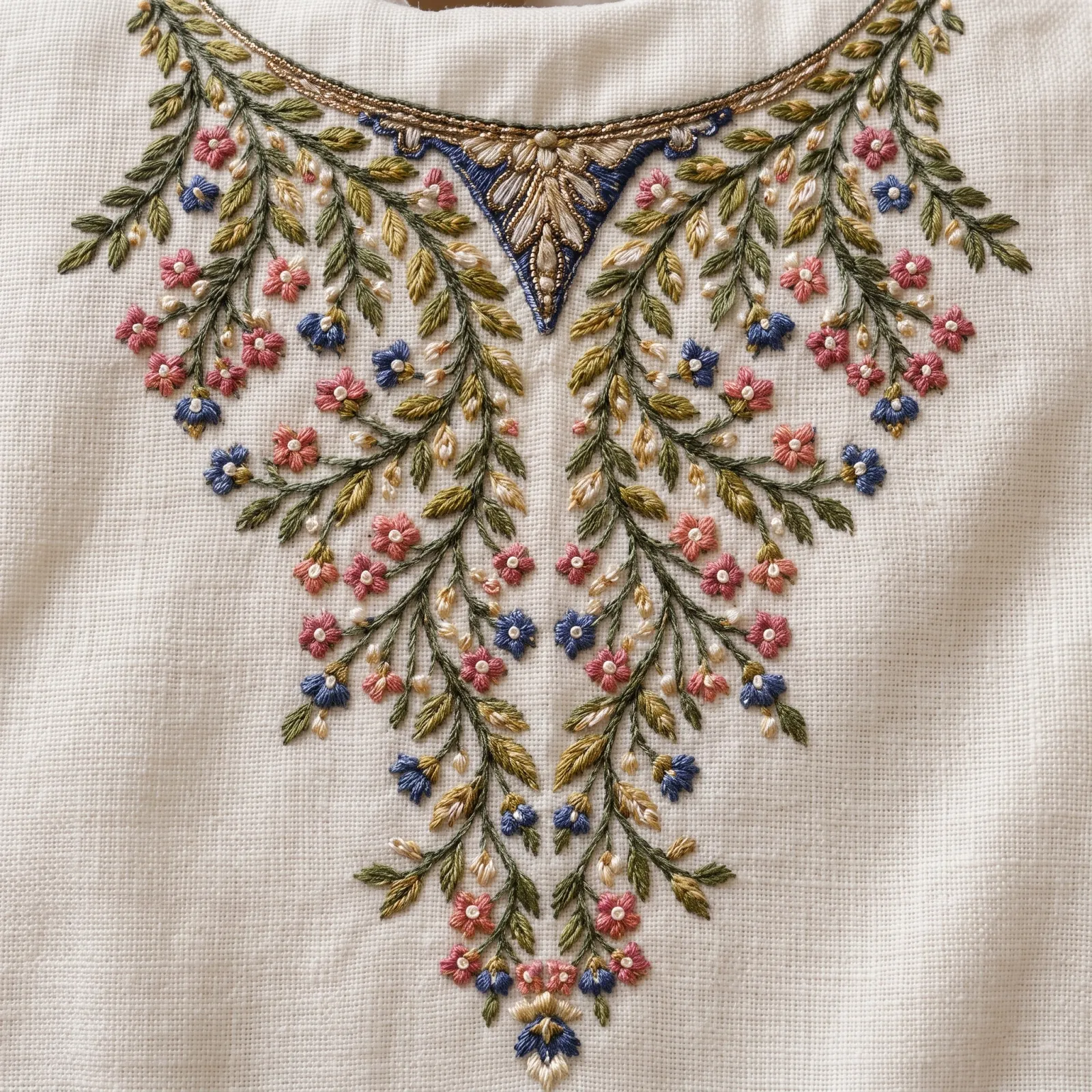
Sharp Detail Studio
Upload a blurry design and get the same image back sharper, with clearer motif edges, stitches and weave.
5 credits per image - After
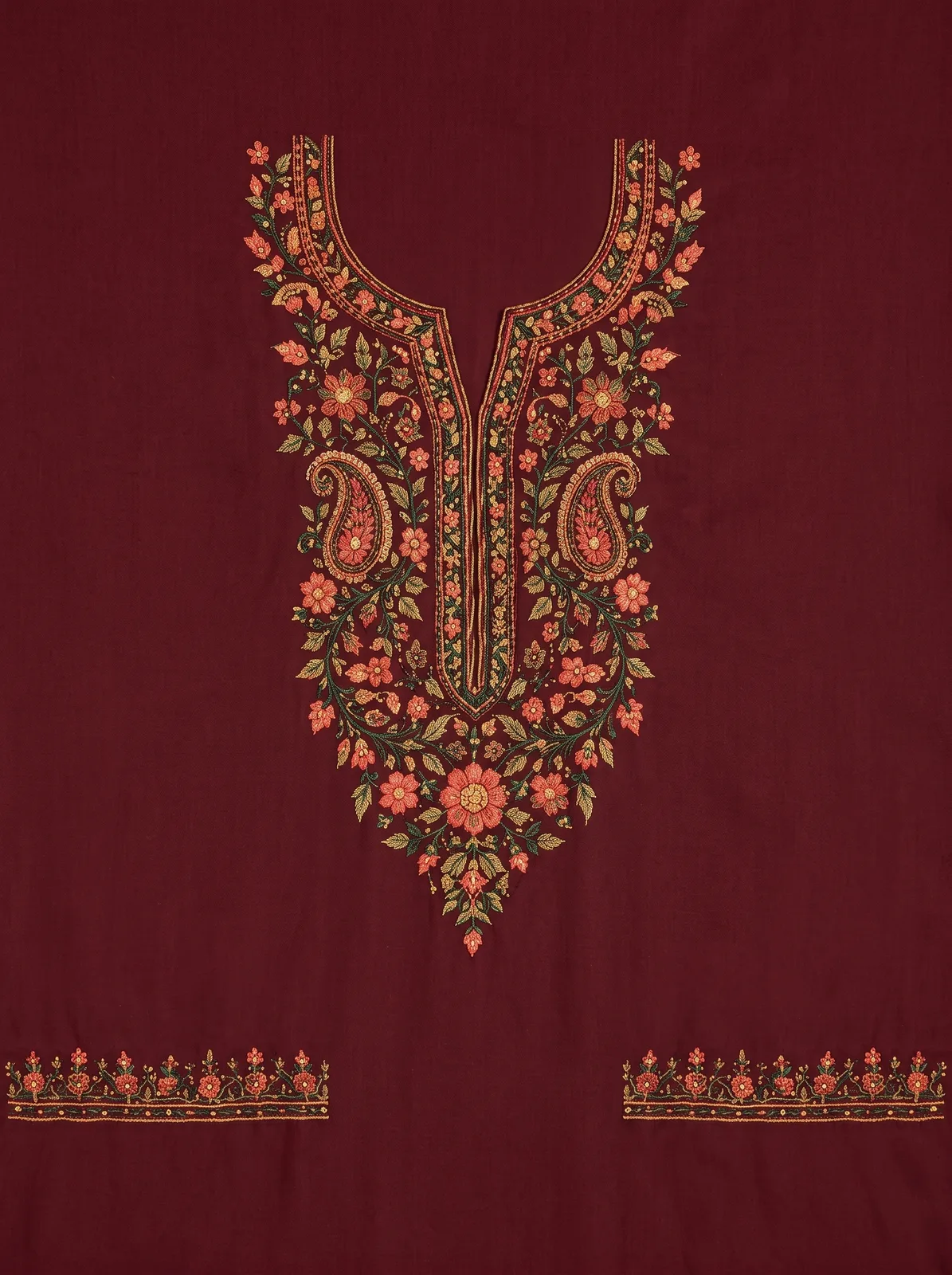
Garment to Design Studio
Upload a photo of a garment and get its complete design on one continuous, flat piece of fabric, with the sleeve designs at the bottom.
5 credits per image - After
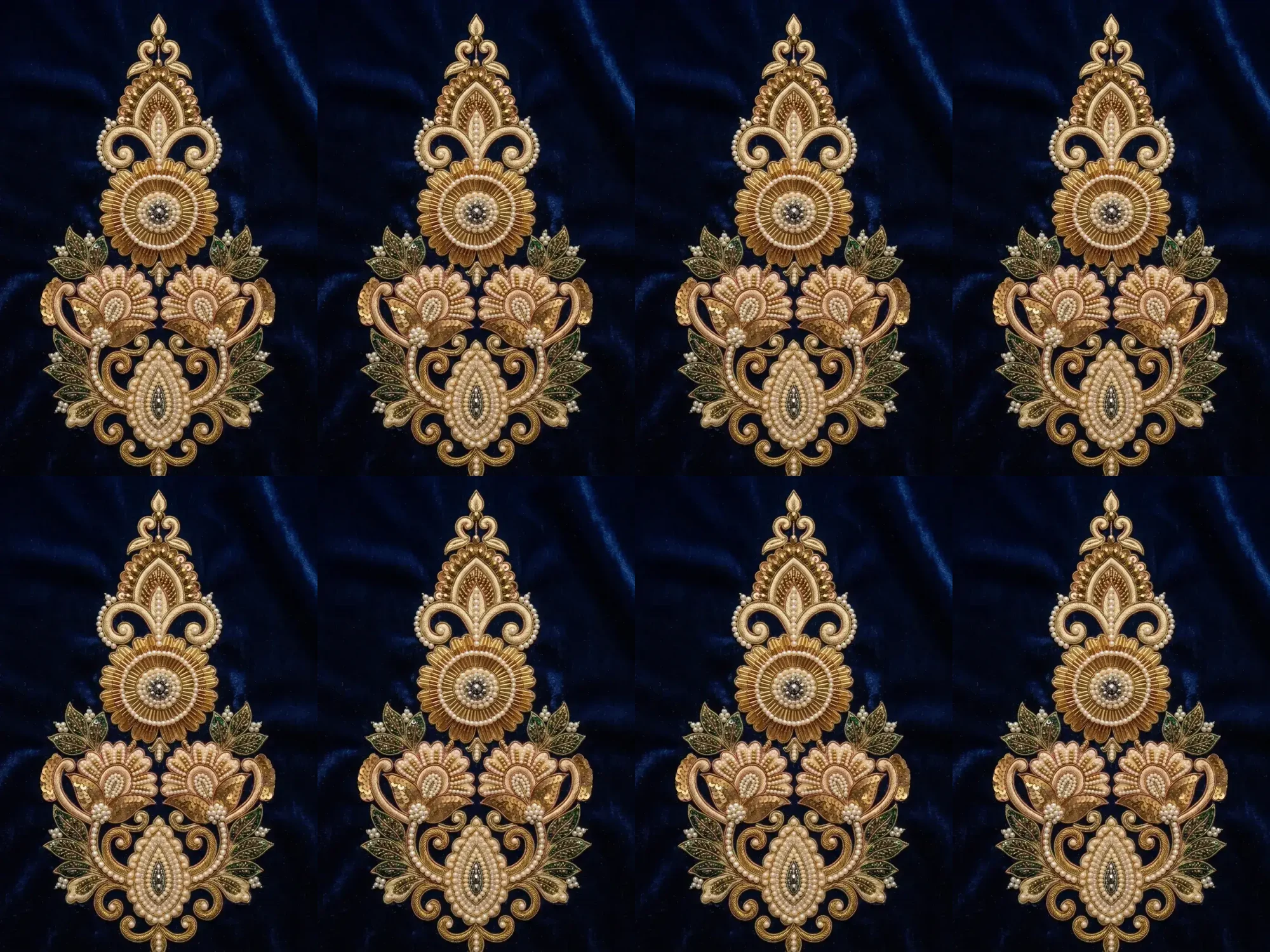
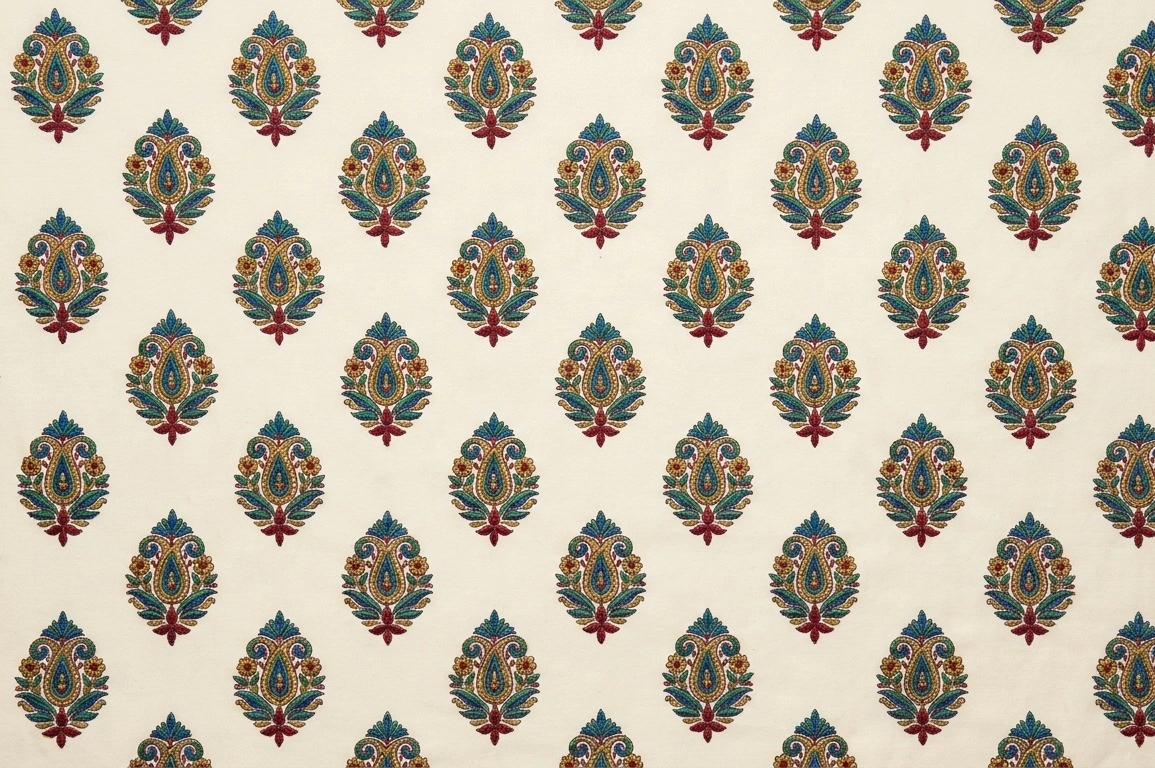
Pattern Repeat Studio
Upload a design and repeat it, or one part of it, as a horizontal strip, a vertical strip or a grid, with every second copy mirrored if you want.
Free to use - After
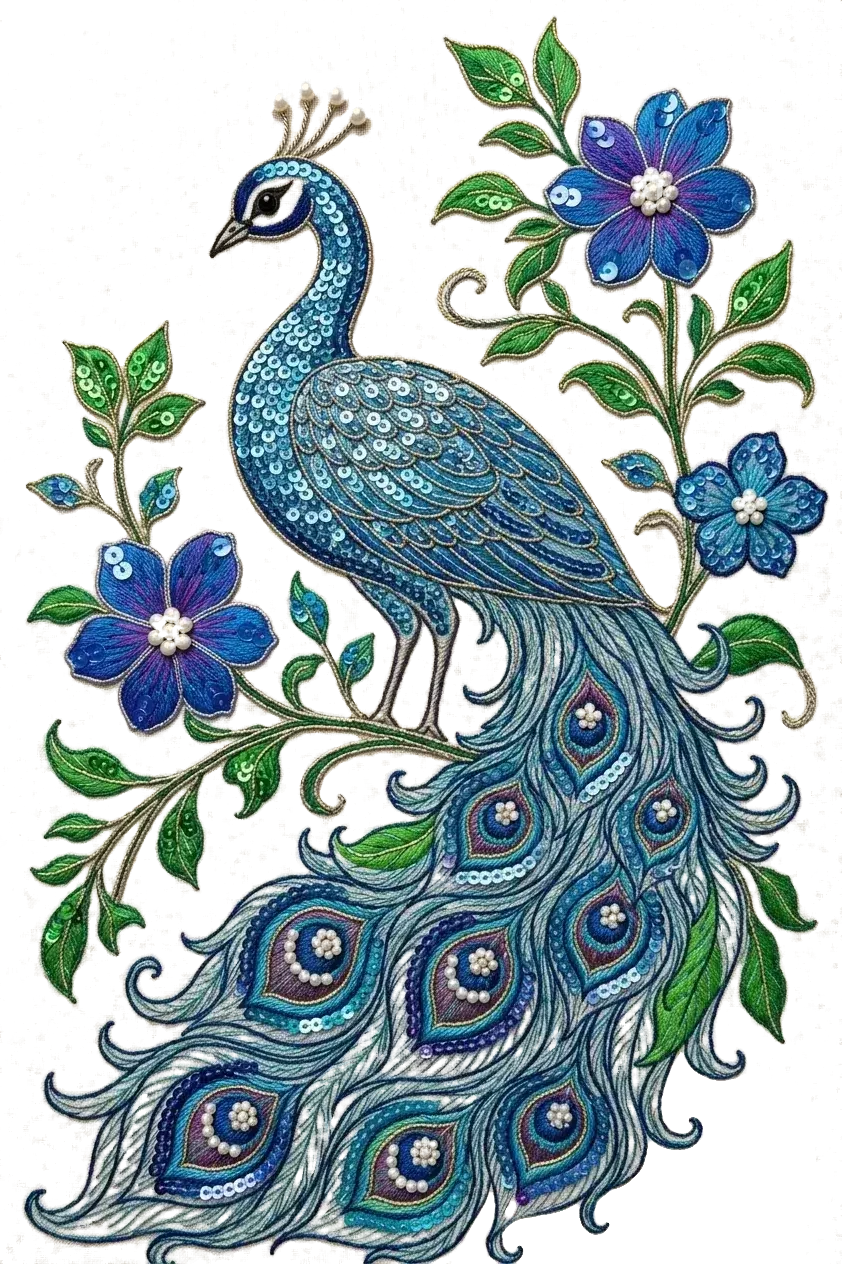
Background Remove Studio
Upload a design or product photo and download it as a transparent PNG, with the background removed and the design not redrawn.
5 credits per image
Edit
Change a design without starting over.
Every design opens in the editor, where each change becomes a new version.
- After
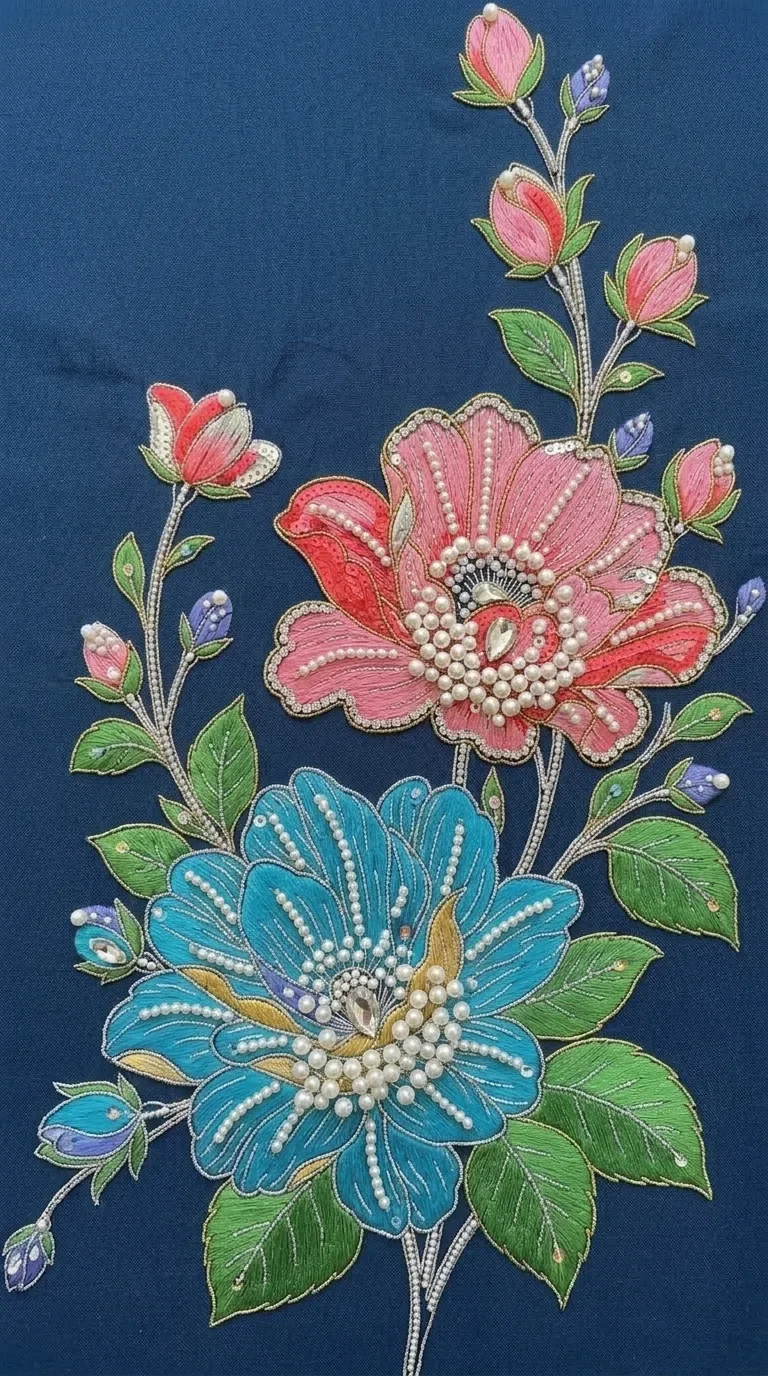
“Add more pearls”
Describe your edit
Type the change you want, like adding flowers or changing a colour, and get a new version.
- After
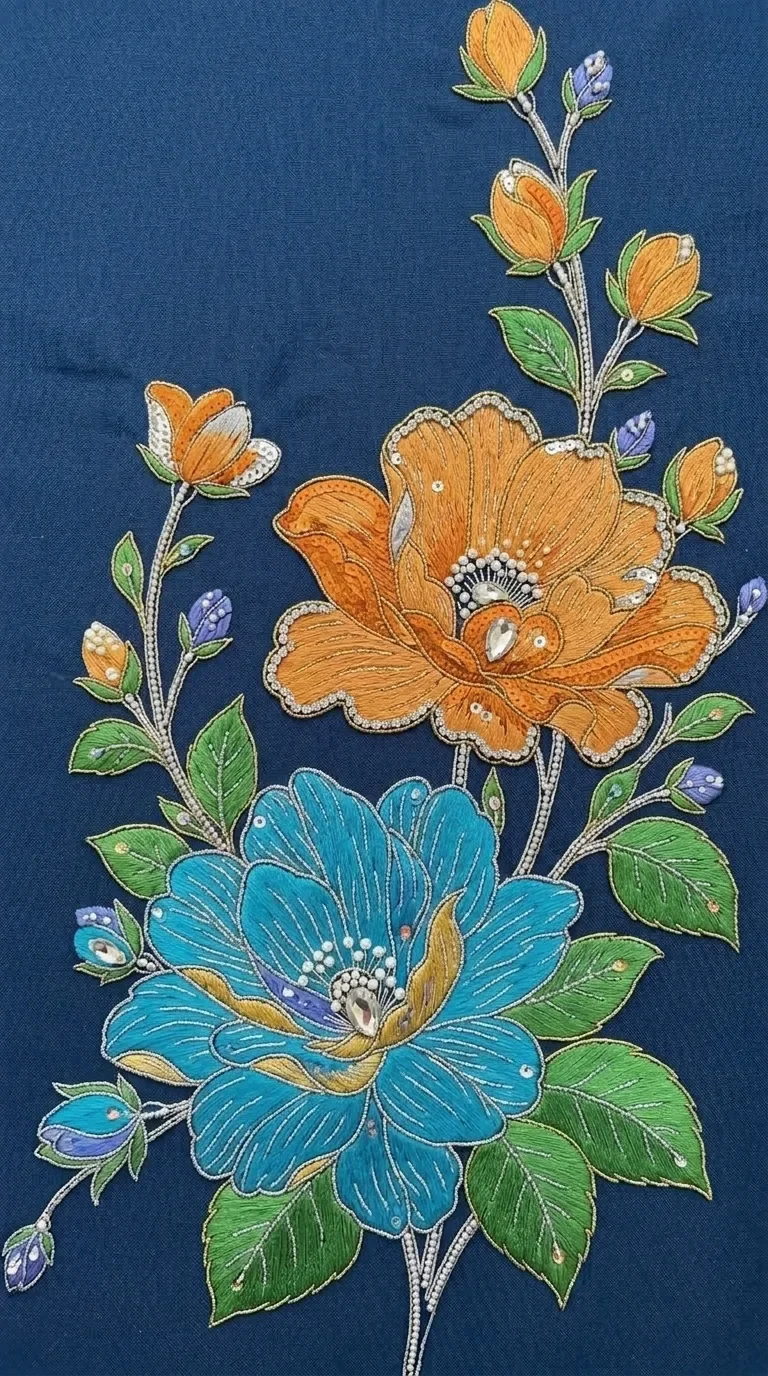
“Make dark yellow color flower”
Edit one area
Brush over the part to change and describe the change. The rest of the design stays as it was.
- After
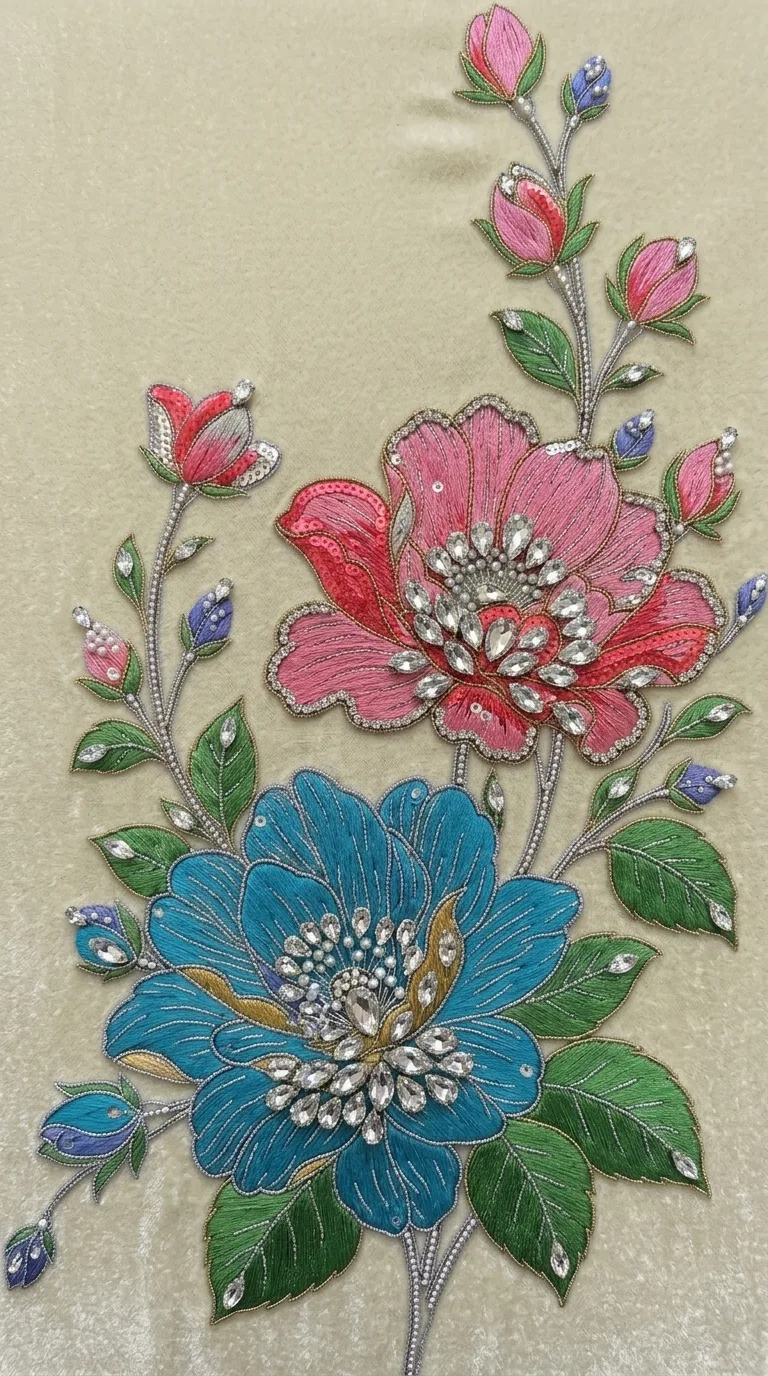 You pickVelvetBeige
Change Fabric
Try the same design on a different fabric while you edit it.
- After
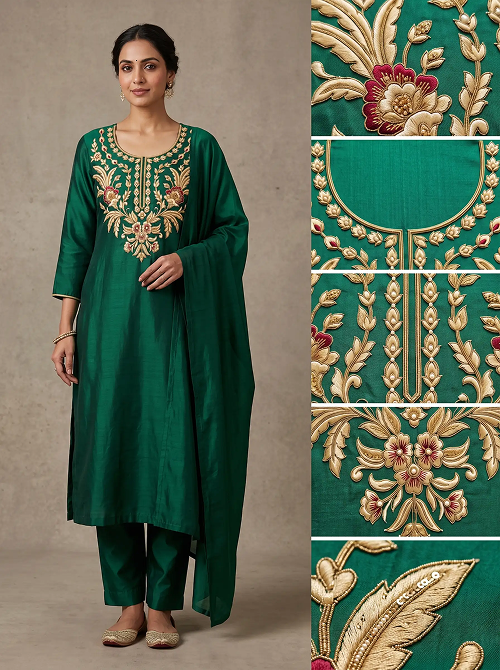
On the Garment
Type a garment name and see your finished design worked onto that garment.
- After
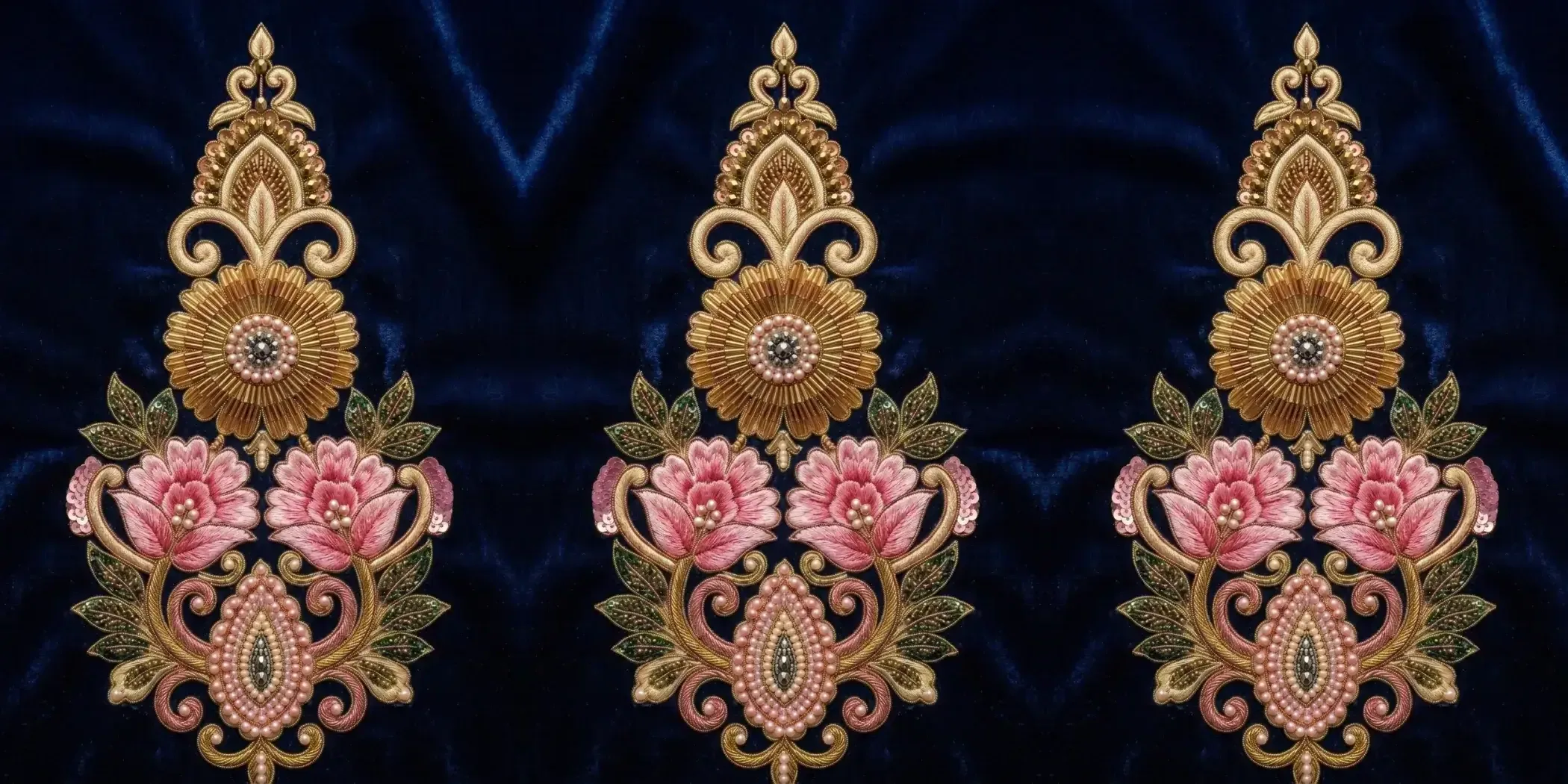
Repeat Preview
Repeat the whole design or one part of it side by side, rotate or mirror the copies, and download the strip.
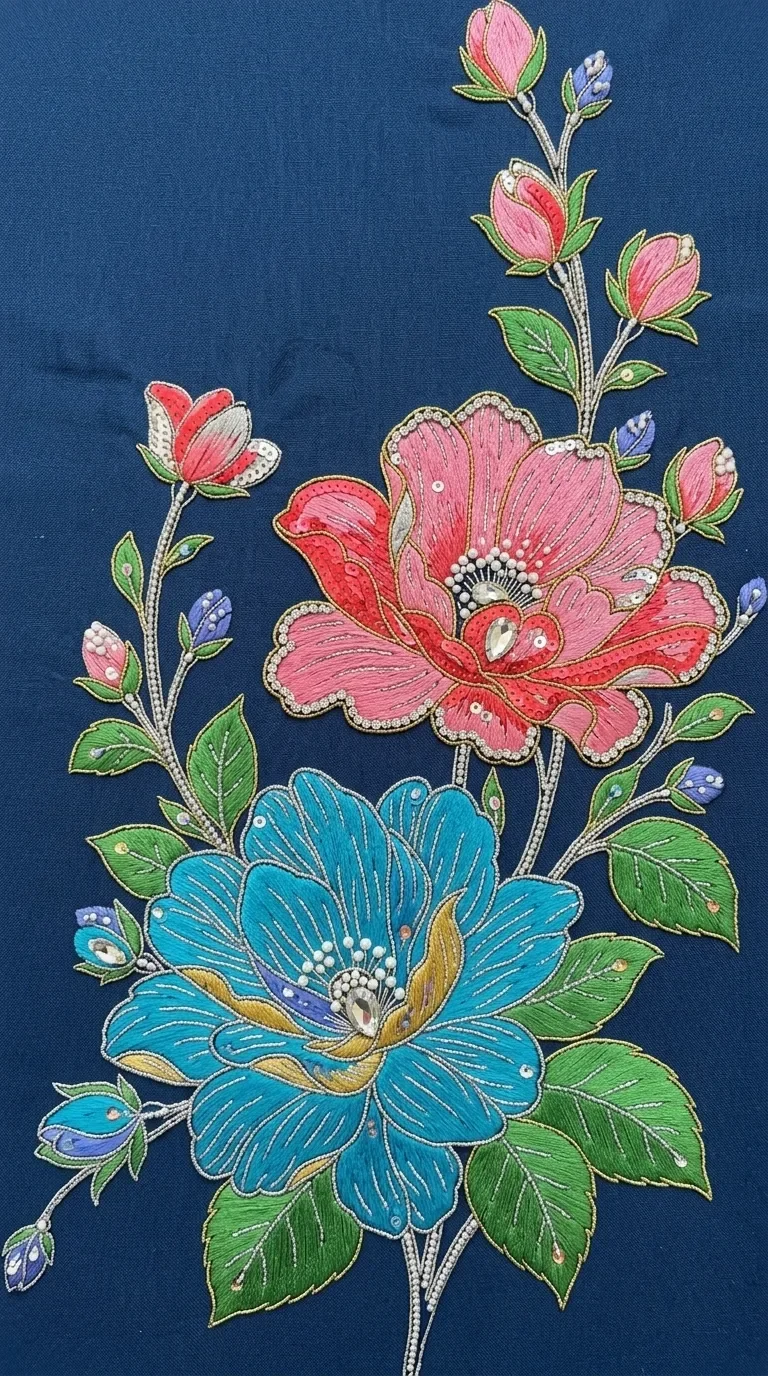
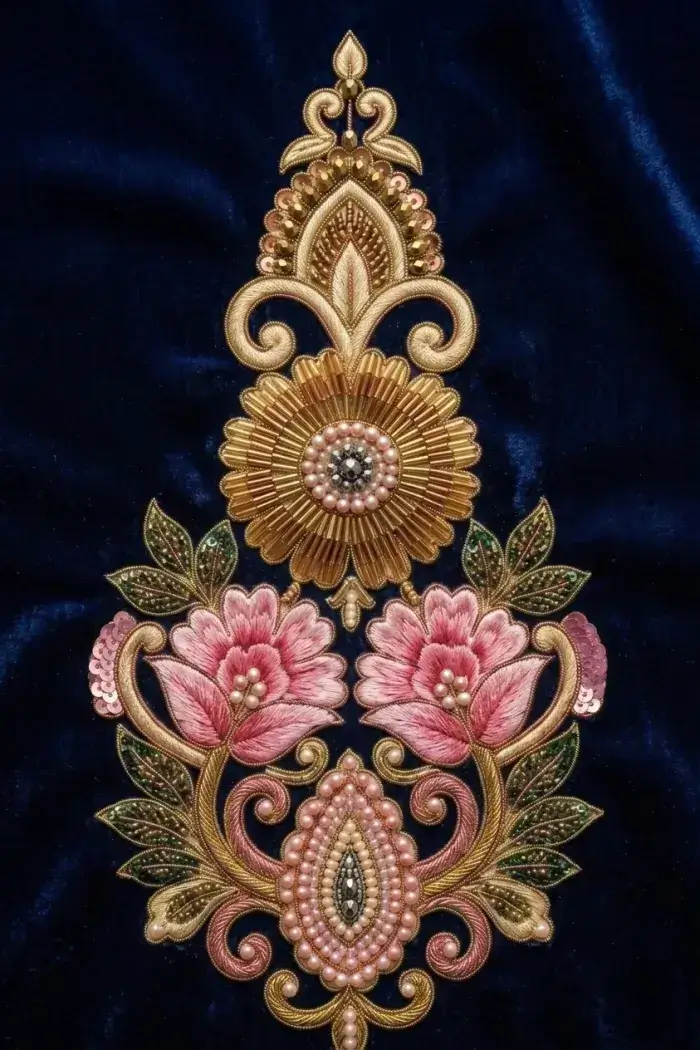
Catalog
Catalog photos without a photoshoot.
Upload photos of an outfit and get photos of a model wearing it.
- After
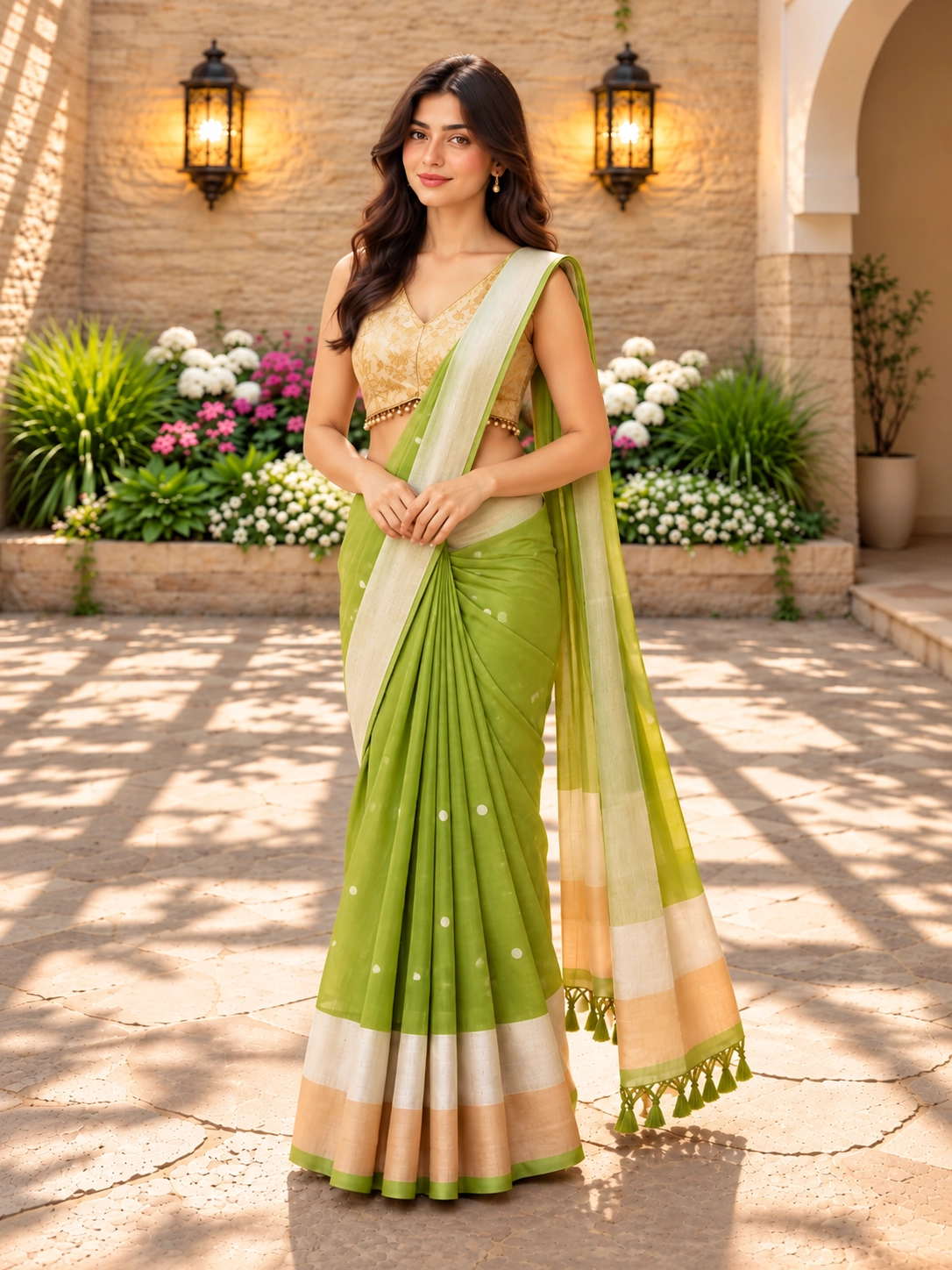
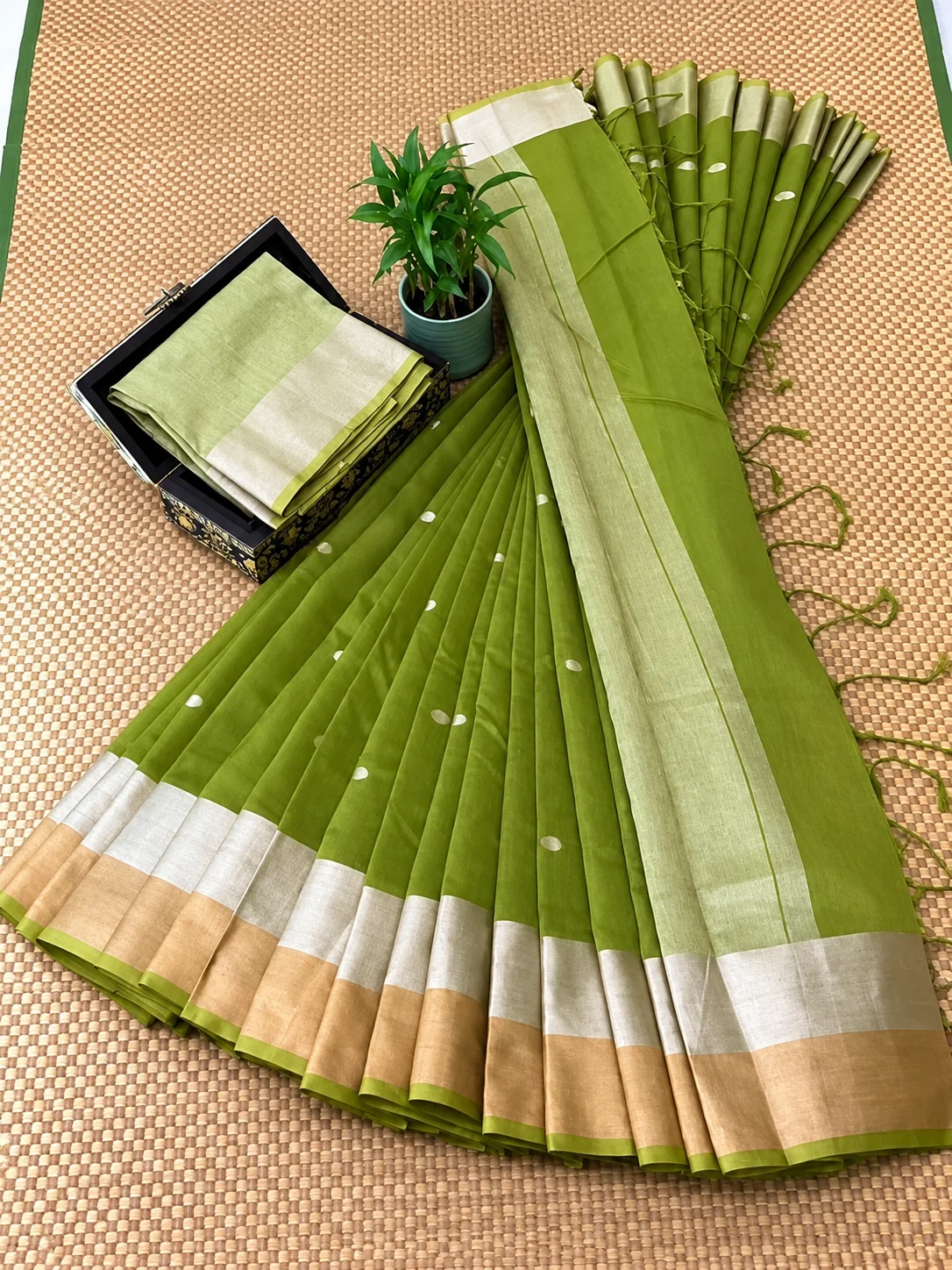
Saree
Upload photos of the saree, add the blouse if you have it, and the Catalog Studio returns up to five photos of a model wearing it — front, three-quarters, side and back.
5 credits per image - After
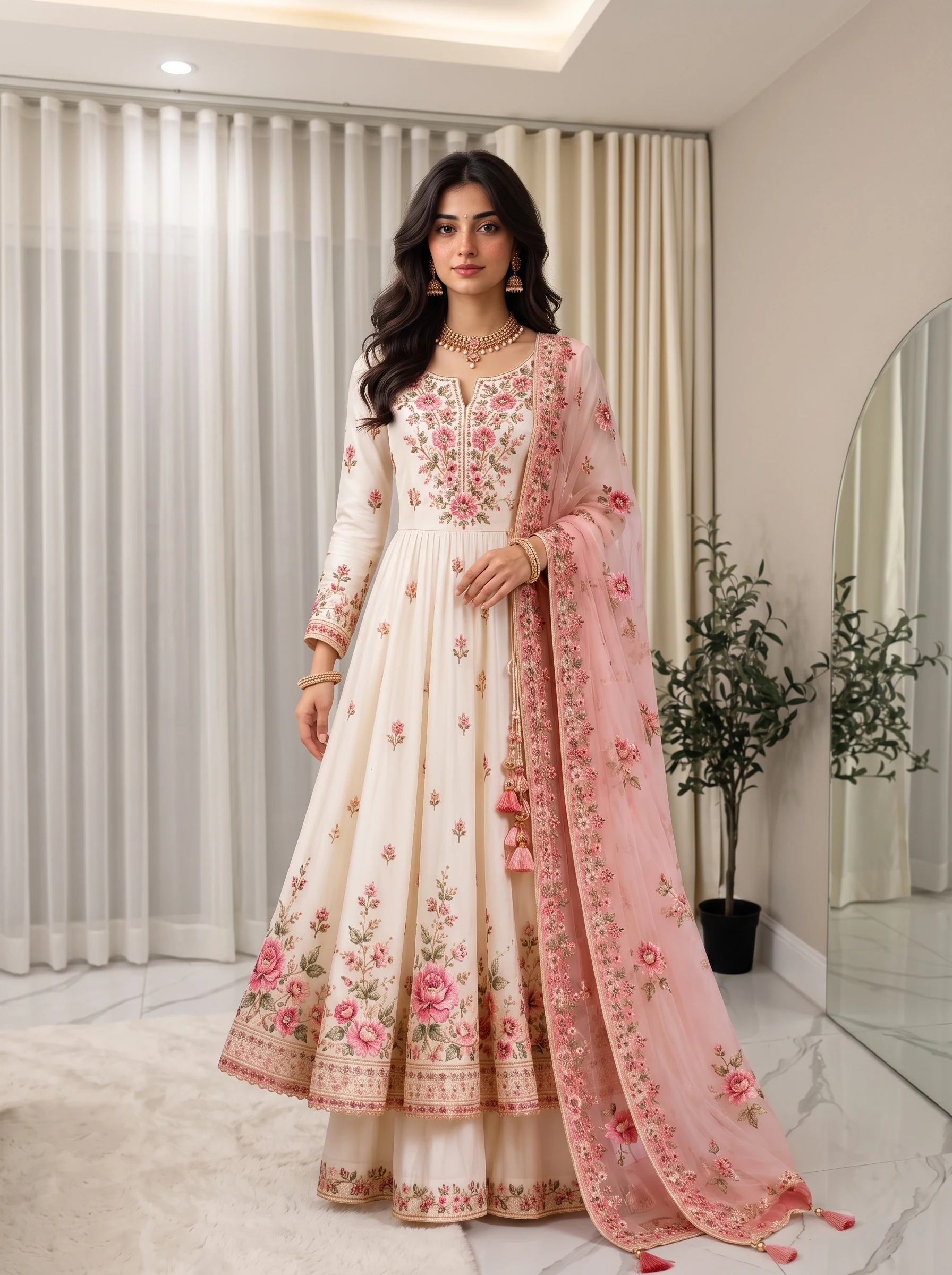
Kurti
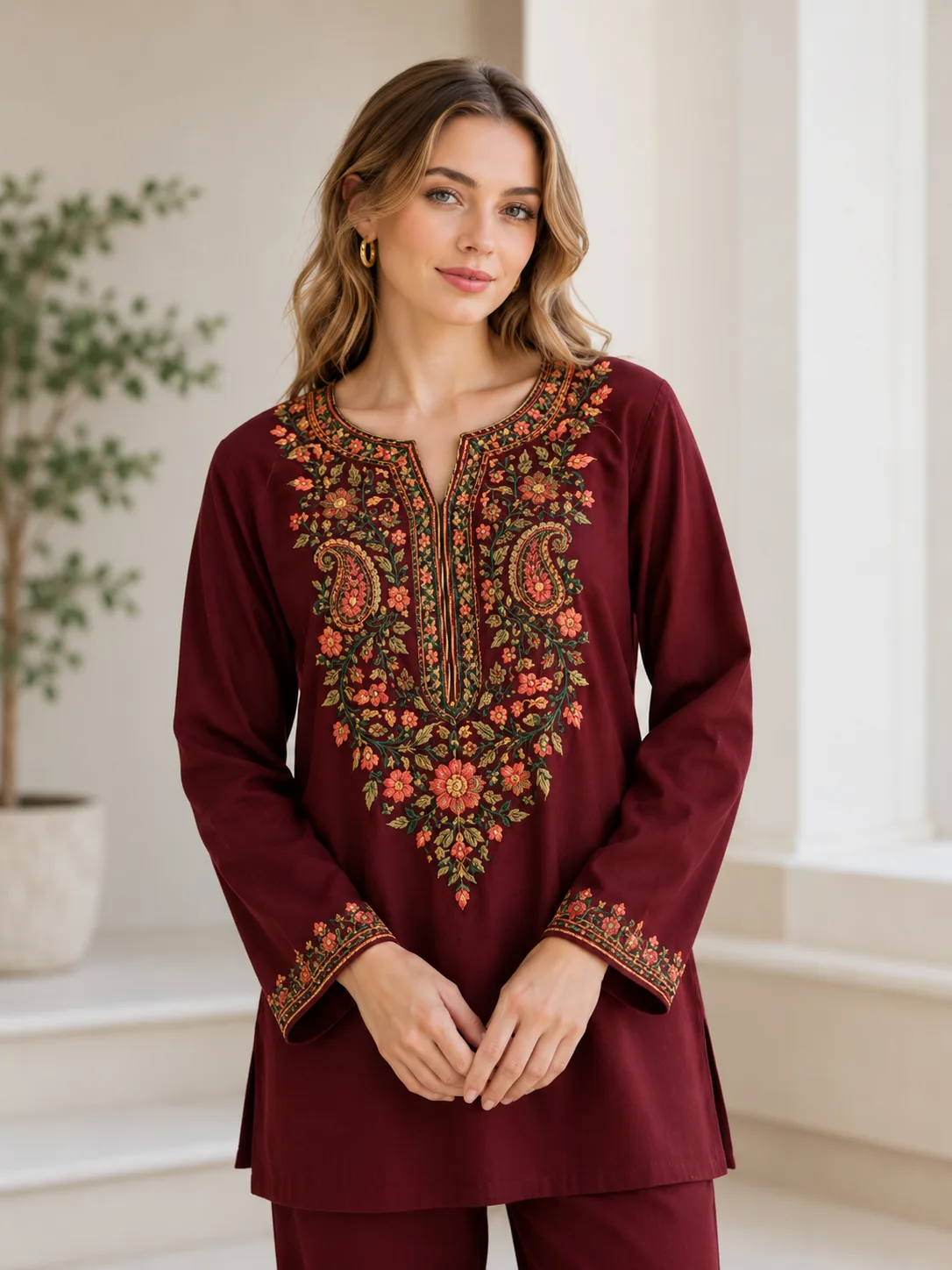
Start from the raw fabric or a flat-lay of the stitched kurti. The Catalog Studio puts it on a model and returns up to five photos, one per camera angle.
5 credits per image - After
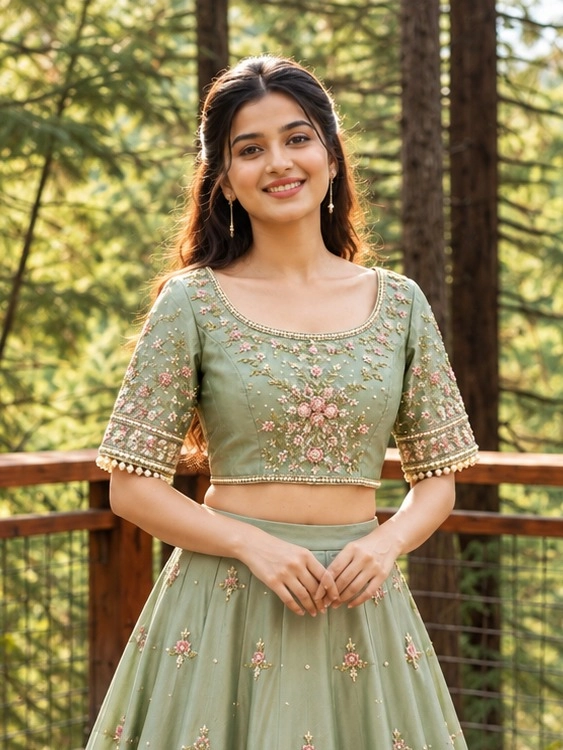
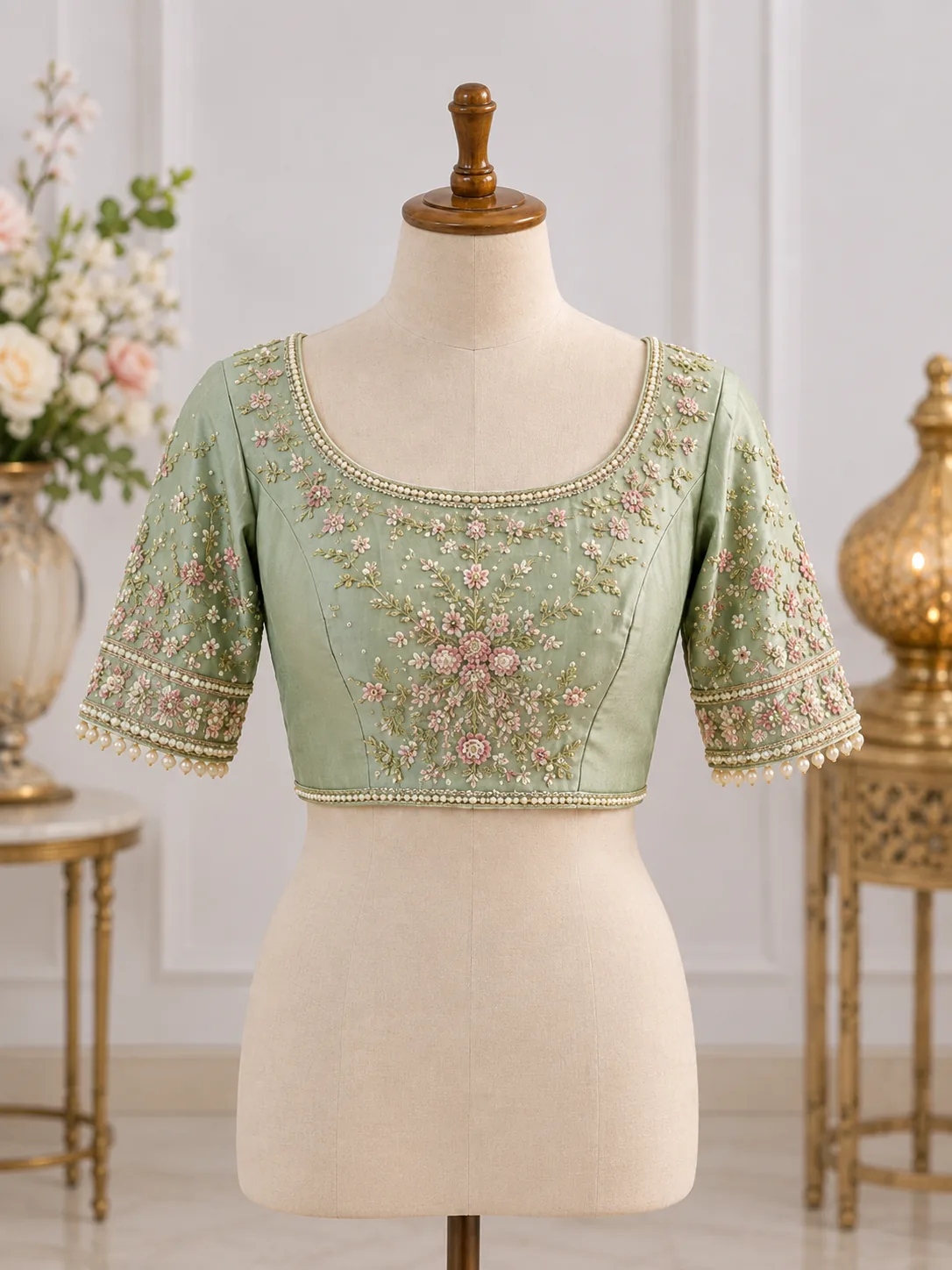
Blouse
Upload the blouse front, add the back and a close-up of the work if you have them, and the Catalog Studio returns up to five photos of a model wearing it.
5 credits per image - After
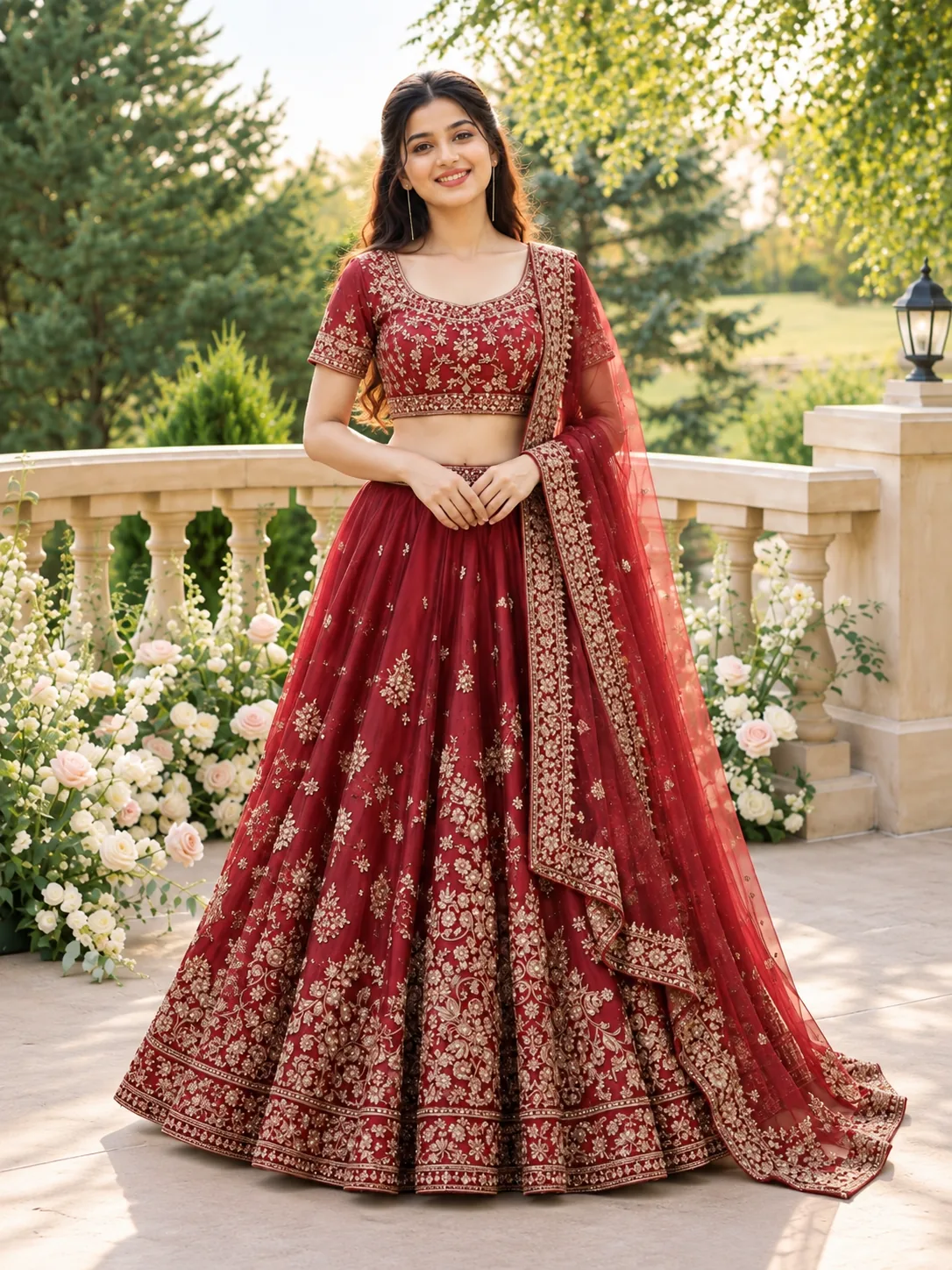
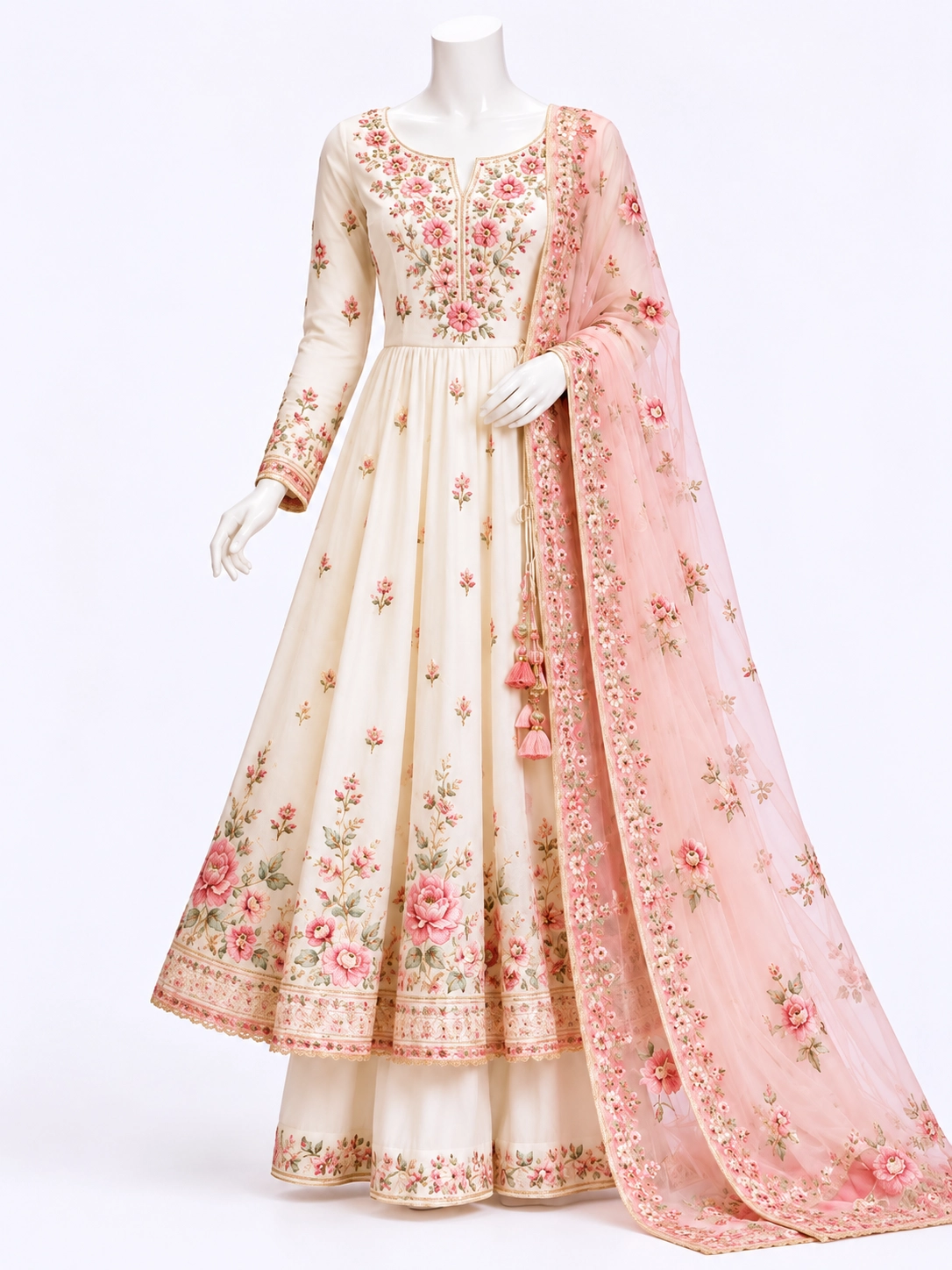
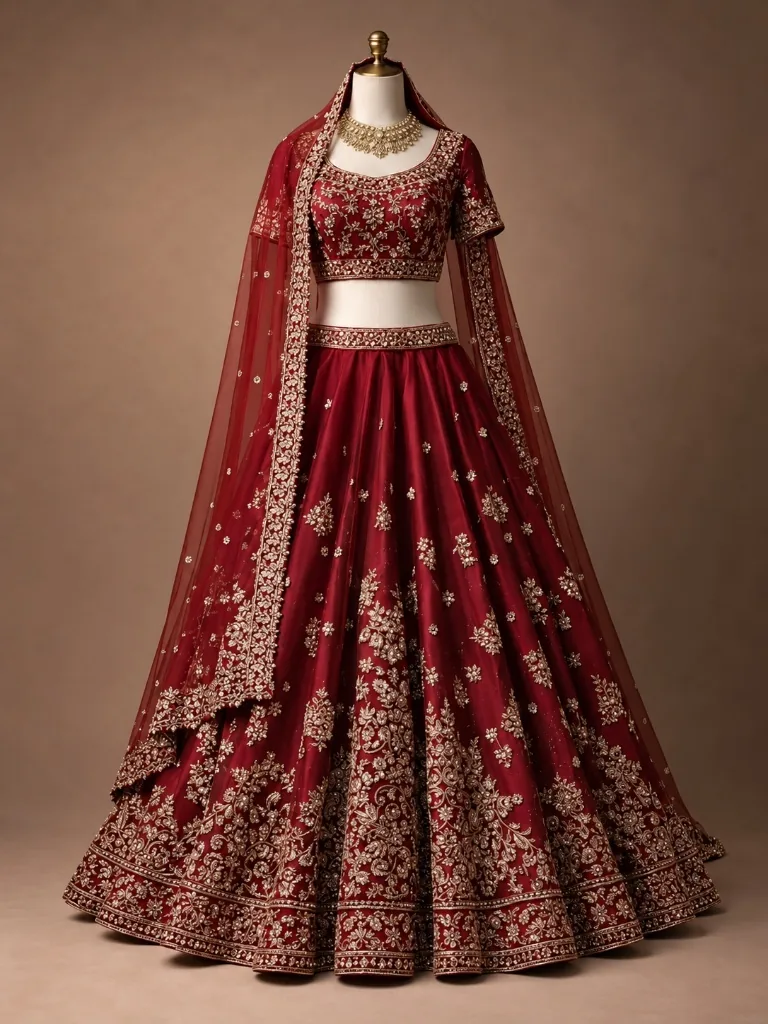
Lehenga Choli
Upload one photo of the full lehenga choli, with the dupatta if it is part of the look, add up to two more views such as the back, and the Catalog Studio returns up to five photos of a model wearing it.
5 credits per image - After
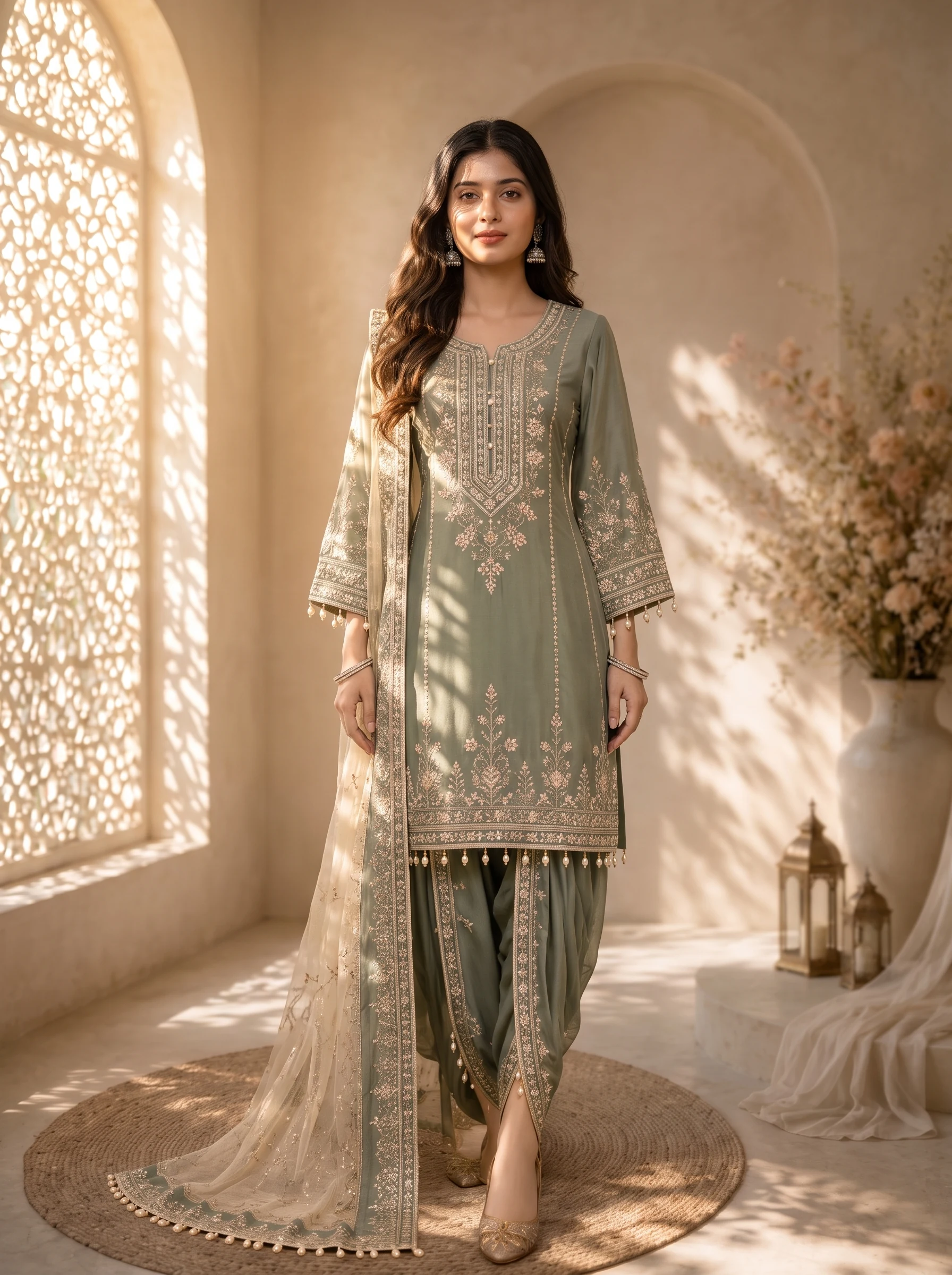
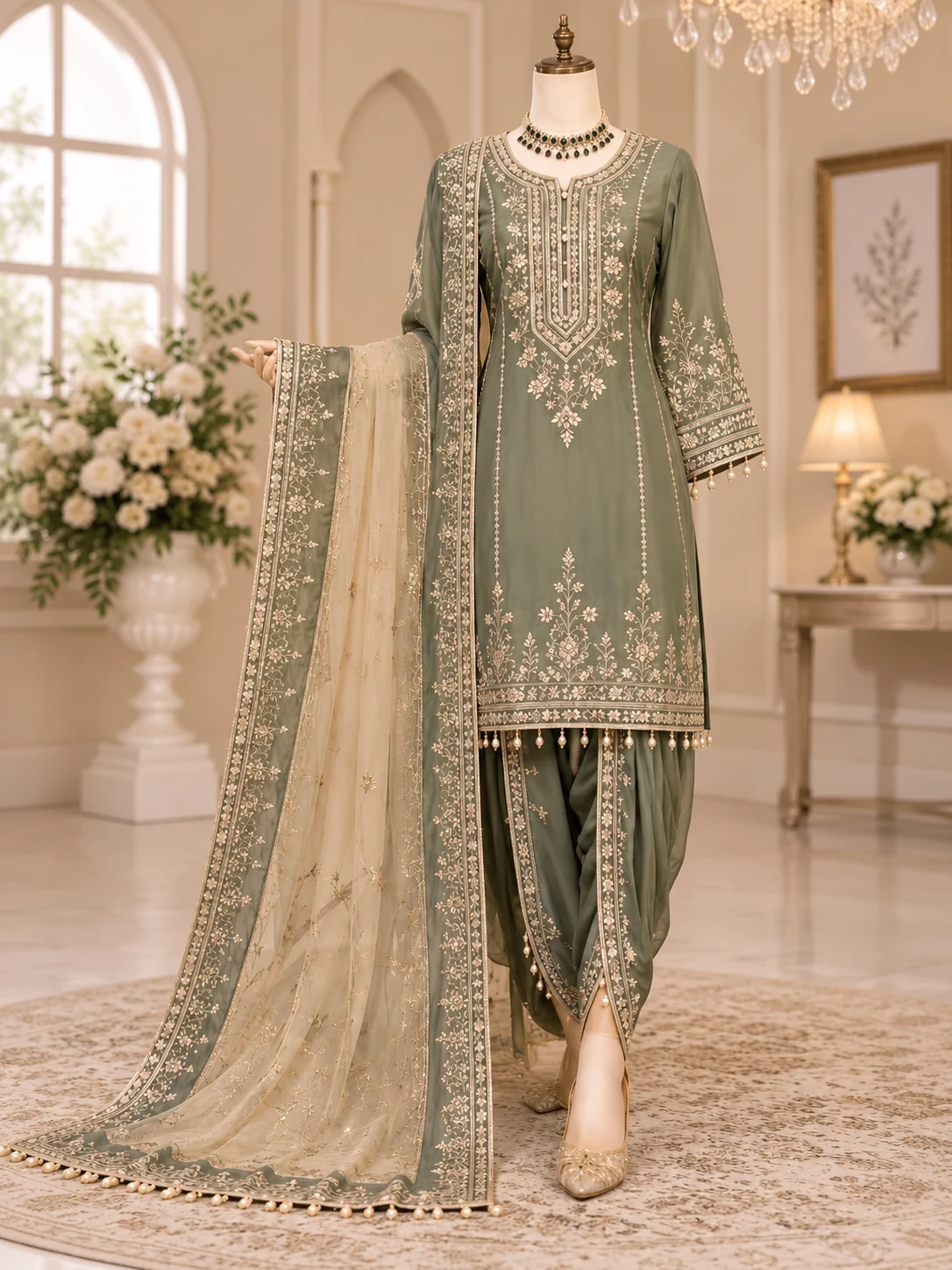
Salwar / Suit Set
Upload up to three photos of the full salwar suit, with the kameez, bottom and dupatta as you want them worn, and the Catalog Studio returns up to five photos of a model in the full set.
5 credits per image - After
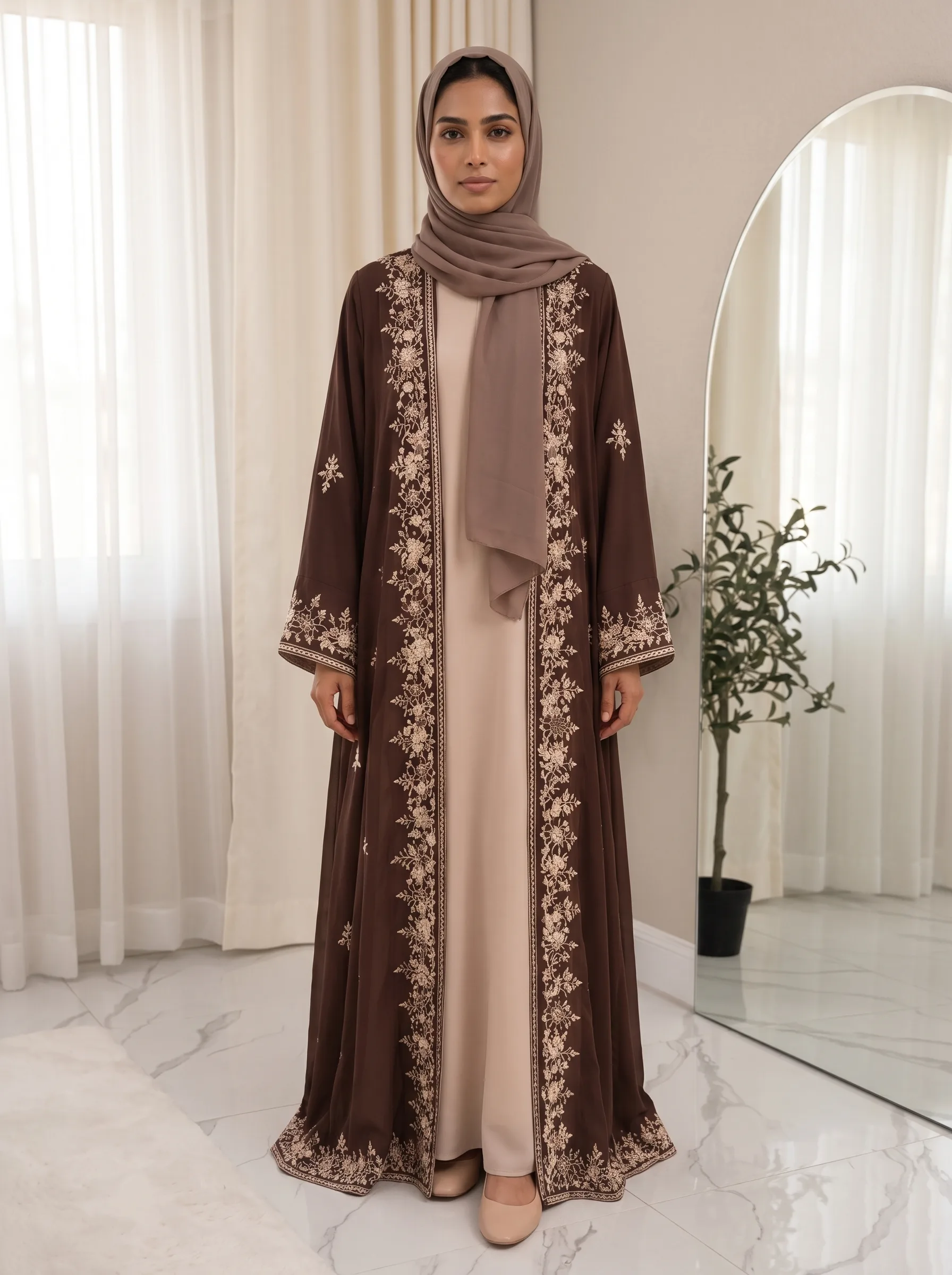
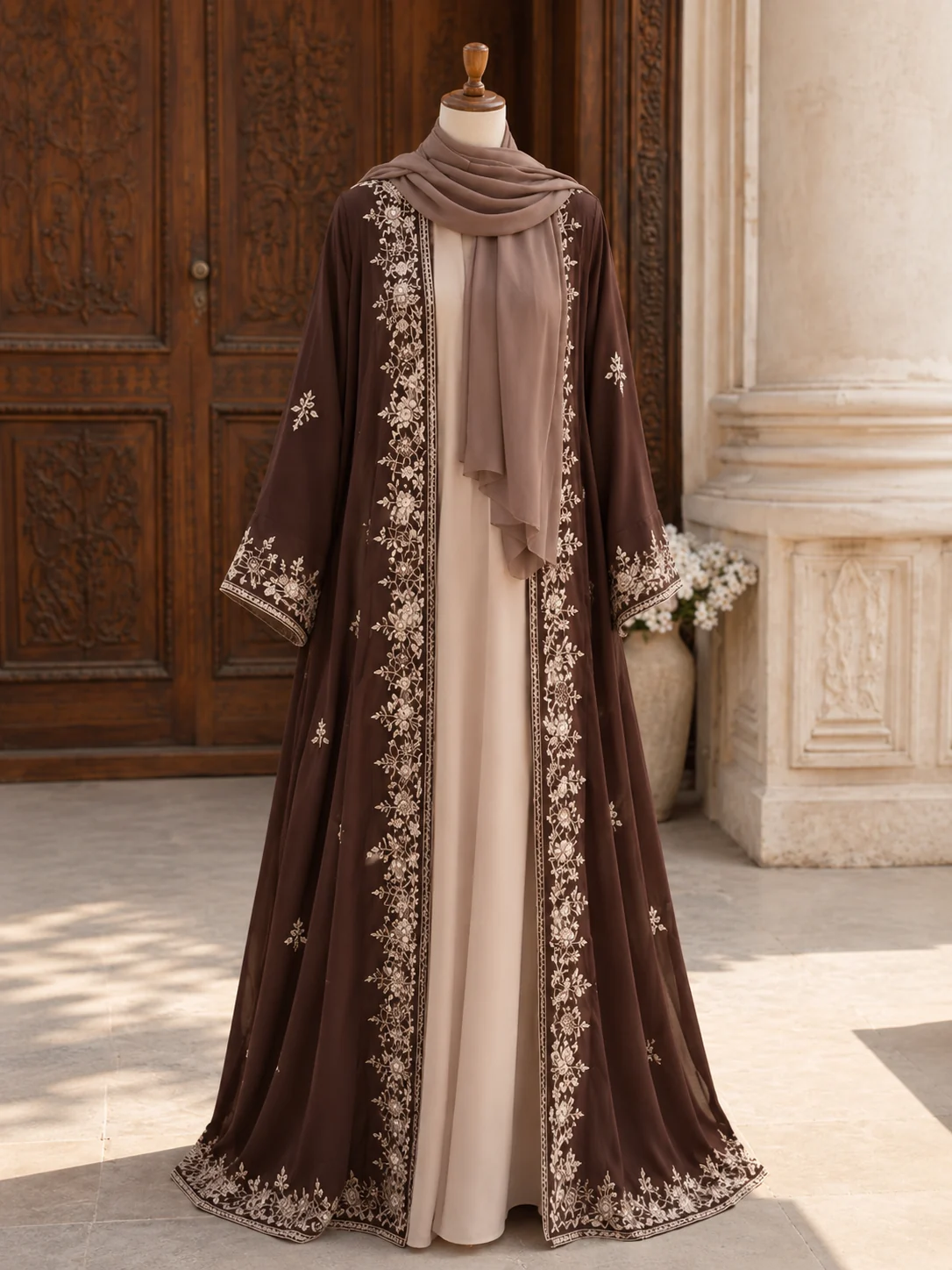
Abaya / Jalabiya
Upload the front of the abaya or jalabiya, add the back and a hijab style reference if you have them, and the Catalog Studio returns up to five photos of a model wearing it.
5 credits per image
Quotation
Price the job before you stitch it.
Quotation tools for embroidery units, free to use with your account.
Create Quotation
Build a per-piece price from stitch count and rate, head count, beads by size, hot fixing, vatav and markup.
Free to useQuotation List and PDF
Search your quotations and download each one as a PDF with your business name and logo.
Free to useManage Garments and Beads Size
Keep garment templates with their cost components, and rate cards for your bead sizes with code, size in mm and rate per piece.
Free to use
Every feature is in one account.
Start with the tool you need.
- 1
Sign in with your phone number
One account opens every tool on this page.
- 2
Pick a tool
Design Studio, Beads Studio, Style Transfer, Sketch Studio or Catalog.
- 3
Download your images
5 credits per image
Credits come back if a generation fails