Match an existing piece
A buyer approves one sample and then asks for the rest of the range in the same work. Point the studio at the approved piece and run your new sketches through it, instead of describing that style in words and hoping.
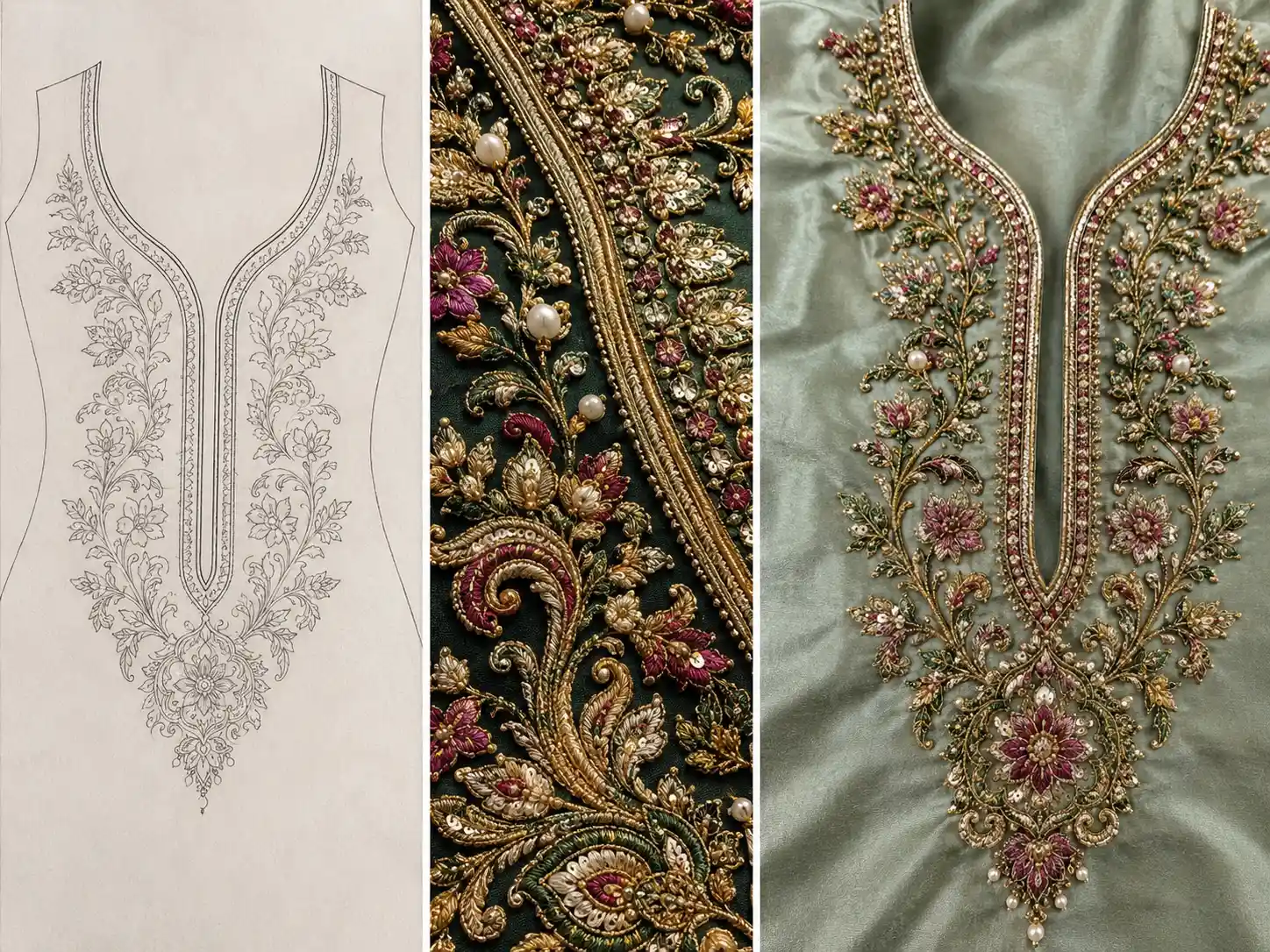
Style Transfer
Style Transfer is an embroidery style transfer tool. Upload a photograph of finished embroidery and the sketch you want that style applied to, and it re-renders your design using only the materials it can see in your reference — so the result matches the piece you are copying, instead of a description of it.
You get an image preview of the embroidery, not a machine stitch file (DST, EMB). A digitizer makes the stitch file from it.
A worked example
Two inputs, and what comes back: your design, executed in the reference's materials and technique, with your own layout intact.
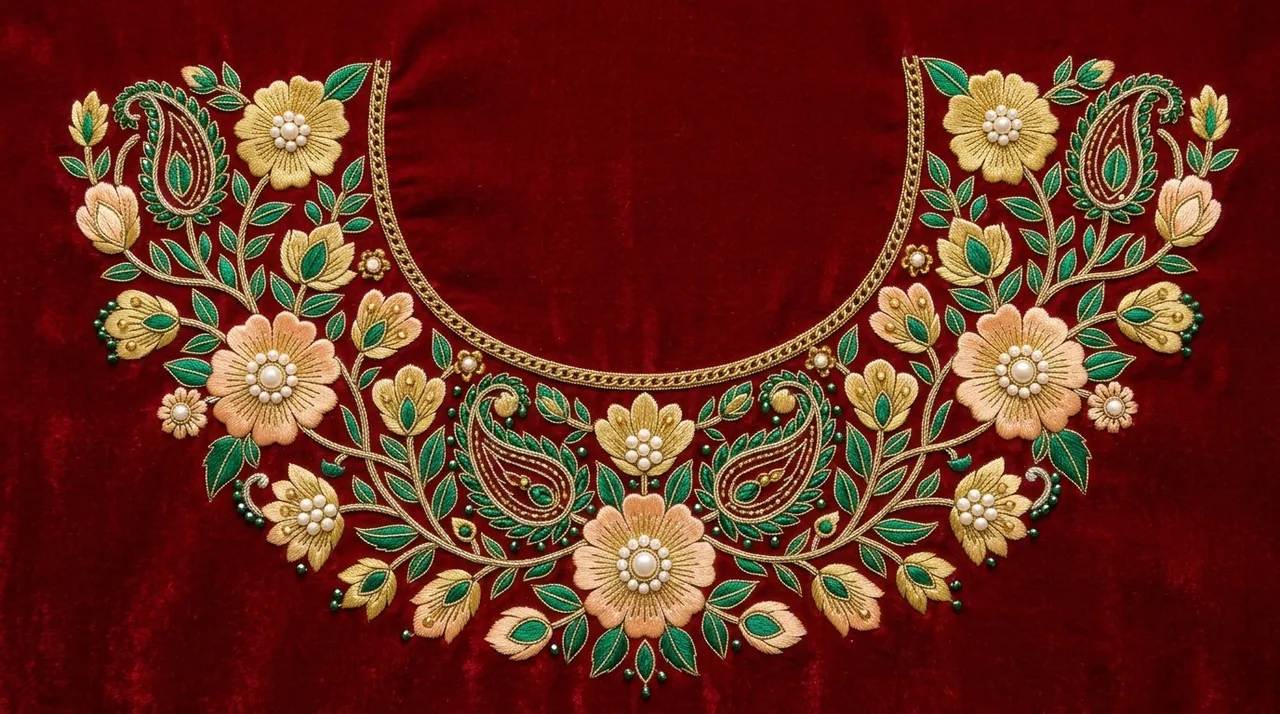 A
AThe reference
A finished piece whose style is being reused.
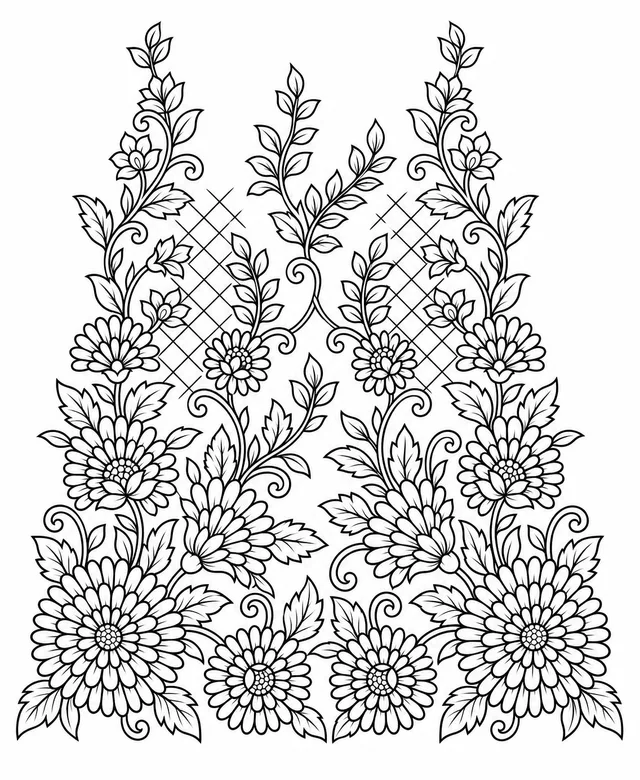 B
BThe sketch
The new design, drawn as plain lines.
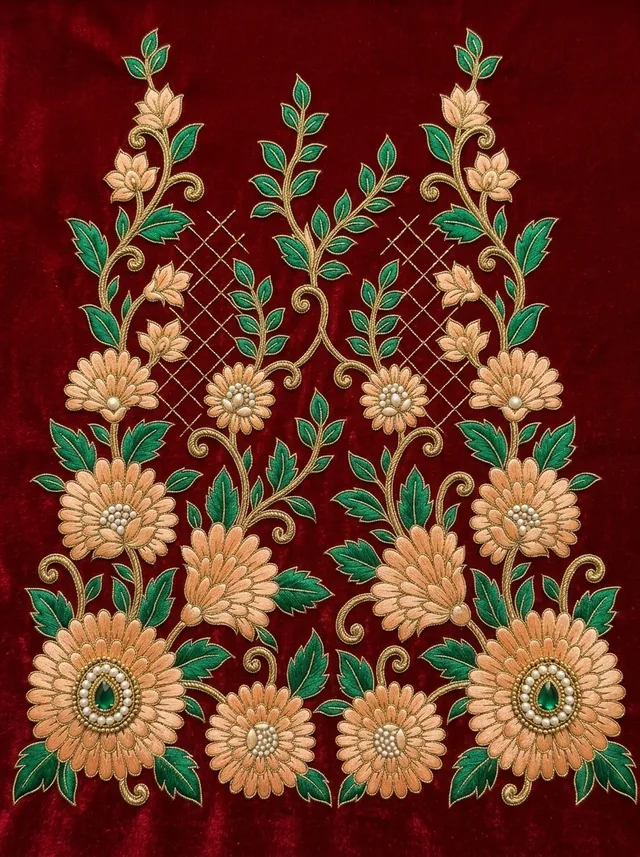
The result
The sketch's layout, executed in the reference's style.
When you would use it
Style Transfer is for the times the look is already decided — by a buyer, by your own past work, or by a picture a customer sent you.
A buyer approves one sample and then asks for the rest of the range in the same work. Point the studio at the approved piece and run your new sketches through it, instead of describing that style in words and hoping.
Your workshop has a look that customers come to you for. Keep one good photograph of it as the reference and apply it to every new motif you draw.
A customer sends a photo of embroidery they like along with their own design. Put both in and show them their design in that style before you commit to the work.
How it works
One photograph decides how the work should look. Your sketch decides what is being made. Everything else is optional.
A photograph of finished embroidery whose style you want to reuse — your own past work, a sample piece, or a photo from a client.
Supplies the style, the materials and the fabric. Nothing else.
The design you want that style applied to — a line drawing or sketch of the motif you are planning.
Supplies the shape, the layout and the proportions of the result.
Three steps in the studio
The finished embroidery you are copying the style from, and the sketch you want it applied to. Both are required.
Optional. Leave it alone and the work sits on the same cloth as your reference, or override it to see the design on a different fabric.
Add any special instructions, choose how many variations to make, then generate.
What it will not do
A preview is only useful if it matches the piece you are copying. These are the rules the generator works under — not descriptions of how it usually behaves.
If your reference is pure thread work, the result is pure thread work. If it has no beads, the result has no beads. The model is told to use only the materials and techniques visibly present in your reference photo.
Where the photo is unclear, it is instructed not to assume. If beads cannot be clearly seen, beads are not added — rather than inventing a plausible-looking embellishment.
It is forbidden to add beads, sequins, pearls or stones that are not in your reference, to substitute one material for another, to add metallic elements where none exist, or to "enhance" the style beyond what you showed it.
Spacing, composition, orientation and proportions stay as you drew them. Nothing is repositioned, rotated, resized or rearranged, and the output takes its shape from your sketch — not from the reference photo.
Erasure marks, smudges and stray working lines are skipped. Only the clean, intended lines are traced.
Only the foreground design is embroidered. Everywhere your sketch left empty, the fabric is left unembroidered rather than filled in with decoration.
The one exception is you. Anything you ask for in Special Instructions overrides these rules — so you can deliberately add a material the reference does not have.
Leave this step alone and the embroidery sits in the same fabric as your reference. Override it — with your own fabric photo, or by picking a type and colour — and the thread tones are adapted to harmonise with the new cloth. The cloth itself is never recoloured to suit the thread: if the palette does not sit well, the threads change, never your fabric.
Fabric
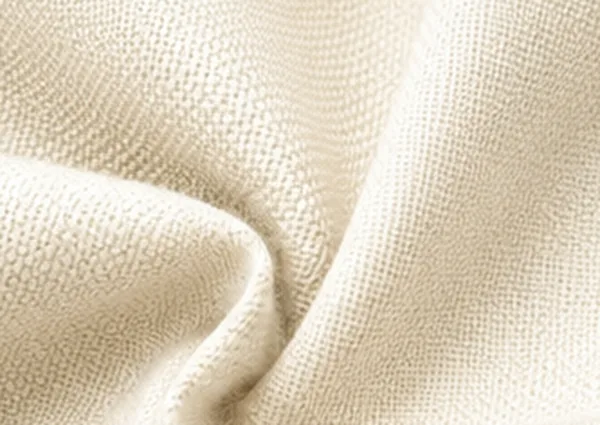 Cotton
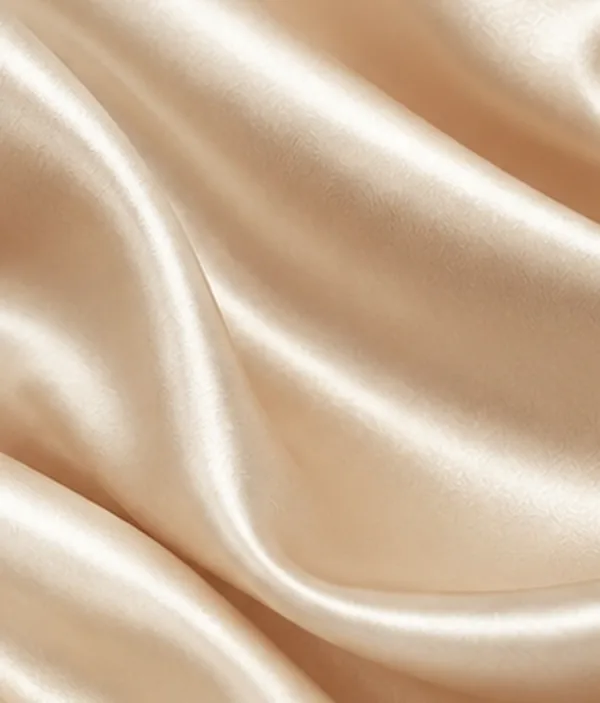 Silk
Silk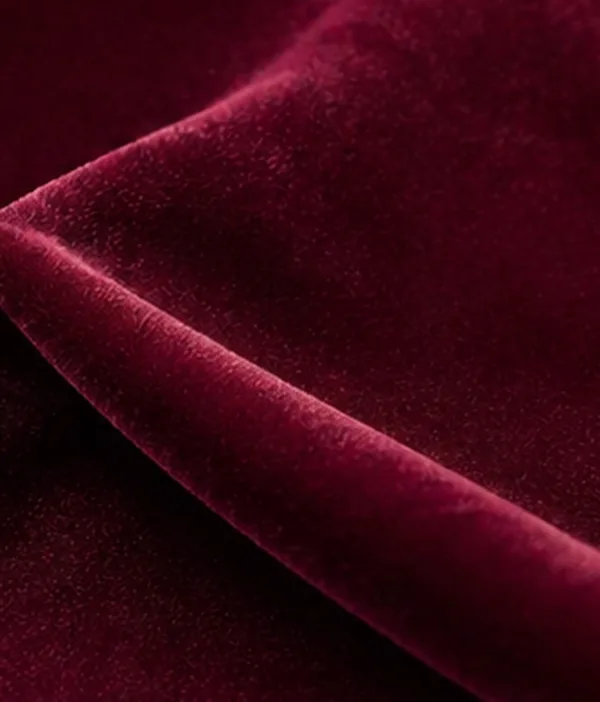 Velvet
Colour
Guide video
The same short walkthrough the studio itself links to — the two uploads, the optional fabric step, and the result.
Before you start
It takes the look of one piece of embroidery and applies it to a different design. You upload a photograph of finished work — its materials, technique and finish set the style — and a sketch of the new design, which sets the layout. The result is your sketch, worked in the style of your reference.
Yes — photograph it. Two images are needed, and both are required. First, a photograph of finished embroidery whose style you want to reuse. Second, the sketch you want that style applied to. The photograph decides the materials and the look; your sketch decides the shape and the layout.
Not on its own. The generator is instructed to use only the materials it can actually see in your reference — if the piece is pure thread work, the result is pure thread work, and if it has no beads, no beads are added. It is also told not to guess when the photo is unclear, rather than inventing something plausible. The one exception is you: anything you ask for in Special Instructions overrides that, so you can deliberately add a material the reference does not have.
Yes. Spacing, composition, orientation and proportions stay as you drew them — nothing is repositioned, rotated, resized or rearranged. The shape of the finished image follows your sketch too, not the reference photograph, so a wide border sketch does not come back cropped into the reference's frame.
Yes, and it is optional — skip that step and the embroidery sits in the same cloth as your reference. Override it by uploading a photograph of your own fabric, or by picking Cotton, Silk or Velvet in one of eight colours. When you do, the thread tones are adapted to suit the new cloth; the cloth itself is never recoloured to suit the thread.
There is a 500-character Special Instructions box for that, and it is also how you override the copy-exactly rules. Afterwards, you can paint over just the part you want changed and describe the fix — everything you did not paint is kept from the original, and every edit is saved as its own version.
Five credits per design. You can ask for up to five variations of the same setup in one go, each costing its own five credits, and the total is shown at every step, not just at the end. The variations use identical inputs — the differences come from the generator.
They come back automatically. A failed design shows "Something went wrong. Credits have been refunded." — you do not need to contact anyone to claim it.
A PNG, JPG, HEIC or SVG up to 25MB, for the reference, the sketch and the optional fabric photo. The interface itself is available in English, Gujarati and Hindi, and the instructions box accepts whichever language you think in — it is translated before the design is generated.
Your designs are private to your account. There is no button that publishes a design — the public gallery on this site is a selection we curate, never a feed of customer work. Full details are in our Privacy Policy.
Yes. Designs you produce belong to you, subject to the Terms and to full payment of the applicable credits — you can share them with dealers, print them, and produce physical samples from them. The full wording is in our Terms and Conditions.