Salwar / Suit Set Catalog
Salwar suit catalog
photos of the whole set.
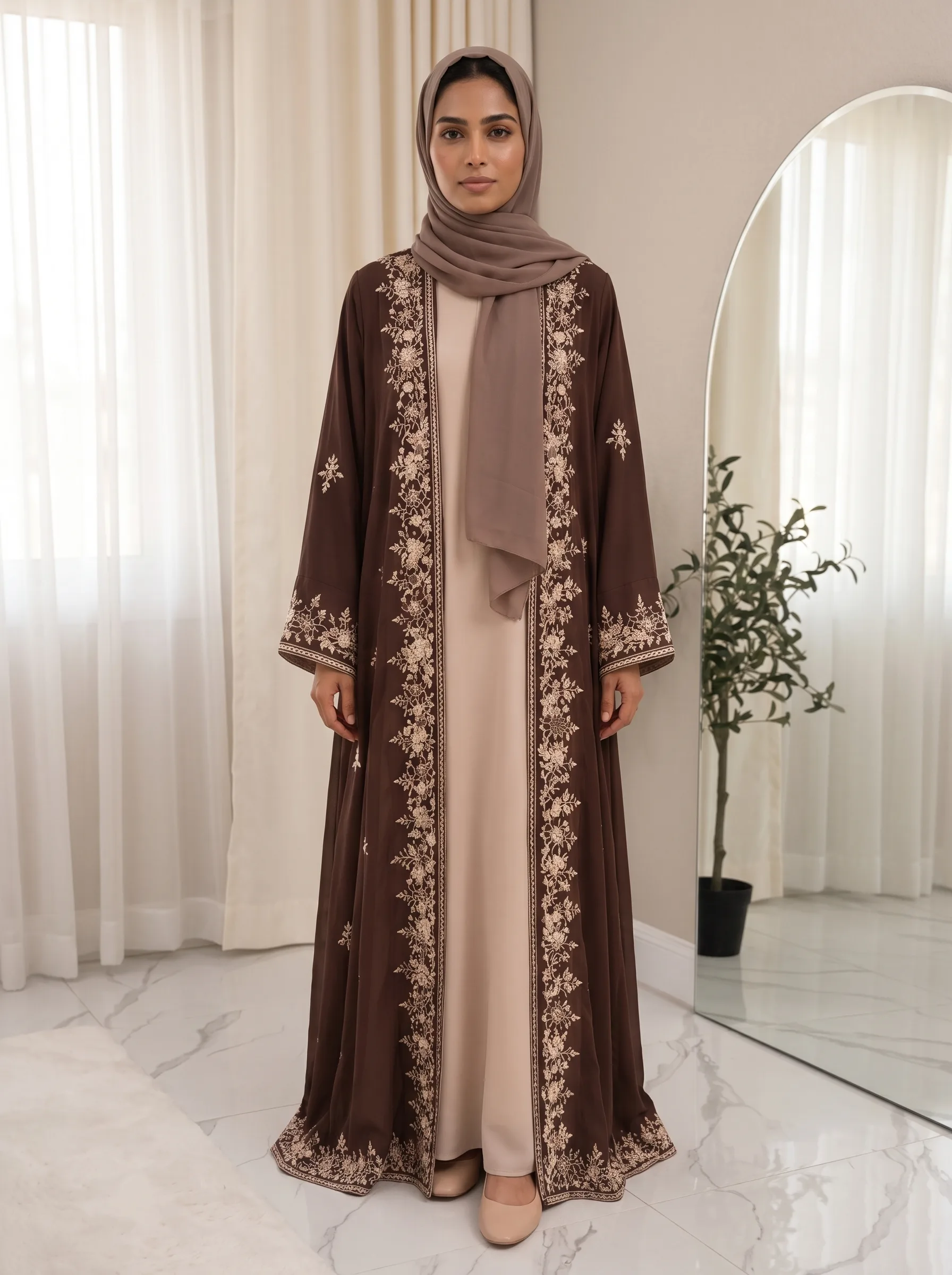
Upload up to three photos of the full salwar suit, with the kameez, bottom and dupatta as you want them worn, and the Catalog Studio returns up to five photos of a model in the full set.
- Pick any of 5 camera angles
- One camera angle per photo
- 5 credits per photo
A worked example
What you upload, and what comes back.
Your input
Your output
5 PhotosHow it works
How Salwar / Suit Set catalog photos are made in three steps.
Step 1
Upload the outfit
Each outfit type asks for its own photos — the required ones first, then any optional references.
Step 2
Choose the studio settings
Model category, aspect ratio, the camera angles you want, and an optional style description.
Step 3
Open your Catalog Collection
Photos appear there when they are ready, and you get a notification if notifications are on.
Studio Settings
- Model CategoryAuto matches the model to the outfit, or pick Female, Male or Kids.
- Aspect Ratio3:4 portrait, 4:3 landscape or 9:16 vertical.
- Camera AnglesPick any of the five — front, left, right, side, back. Each angle is one photo.
- Style descriptionUp to 300 characters on lighting and mood. It is not used for the outfit.
More catalogs
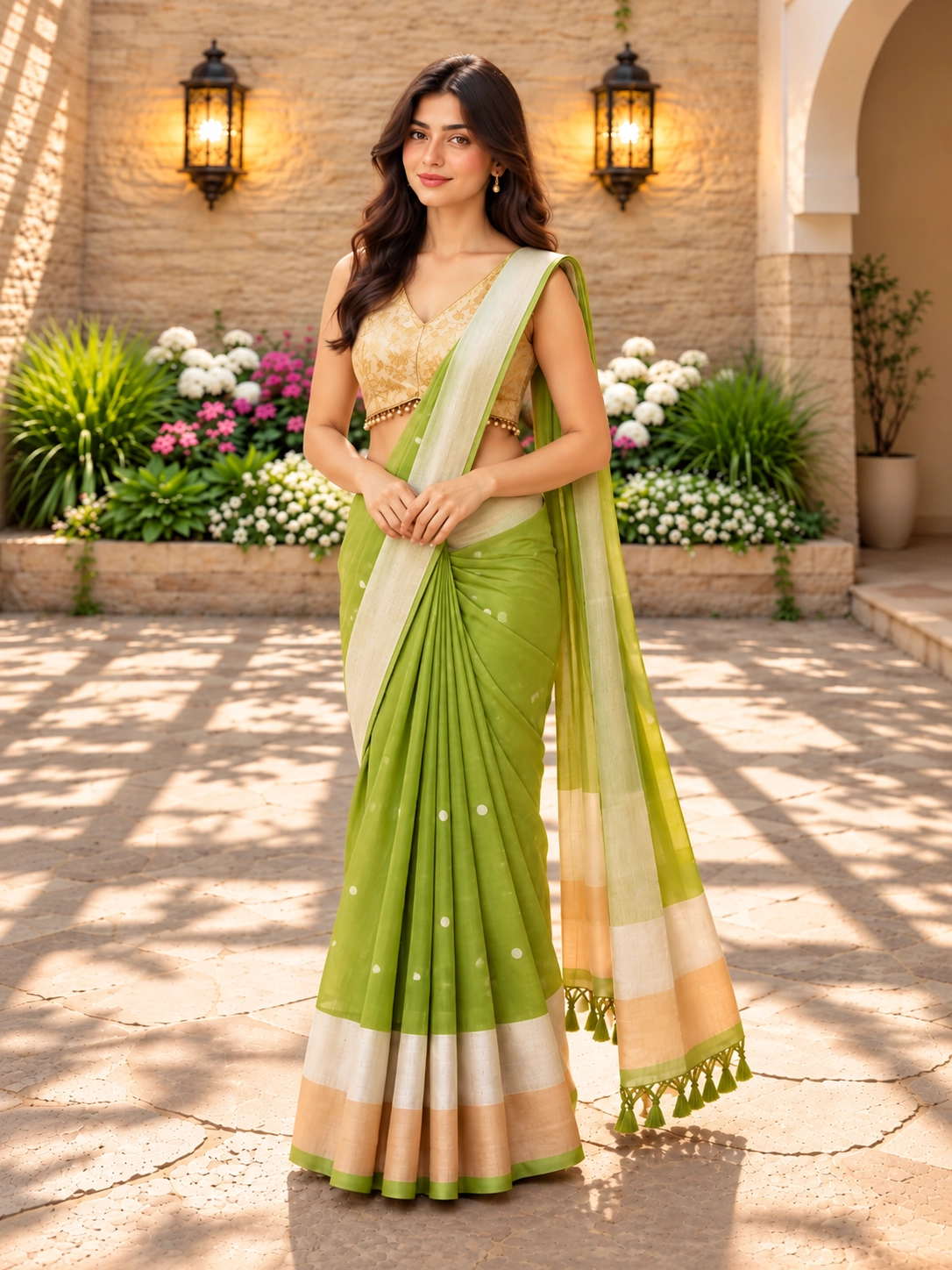
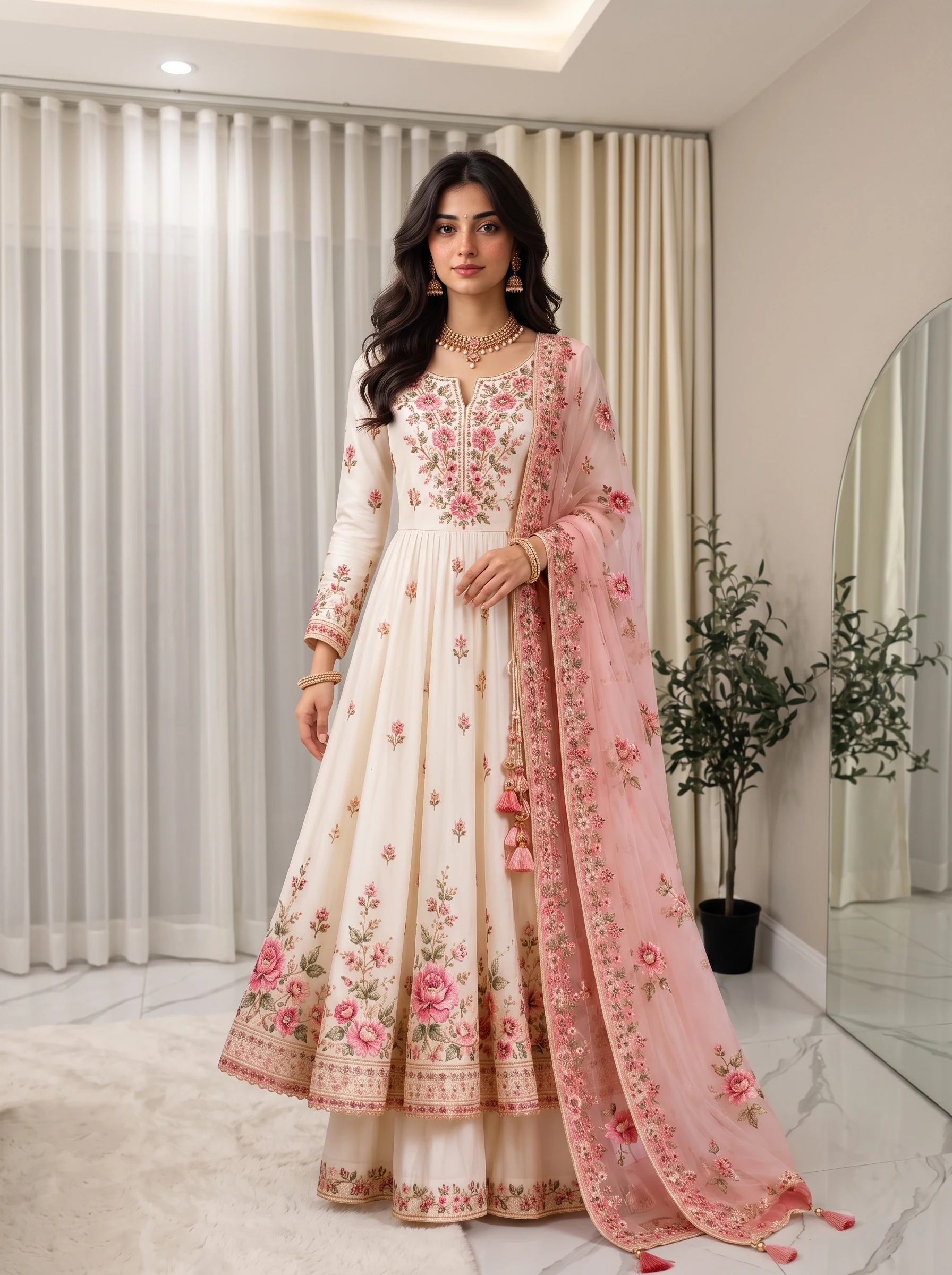
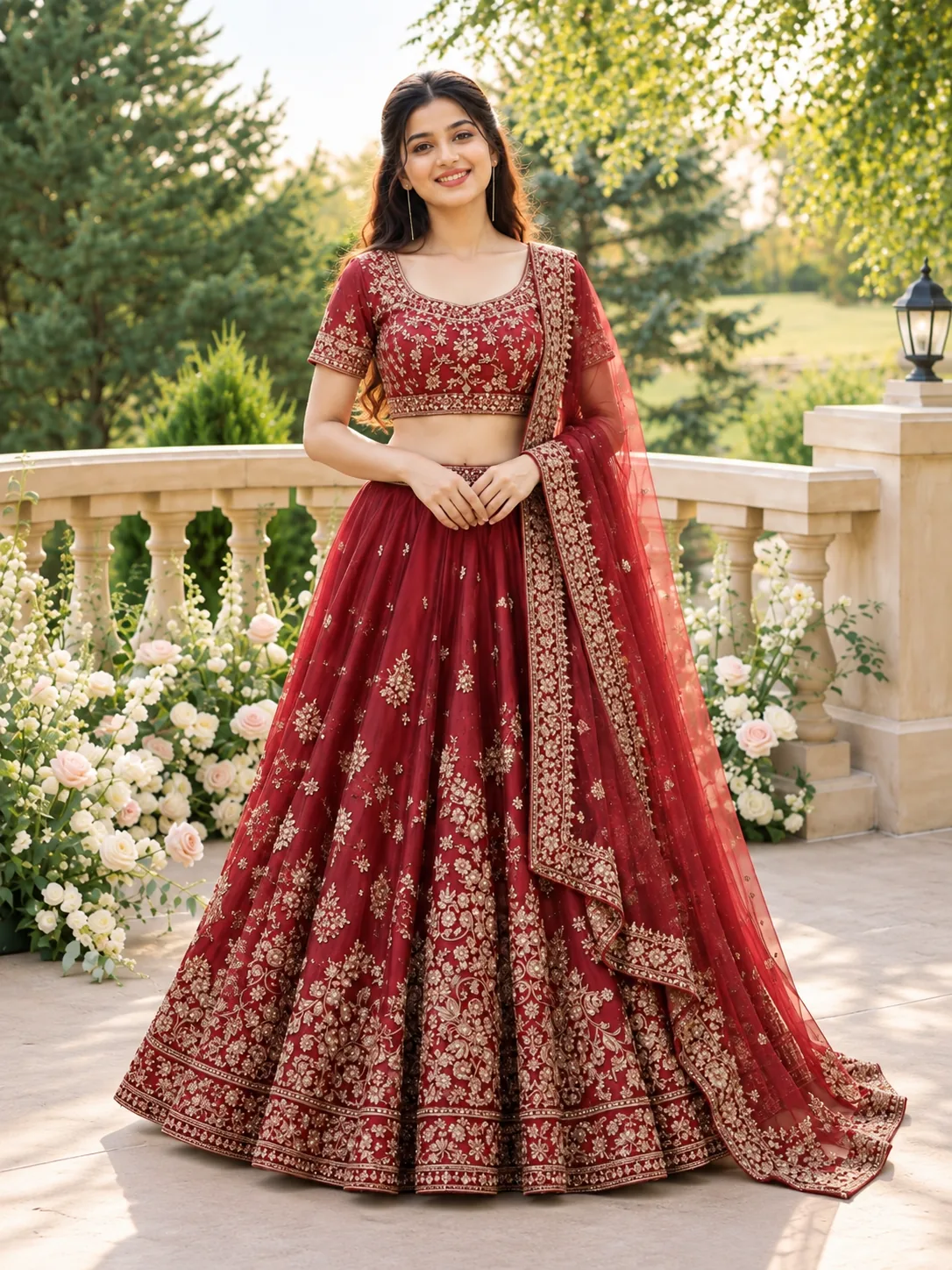
Other catalogs, each with its own upload form.
Before you start
Salwar / Suit Set catalog questions answered.
Upload the full outfit, with the kameez, bottom and dupatta together, in the Full Outfit Photos slot. It takes up to three photos of the same set, such as the front and back. Zoomed Pattern, Model Reference and Custom Background photos are optional.
Only if your Full Outfit Photos show one; it is then draped the same way in every photo. If they show no bottom, plain pants in a colour taken from the kameez are used.
Pick any of five angles in each run — front, left, right, side and back (left and right are three-quarter turns). Each angle you pick is one photo; front is selected by default.
Each photo costs 5 credits, taken when you start: 5 credits for one photo, 25 for five. Photos that fail to generate are refunded automatically.
Generation runs in the background; your photos appear in the Catalog Collection when ready. If notifications are on, you get one when the set is done.
Each angle is generated on its own, so the face and styling can vary a little from photo to photo. To keep one person throughout, upload a Model Reference photo — the studio is asked to use that person.
Yes. Download each photo on its own, or use Download all to save every photo in the set as separate files.