Pattern Repeat Studio
Repeat a design
as a strip or a grid.
Pattern Repeat Studio lays copies of your design, or of one part of it, side by side, stacked or in a grid, with every second copy mirrored if you want, and gives you the repeat as a PNG.
FreeNo credits. Sign in to start.
What you get
You get an image preview of the embroidery, not a machine stitch file (DST, EMB). A digitizer makes the stitch file from it.
- You give
- One design (PNG, JPG, HEIC or SVG).
- You get
- A PNG download, repeated as a strip (2 to 10 copies) or a grid (2 to 6).
- Size
- Up to 8,192 pixels on the longest side.
- Credits
- Free. You only need to sign in.
Before and after
One design, repeated your way.
The repeat is shown first. Hover or tap the thumbnails to see the design it was made from.
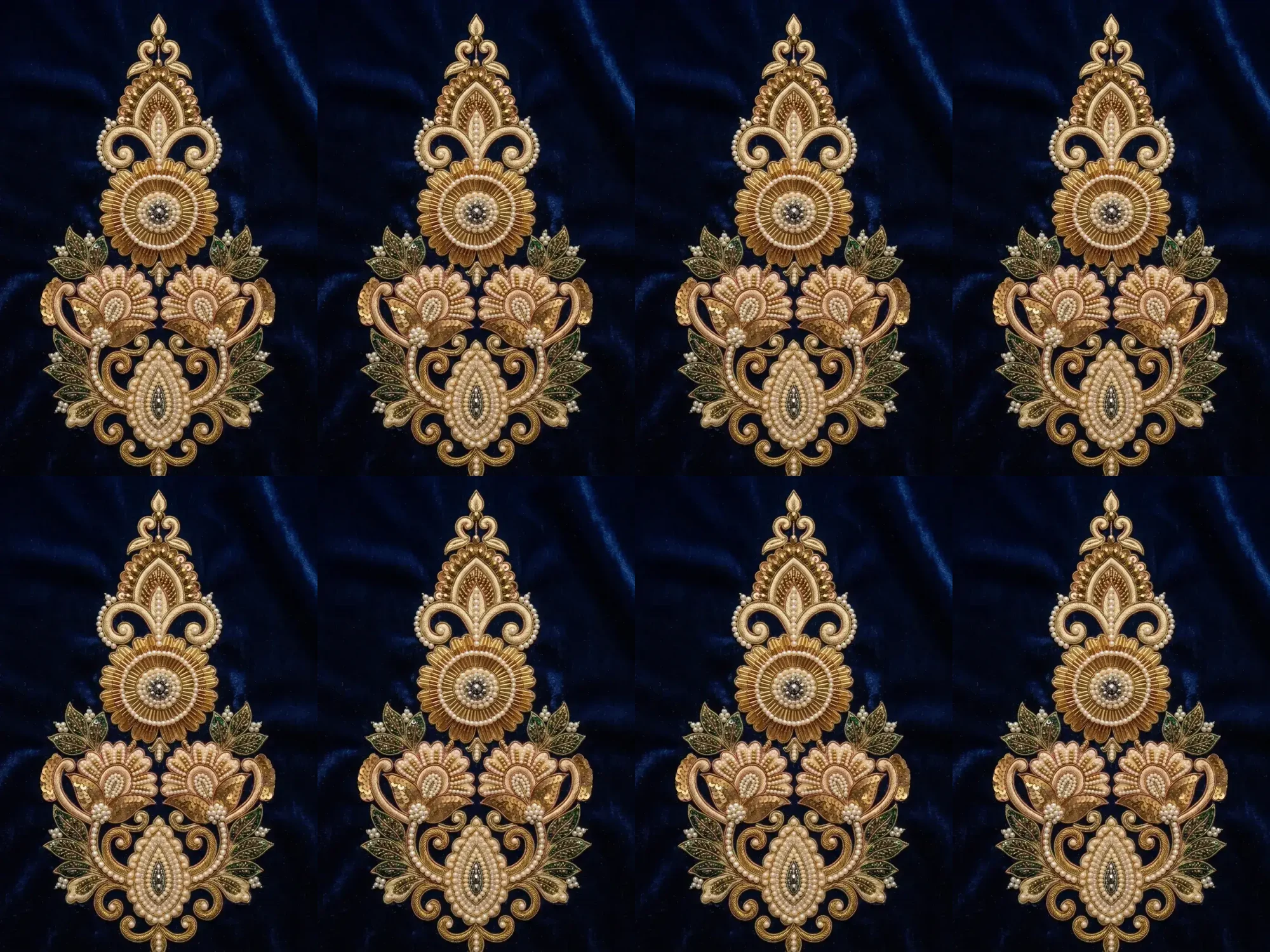
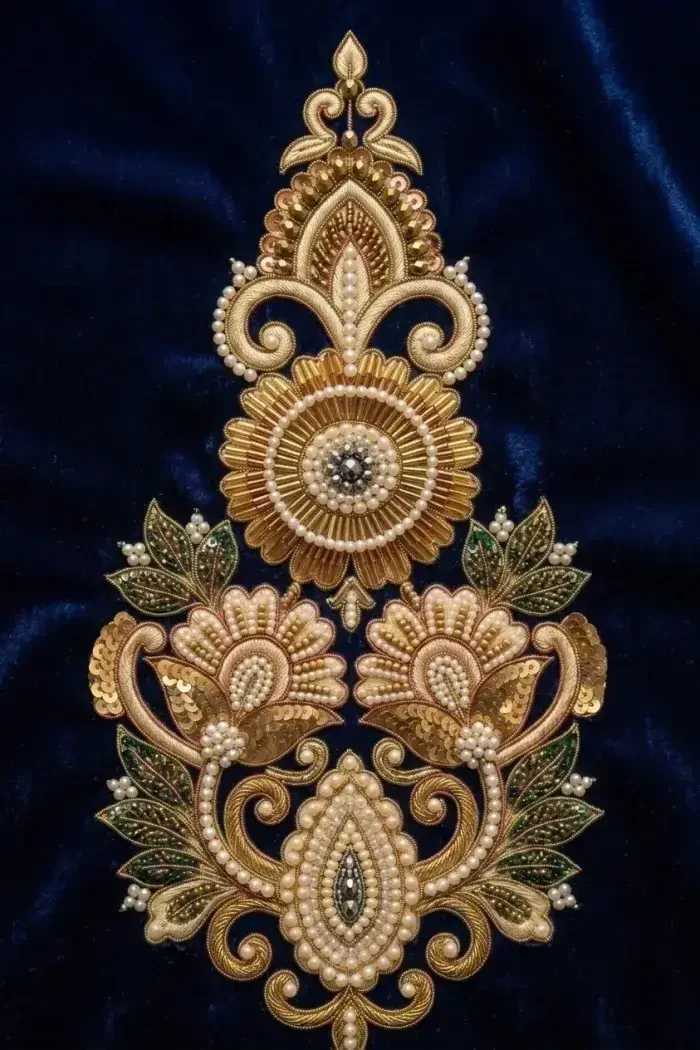
What you can do
Three layouts, one design.
Horizontal strip
2 to 10 copies side by side.
Vertical strip
2 to 10 copies stacked one above the other.
Grid
2 to 6 rows and 2 to 6 columns of copies.
Mirror every second copy
Alternate copies are flipped, so the two edges meeting at each join are identical. In a grid, alternate columns flip left to right and alternate rows flip top to bottom.
Repeat one part
Drag a box over the part of the design to repeat, or keep the whole design. Rotate it to any angle, or a quarter turn at a time.
Live preview
The preview updates as you drag, so you see the repeat before you download it.
How it works
Make a repeat in three steps.
Step 1
Upload your design
A JPG, PNG, WebP or HEIC image, or one of your recent uploads. Crop and adjust it first if you need to.
Step 2
Choose the part and the layout
Select the part to repeat, rotate it, pick a strip or a grid, set the number of copies and turn mirroring on or off.
Step 3
Save and download
You get the repeat as a PNG, and it is kept in your Pattern Repeat history to download again.
Tips for a better result
- Upload the largest version of your design you have: the repeat is made at its own resolution.
- If you see a hard line where two copies meet, turn on Mirror every second copy.
- Select a single motif to see how it looks repeated on its own.
- Use a vertical strip to see a border running down, and a horizontal strip to see it running across.
JPG, PNG, WebP or HEIC (max 25MB)
Before you start
Pattern repeat questions people ask first.
It repeats your design, or one part of it, as a horizontal strip, a vertical strip or a grid of copies, and gives you the result as a PNG to download.
Nothing. Pattern Repeat Studio uses no credits; you only need to sign in.
No. Your design is not redrawn: the copies are laid out in your browser exactly as you set them, so nothing is added to or changed in the design itself.
It flips alternate copies, so the two edges meeting at each join are identical. In a grid, alternate columns are flipped left to right and alternate rows top to bottom. Turn it off to repeat every copy the same way round.
A horizontal or vertical strip takes 2 to 10 copies. A grid takes 2 to 6 rows and 2 to 6 columns.
A PNG in which every copy keeps the resolution of the part you selected. If the whole repeat would be more than 8192 pixels wide or tall, it is scaled down to fit.
JPG, PNG or WebP, up to 25MB. HEIC photos from an iPhone are converted in your browser. You can also pick one of your recent uploads.
It repeats a design the same way. Repeat Preview in the editor lays copies side by side only; Pattern Repeat Studio adds vertical strips and grids, works with any design you upload, and saves each result to your history.
Every repeat you save is kept in your Pattern Repeat history, ready to download again.