Sketch Studio
Embroidery design sketch
from a photo of the work.
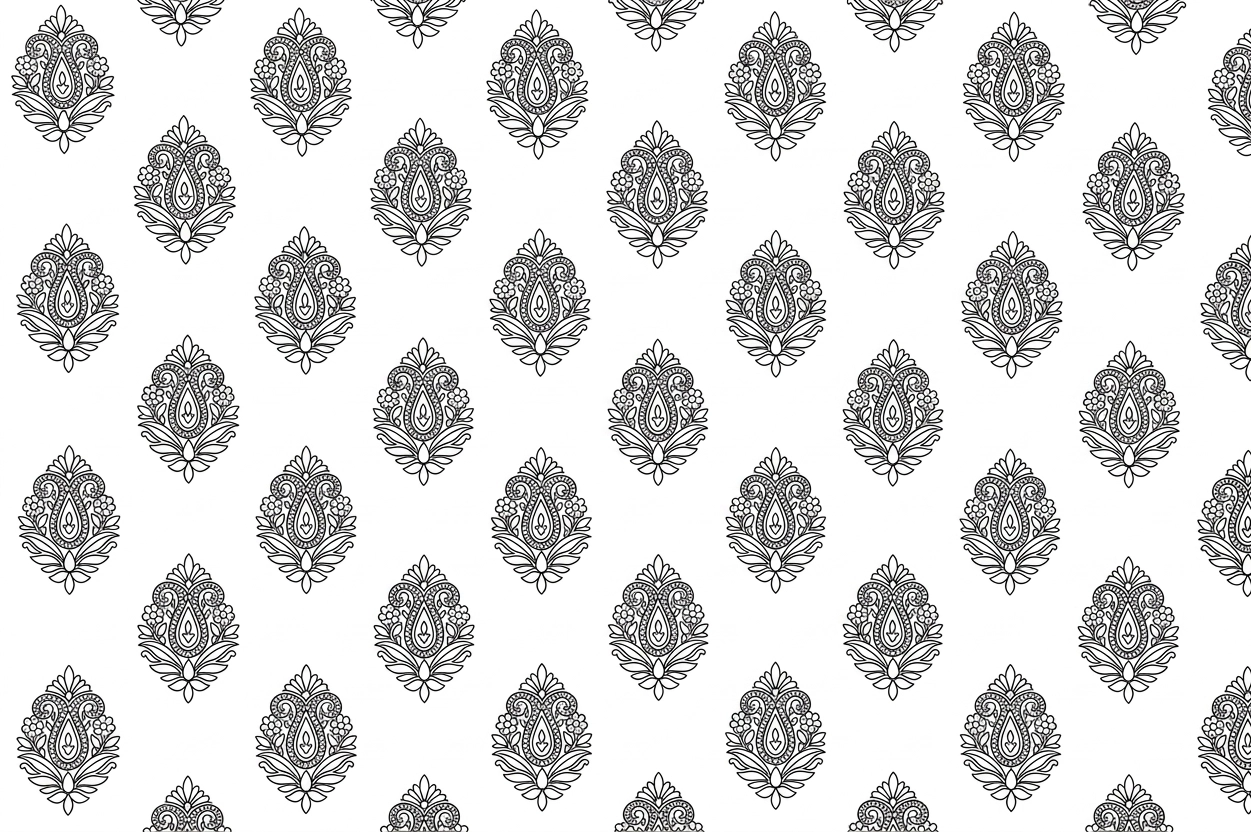
Sketch Studio turns a photo of finished embroidery into an embroidery design sketch. Upload embroidered fabric, a garment someone is wearing, or a drawing of a design, and it draws just the embroidery back as flat black-and-white line work — no skin, no background, no folds.
What you get
You get an image preview of the embroidery, not a machine stitch file (DST, EMB). A digitizer makes the stitch file from it.
- You give
- One image: a photo, a finished design or artwork.
- You get
- One clean line sketch per run.
- Size
- No fixed pixel size.
- Credits
- 5 credits per sketch.
A worked example
One upload, one line drawing. Watch everything but the embroidery disappear.
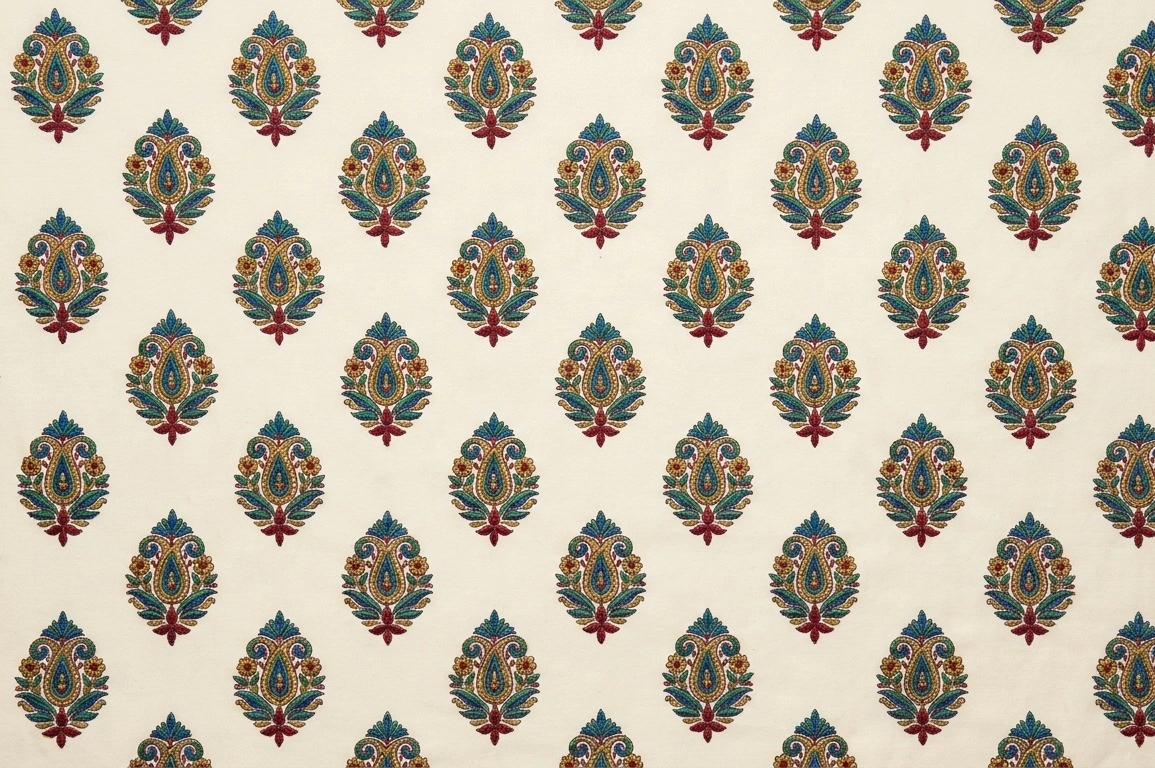
Two real uploads and the line drawings the studio made from them. Hover or tap the thumbnails to see the picture each one came from.
How it works
Turn an embroidery photo into a sketch with one upload and nothing else.
Step 1
Upload one picture
One picture of the design. There is nothing else to fill in — no text to write, no options.
Step 2
Crop to the design
Trim away what is not embroidery before it is drawn. SVG files skip this step.
Step 3
Open it in Sketch Collection
The drawing lands in your Sketch Collection, next to the picture it came from.
What you can upload
- A photo of embroidered fabric, laid flat
- A photo of someone wearing an embroidered garment
- A pencil sketch
- A painting or illustration of a design
PNG, JPG, HEIC or SVG (max 25MB)
What the studio looks for
It keeps the embroidery. Everything else is left behind.
Before drawing a line, the studio is instructed to separate the design from whatever it happens to be sitting on.
Kept in the drawing
Every motif, as clean outline
The studio is told to draw filled and densely stitched areas as their outline, not as individual stitches.
The layout, recognised
Butta, border patti, corner, neckline panel or all-over jaal — the studio is told to work out the repeat and symmetry first.
Hidden parts, completed
A motif covered by an arm or lost in a fold is completed from its own repeat — the studio is told not to invent new ones.
Laid flat
The studio is told to remove camera tilt, body curve and drape, as if the design were photographed straight down.
Left out
- Skin, face and hands
- Jewellery
- Background
- Fabric folds and drape
- Light, shadow and shading
- Colour
- Thread texture and sequin glare
- Text and watermarks
Guide video
One picture in, one drawing out.
Watch one upload go through the studio, from picture to result.
Before you start
Embroidery sketch questions people ask before they upload.
Yes. Upload a photo of embroidered fabric laid flat, a photo of someone wearing an embroidered garment, a pencil sketch, or a painting of a design. PNG, JPG, HEIC or SVG, up to 25MB. GIF files are not accepted.
Yes. Print the black-and-white drawing and trace or transfer it onto your fabric, with the motif already cleaned up. You get the outline only — the stitches and materials are still your choice.
The studio is instructed to draw only the embroidery. Skin, jewellery, background, fabric folds, shading, colour, thread texture and any text are left out.
No. You get an image: a flat black-on-white line drawing. It is made to be easy for digitizing software to trace, but turning it into a stitch file is still done in that software.
No. There are no options — you upload one picture and the studio decides the drawing. The output size is not fixed.
One line drawing per upload, for 5 credits.
The 5 credits are refunded automatically.
In your Sketch Collection. Each drawing sits next to the picture it came from, and you can download either one.