Clean Scan Studio
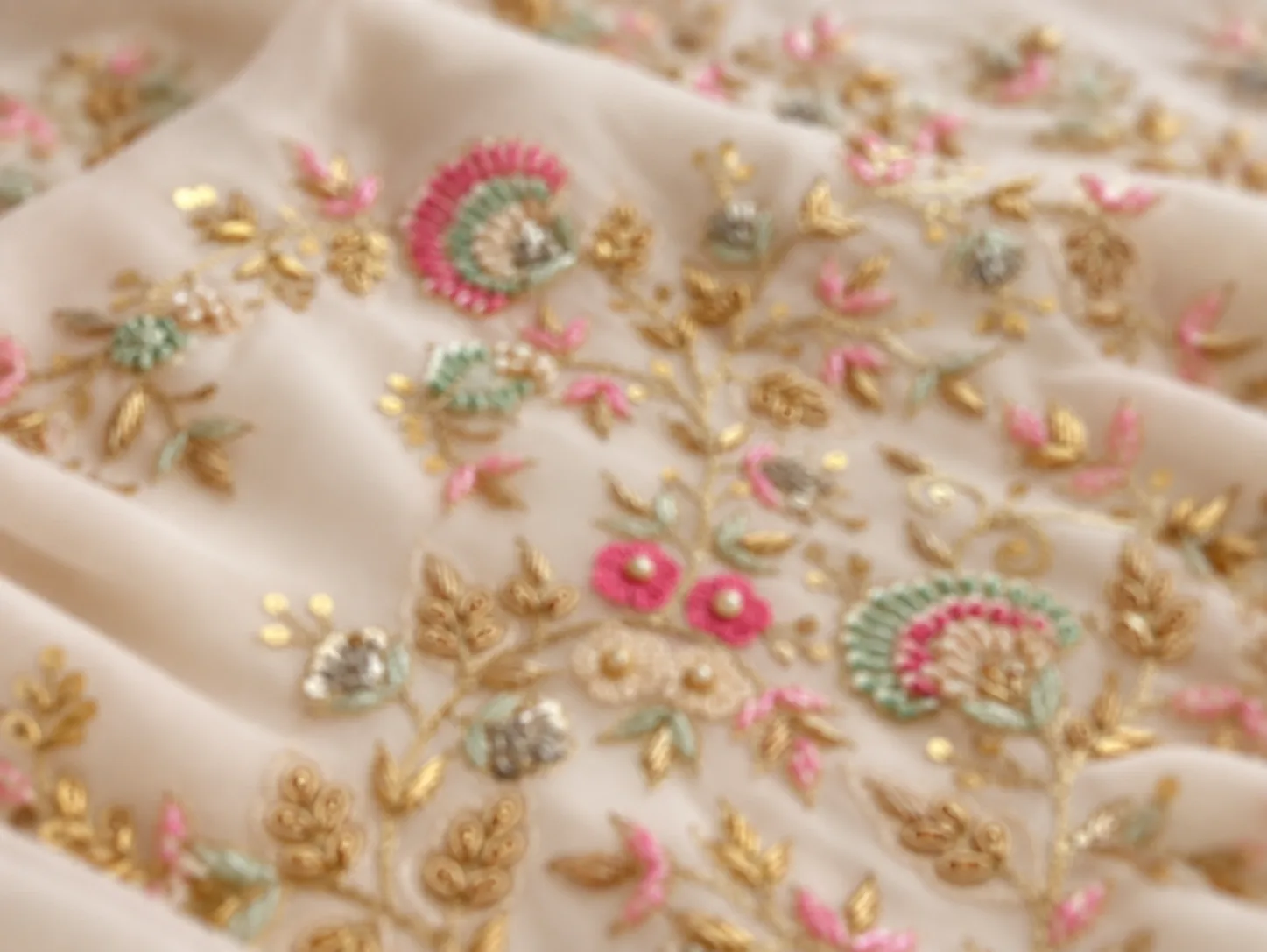
A wrinkled fabric photo
into a clean, print-ready design.
Clean Scan Studio takes a phone photo or scan of printed, woven or embroidered fabric and removes the wrinkles, folds, shadows, uneven light, noise and skew — so you get the design back flat and clean, ready to reuse or print.
What you get
You get an image preview of the embroidery, not a machine stitch file (DST, EMB). A digitizer makes the stitch file from it.
- You give
- One photo of the fabric (JPG, PNG, WebP or HEIC, up to 25 MB).
- You get
- One flat, cleaned design image per run.
- Size
- Made at the 2K quality setting, in the standard shape closest to your photo.
- Credits
- 5 credits per run.
Before and after
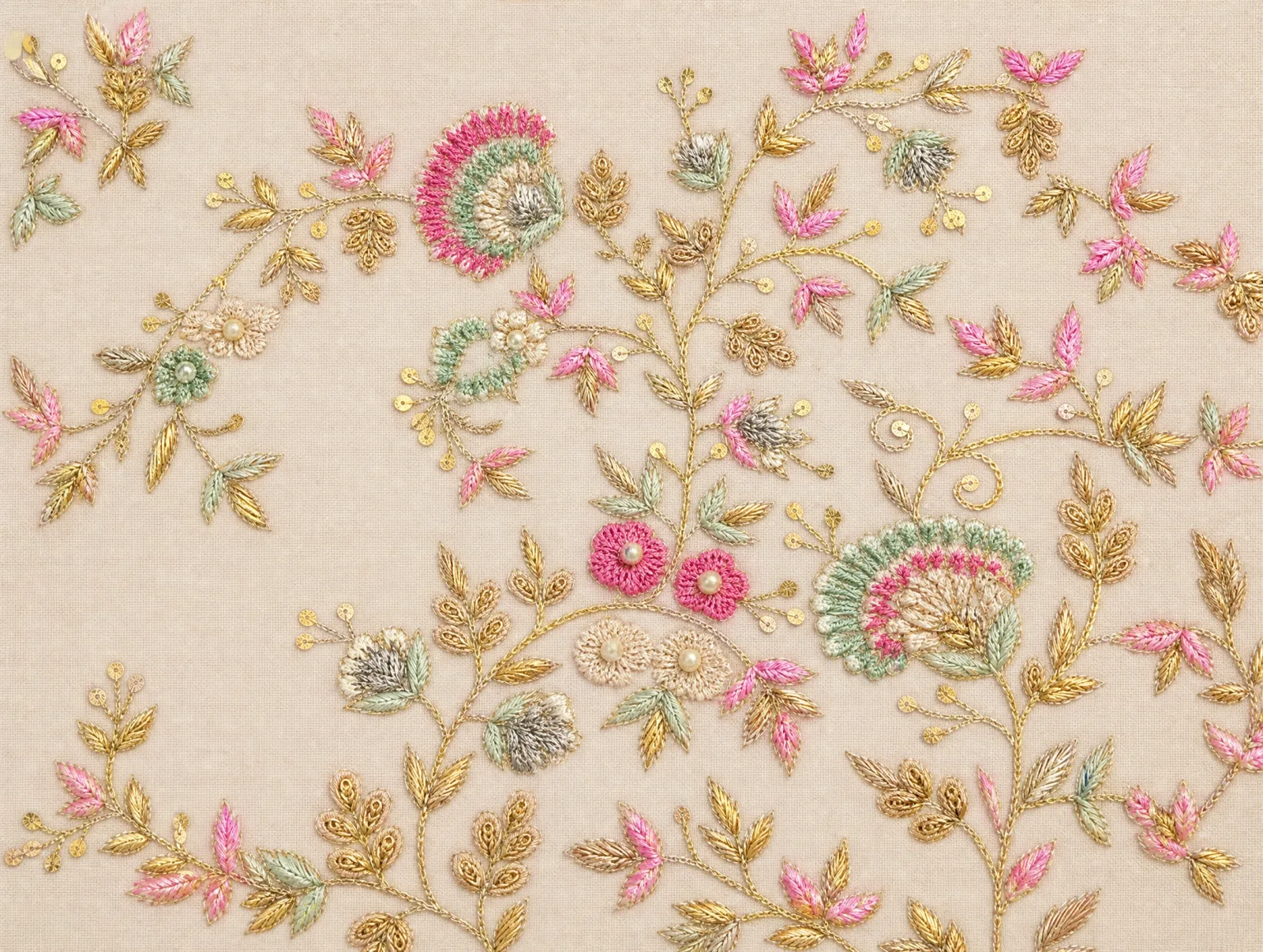
Same design, without the wrinkles.
The cleaned result is shown first. Hover or tap the thumbnails to see the photo it came from.
What it fixes
Everything the camera added, taken back out.
Wrinkles and folds
Creases, fold lines and puckering are smoothed out of the design.
Shadows and uneven light
Dark corners, glare and hotspots are evened out across the whole image.
Skew and perspective
A photo taken at an angle is straightened so the design faces you head-on.
Noise, dust and lint
Grain, blur, loose threads and specks are cleaned away.
Background around the fabric
The table, hands or wall around the fabric are removed.
The design stays yours
Motifs, layout, spacing and repeat are kept. Nothing new is added.
How it works
Clean a fabric scan in three steps.
Step 1
Upload your fabric photo
A phone photo or a flatbed scan. Crop it to the fabric if you like.
Step 2
We clean it in the background
Folds, shadows, skew and the background are removed. You can leave the page while it runs.
Step 3
Download the clean design
Every result is kept in your Clean Scan history, next to the photo it came from.
Tips for a better photo
- Lay the fabric as flat as you can — the less it folds, the more of the design survives.
- Use daylight or two even lights; avoid a single lamp that throws a hard shadow.
- Hold the phone straight above the fabric, not at a steep angle.
- Fill the frame with the fabric, and include at least one full repeat of the design.
- Use the sharpest photo you have — the cleanup cannot recover detail the camera never caught.
JPG, PNG, WebP or HEIC (max 25MB)
Before you start
Fabric scan cleanup questions people ask first.
It takes a photo or scan of a fabric design and gives it back as a clean, flat image: wrinkles, folds, shadows, uneven light, noise and skew are removed, and the design itself is kept as it is.
Printed, woven or embroidered fabric — a saree border, a dress material, a swatch or a finished panel. A phone photo works; a flatbed scan works too.
It is instructed to keep every motif, the layout, the spacing and the repeat exactly, and not to add, remove or redraw anything. Always compare the result with your photo before you print.
Each cleanup costs 5 credits. If a cleanup fails, the credits are refunded automatically.
JPG, PNG, WebP or HEIC, up to 25MB. HEIC photos from an iPhone are converted automatically.
Every result is saved in your Clean Scan history, next to the photo it came from, ready to download again.