Sharp Detail Studio
A blurry design
made sharp again.
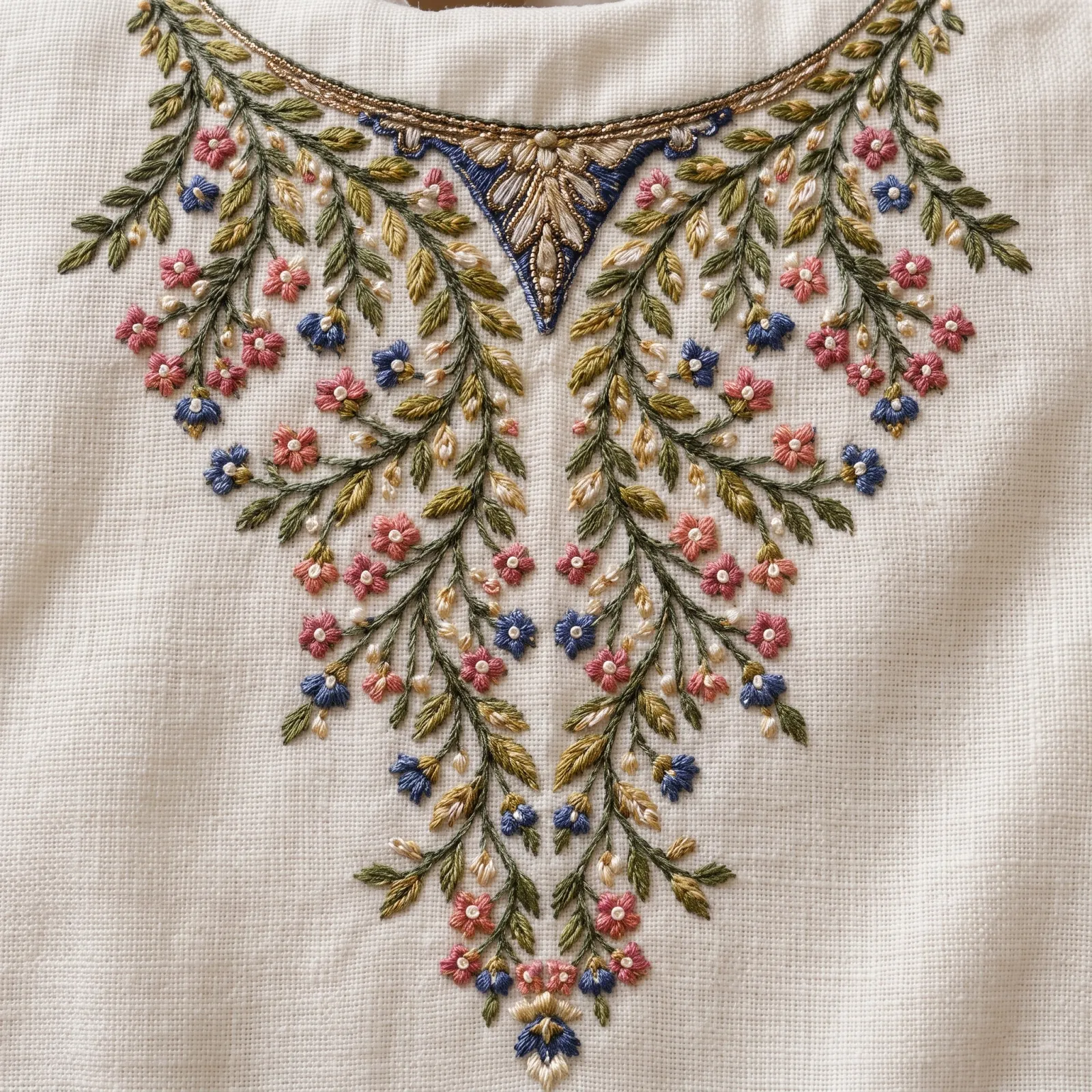
Sharp Detail Studio takes a soft, out-of-focus or compressed print, weave or embroidery image and gives you the same image back sharper, with clearer motif edges, stitches and weave, in the same framing and colours.
What you get
You get an image preview of the embroidery, not a machine stitch file (DST, EMB). A digitizer makes the stitch file from it.
- You give
- One image (JPG, PNG, WebP or HEIC, up to 25 MB).
- You get
- One sharper image in the same framing.
- Size
- Made at the 2K quality setting, in the standard shape closest to your image.
- Credits
- 5 credits per run.
Before and after
Same image, sharper detail.
The sharpened result is shown first. Hover or tap the thumbnails to see the blurry original it came from.
When to use it
Clear detail from a blurry image.
Blurry phone photos
A quick photo of fabric that came out soft or slightly out of focus.
Compressed downloads
A design saved from a chat or social media that lost detail to compression.
Soft scans
A scan or old reference where motif edges, stitches and weave are hard to read.
Same framing
Nothing is cropped, straightened or cleaned away: you get the same view, only sharper.
Same colours
The colours, background and fabric texture are asked to stay as they are.
Motifs rebuilt from repeats
Where one motif is too blurry to read, its clearer repeats elsewhere in the design guide it.
How it works
Sharpen an image in three steps.
Step 1
Upload your blurry image
A print, weave or embroidery image. You can also pick one of your recent uploads.
Step 2
Click Sharpen
There is nothing to set. The image is sharpened in the background.
Step 3
Download the sharp image
It is kept in your Sharp Detail history, next to the original, ready to compare and download.
Tips for a better result
- Upload the largest, least-compressed version of the image you have.
- Very heavy blur cannot be fully recovered. Small details are redrawn, so compare them with your original.
- For a wrinkled or skewed fabric photo, use Clean Scan Studio instead: it flattens and straightens.
- Crop away anything you do not need before you upload.
JPG, PNG, WebP or HEIC (max 25MB)