AI Blouse Design: Essential Previews Before Sampling
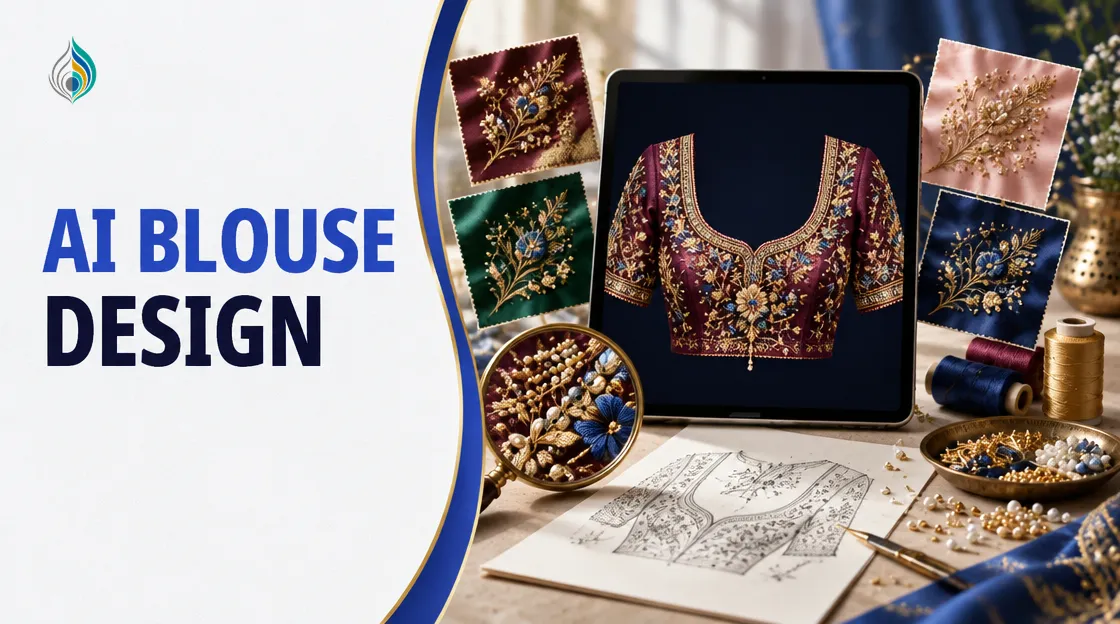
AI blouse design earns its place at one point in your work: before the sample. TextileStudio puts a physical sample at about Rs 6,000–8,000, and that money is lost if the dealer says no. Three directions as samples cost Rs 18,000–24,000. A preview moves the yes or no to the screen, so only the chosen design reaches the karigar.
This post shows how to use a blouse preview to settle placement, fabric and embellishment with a dealer first. It does not replace the sample. Fabric, stitching and finishing stay physical.
Why AI blouse design starts before the sample
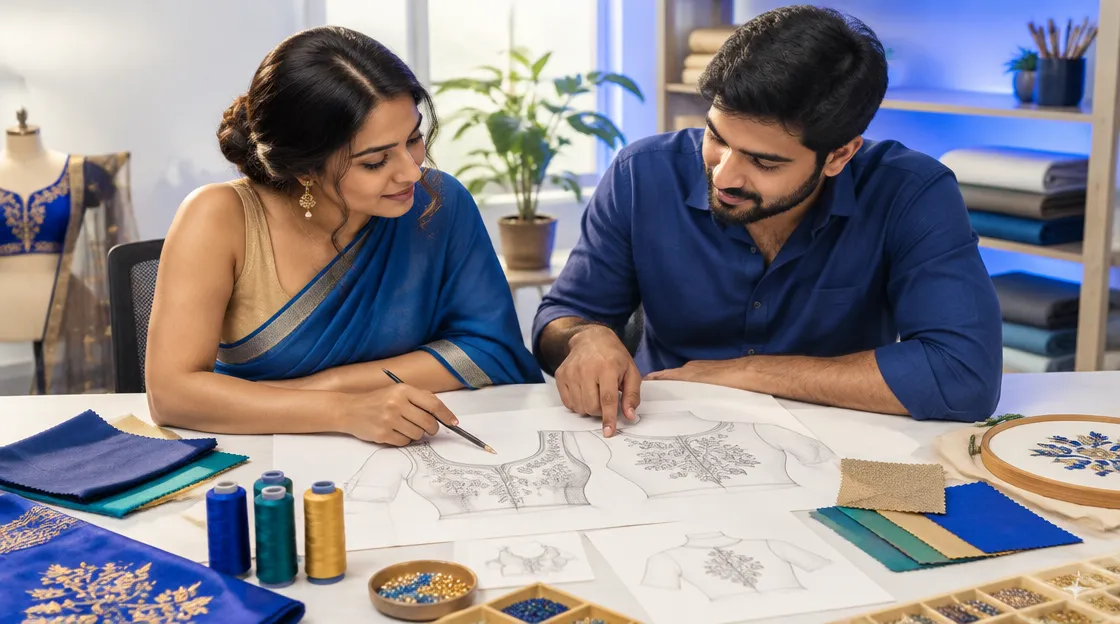
Embroidery is central to Indian textile work. IBEF notes that Gujarat is known for its intricate embroidery. For a blouse maker, a new design often has to win a dealer's approval before it earns a sample.
The usual route is slow. You sketch, brief the digitizer or karigar, wait for the sample, and only then hear the dealer's view. If the answer is a change in placement or colour, you pay again.
Where the sampling money goes
A sample is not only thread. It includes the fabric, the karigar's time and the days spent waiting. When the dealer rejects the design, all of it is gone. When the dealer asks for a different placement, the cycle starts again.
Waiting is part of the cost too. The next design cannot move forward until the dealer replies, so one slow approval holds up the whole line.
What a dealer needs to see
Most dealers decide on a few things. Show these on screen and the conversation gets shorter:
- Where the work sits: yoke, back, sleeve edge or hem.
- How full or light the embroidery looks.
- How the thread and colour look on your actual fabric.
- The mix of zari, beads, pearls or sequins.
A sketch on paper shows the idea. A preview on a blouse shows the decision.
The tool is built mobile-first, so a designer can open the previews on a phone at the dealer's counter. The dealer compares the variations on the spot instead of waiting for photos to go back and forth.
How to preview a blouse in Design Studio
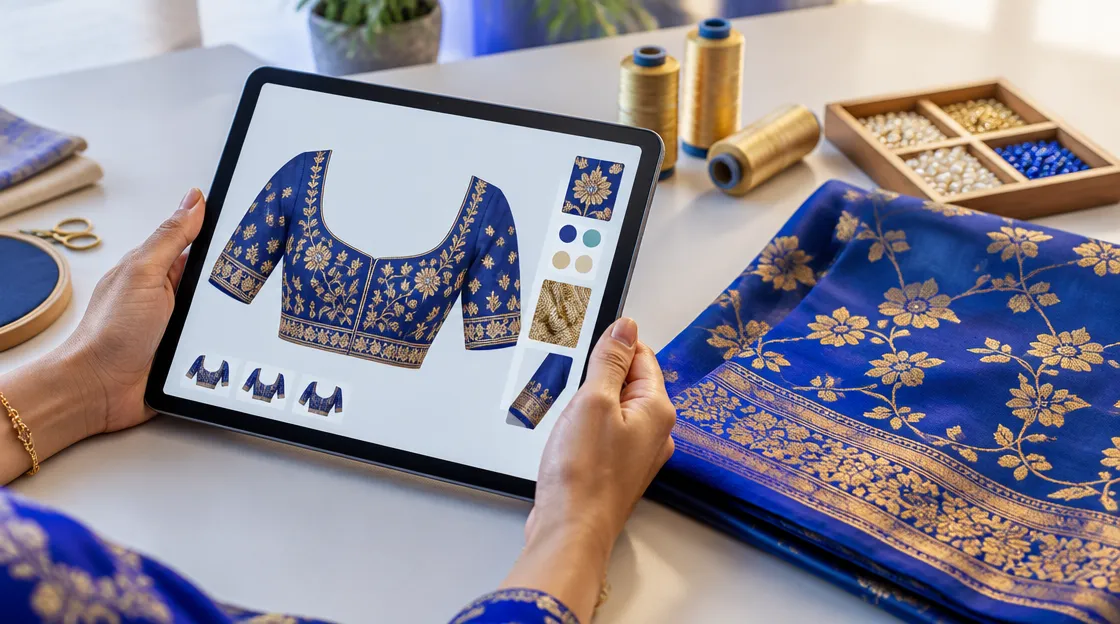
The ai blouse design generator in Design Studio turns an idea into an embroidery design on a chosen garment. The steps below follow the tool as described on its page.
- Choose the garment and the part you want to embellish from the menus, or describe the design in words (up to 1,000 characters). You can type in Gujarati, Hindi or English.
- Upload a photo of your own fabric (PNG, JPG, HEIC or SVG, up to 25 MB), or use one of three material and colour presets.
- Pick the embellishment style. Options include Thread Only, Zari/Satari, Moti (Pearls), Beads, Sequence/Chamki, Stone (Kundan) and Zarkhan.
- Lock a thread palette of up to 8 colours if you want the design to stay inside your stock.
- Generate 1 to 5 variations. Each costs 5 credits, and the total is shown before you confirm. Credits come back if a generation fails.
Describe the design clearly
Say where, what and how. A short line works better than a long story: the part of the blouse, the motif, the embellishment and the colours. For example: a floral motif in gold zari on the back, with small pearls at the centre of each flower.
Change one thing per variation. If the dealer sees three previews that differ only in density, the choice is easy. If everything changes at once, the comparison is lost.
Fix one area without starting again
If the dealer likes the design but not the yoke, paint over only that area and describe the change. The rest of the design is kept, and each edit is saved as its own version, so you can go back.
The output is an image preview, either the design alone or the design on the garment. It is not a stitch file. Your digitizer still converts the approved design for the machine.
For a border or a repeat along the sleeve edge or hem, Pattern Repeat Studio is free to use.
Take the preview to the dealer
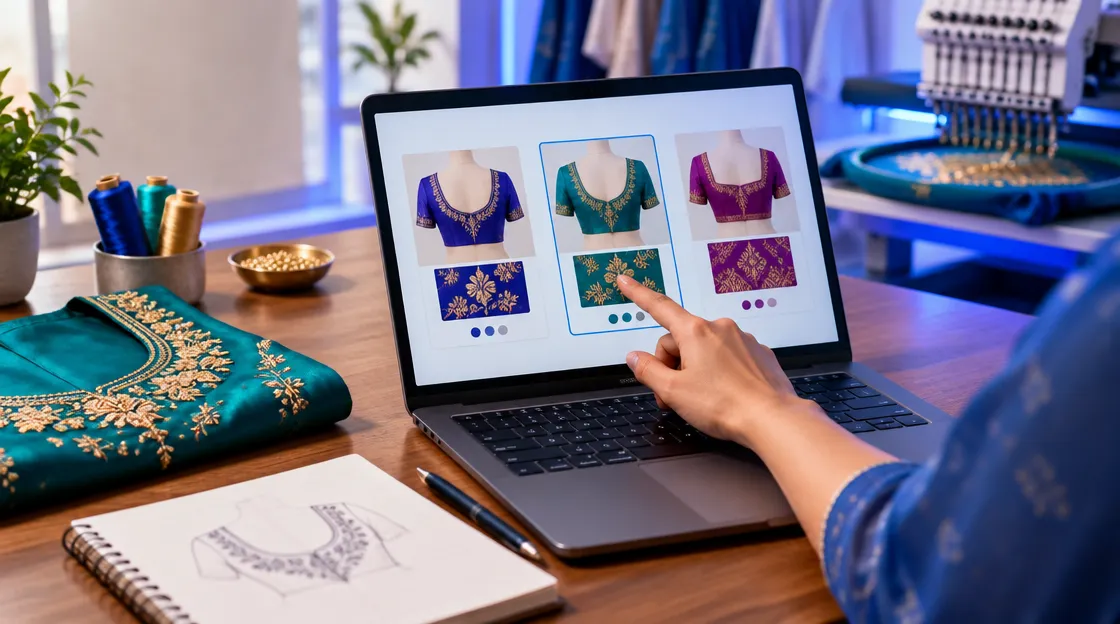
Generate two or three variations of the same blouse before the meeting. Then use this checklist.
| Check | What to look at | Why it matters |
|---|---|---|
| Placement | Yoke, back, sleeve edge, hem | Shows where the weight of the work sits |
| Density | How full or light the embroidery looks | Sets the expectation for stitch effort and cost |
| Fabric and colour | Thread on your own fabric photo | Avoids a colour surprise at sampling |
| Embellishment mix | Zari, beads, pearls, sequins | Decides how much hand work the karigar must plan |
If the design leans on bead work, check that part in Beads Studio as well. The features page lists every tool and its credit cost.
Questions to ask the dealer
- Which of these previews should I sample?
- Is the placement right for the cut of this blouse?
- Should the work be lighter or fuller?
- Does the colour suit the fabric your buyer wants?
Write the answers down. They become the brief for the karigar and the digitizer.
Then sample once
Ask the dealer to pick one of the previews. Make a single sample of that design. On the cost figures above, that is one sample at about Rs 6,000–8,000 instead of three at Rs 18,000–24,000. This is a rough comparison, not a promised saving. A dealer may still ask for changes after seeing the real piece.
Screens also show colour differently from thread. Treat the preview as a guide for the decision, and judge the final shade on the sample.
Keep the approved preview with the order. When the sample arrives, hold it against the preview and note any difference in density or colour. That note makes your next brief sharper.
Conclusion
A blouse preview works best as an approval step. Check the placement, fabric and embellishment, agree one direction with the dealer, then make that sample. The craft still happens on the table. The preview only helps you decide what deserves the table.
Preview your next blouse design before you pay for a sample
Try it freeQuestions, answered
Frequently asked questions
No. A preview helps you agree a direction with the dealer earlier. Fabric, stitching and finishing stay physical, so you still make a sample of the approved design.
Yes. Design Studio accepts descriptions in Gujarati, Hindi and English, up to 1,000 characters, and the interface is available in the same three languages.
Each design costs 5 credits and each variation costs 5 credits. The total is shown before you confirm, and credits are refunded if a generation fails.
Yes. You can upload a photo of your fabric as a PNG, JPG, HEIC or SVG up to 25 MB, or choose one of three material and colour presets.
No. Design Studio gives image previews only. A digitizer converts the approved design into the stitch file your machine needs.
Yes. Paint over the area you want changed and describe the fix. The rest of the design is kept, and each edit is saved as a separate version.