Bead Work Design Preview: Smart Mix Checks Before Sampling
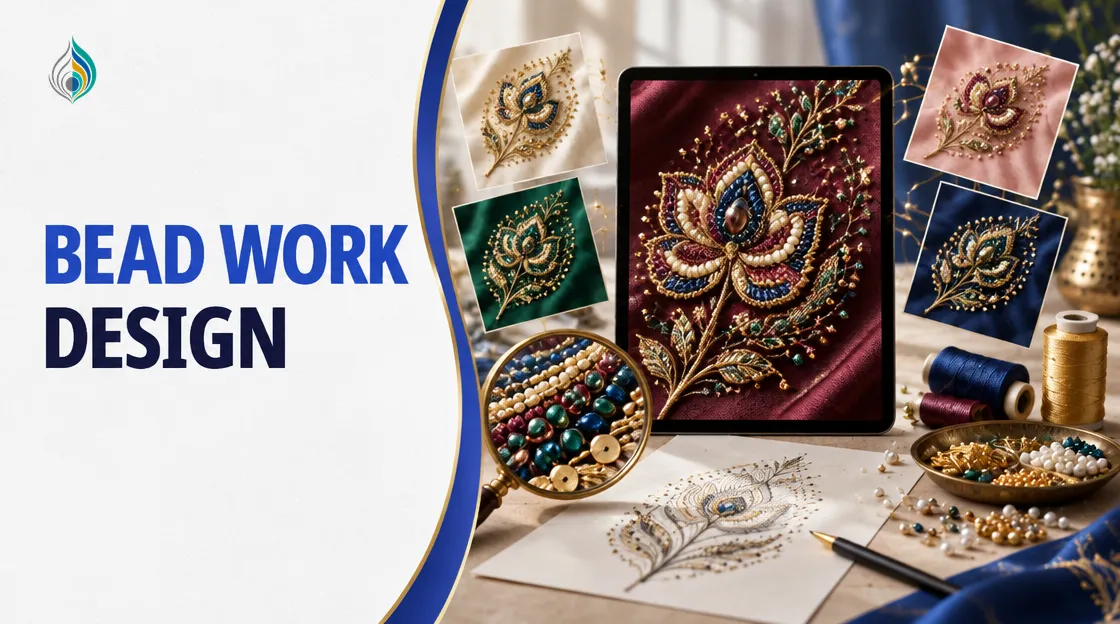
A bead work design preview shows your sketch in real bead materials on your fabric, before any bead is threaded. For a manufacturer, the dealer stage is where this matters most. Bead work is the part of a design that is hardest to judge on paper.
The idea behind TextileStudio is "Design first. Sample second." Agree the bead mix on screen, then pay for a physical sample only for the direction the dealer approves. This post covers what to check in a preview and how to use Beads Studio for it.
Why Bead Work Is Hard to Judge From a Sketch
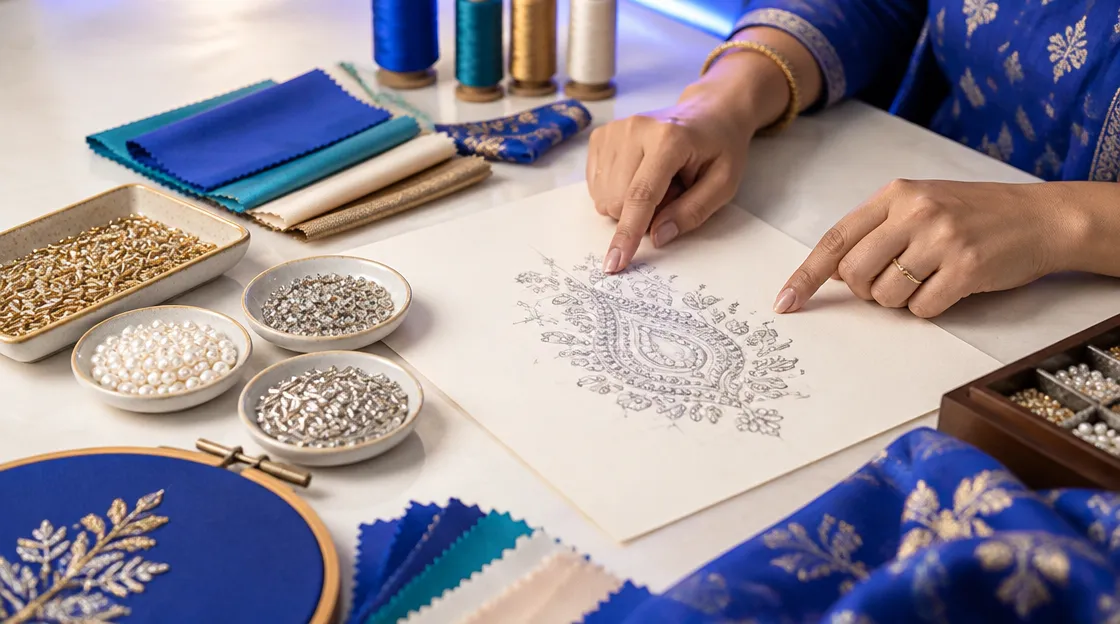
A pencil sketch draws every bead as a dot or a small circle. The real decisions sit underneath. Which bead goes in the butta, which one lines the border, and how much thread runs between them?
When a sketch cannot show the bead mix, the only way to settle it is a physical sample. That sample is not cheap. TextileStudio's site puts one physical sample at about Rs 6,000-8,000, and that money is lost if the dealer says no. Three directions as samples come to Rs 18,000-24,000.
A preview lets you test the question first. You change the bead mix on screen, look at the result and decide. The physical sample comes later, and only for the direction that survives.
Bead work also tends to combine materials. The Textile Research Centre Leiden describes zardozi as heavy embroidery using metal thread along with spangles, beads, seed pearls and wire, and lists Surat among India's main zari production centres. One design can carry several materials at once. The ratio between them is a design decision, and a flat sketch rarely settles it.
What a Bead Work Design Preview Shows in Beads Studio
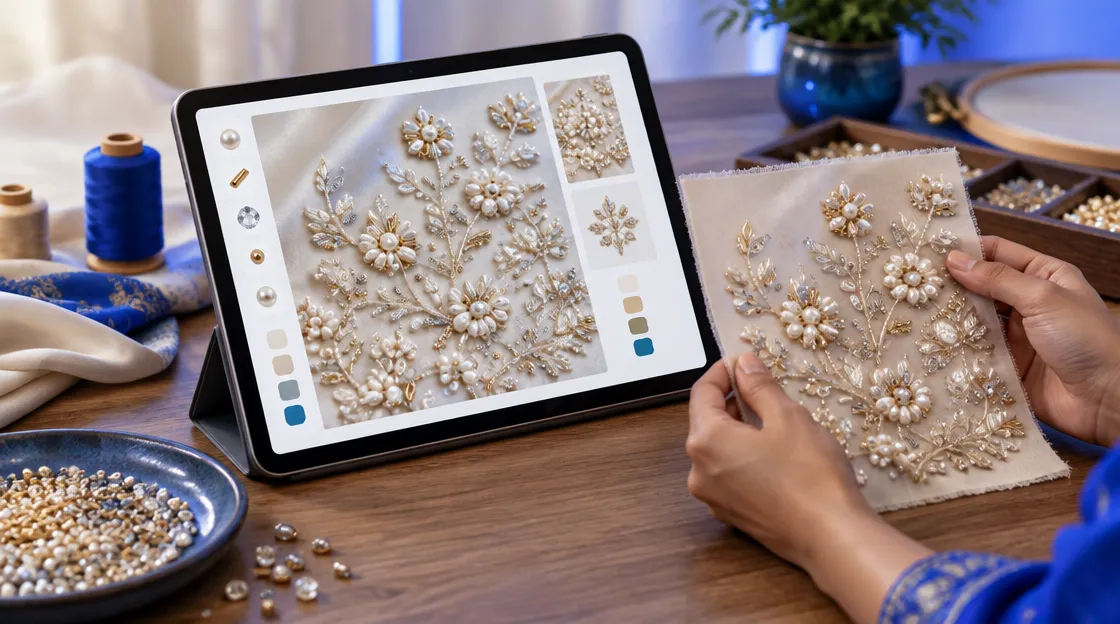
Beads Studio renders your sketch in real bead materials on your fabric. You upload a sketch as PNG, JPG, HEIC or SVG, up to 25 MB. The output follows the shape of your sketch, so draw the motif clearly.
The tool works in four steps:
- Design (required): upload your sketch.
- Fabric (optional): upload a photo of your cloth or choose a preset.
- Materials and embroidery (optional): choose materials, set the mix and pick techniques.
- Details and generate (optional): add notes, choose the number of variations and generate.
Pick the materials and the mix
The tool offers eight materials. Choose Auto, or set exact percentages. In exact mode the mix must add up to 100% before you can continue. A trial mix could be 50% cut dana, 30% pearl and 20% zarkhan. Treat that as an example to start from, not a rule.
| Material | Detail |
|---|---|
| Flat sequence | 5 MM and 3 MM |
| Cut dana | 4 MM and 2 MM |
| Pearl | 2 MM |
| Zarkhan | SS12 chatons, about 3 mm |
| Jari dori | Metallic cord, about 1 mm |
| Thread | Silk |
Set the fabric and the stitch technique
Upload a photo of your own cloth, or pick a preset: Cotton, Silk or Velvet, with a colour. Then choose from Motif, Tatami, Satin and Cross Stitch. Notes can run to 500 characters in any language, and the tool translates them before generation.
Run variations and watch the credits
Ask for 1 to 5 variations per run. Each variation costs its own 5 credits, and the total shows before you confirm. Three variations cost 15 credits. If a generation fails, the credits are refunded automatically.
Checks to Make Before the Dealer Sees the Preview
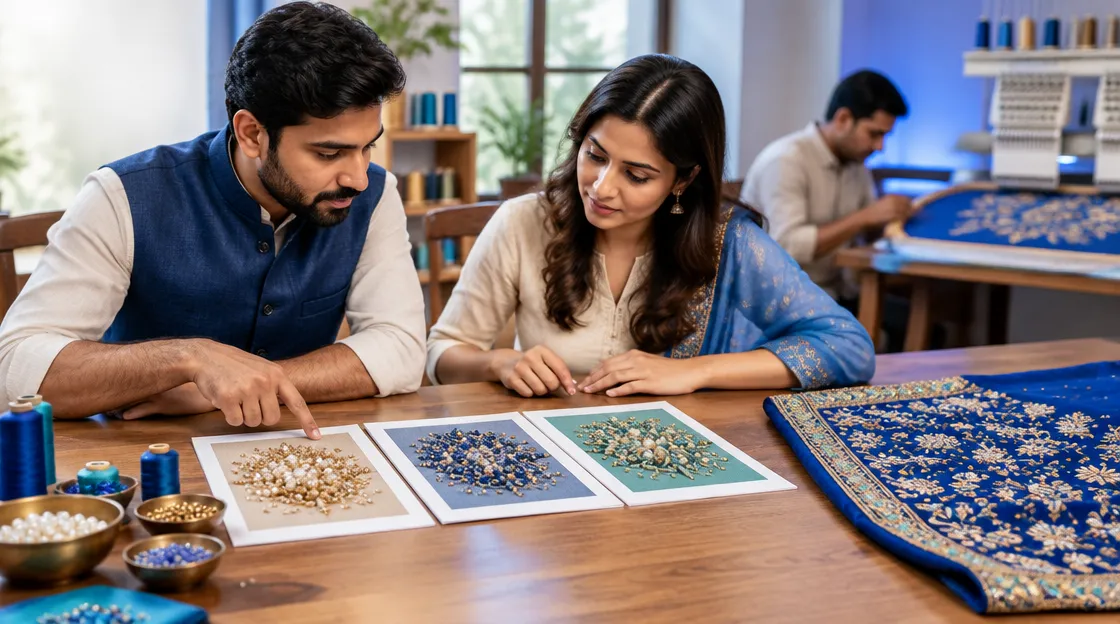
Read the bead work design preview the way you would read a physical sample. Go through this list on screen first.
- Bead mix: Does the ratio of cut dana, pearl and zarkhan match what the dealer asked for and what you can source?
- Density: Are beads packed where the design needs weight, and open where it needs space?
- Placement: Does the heavy work sit where the garment can carry it, such as the yoke, pallu or hem?
- Edges and borders: Does the border finish cleanly, or do the beads stop abruptly at the edge?
- Thread and jari dori: Do they support the beads, or do they compete with them?
Use the notes field to steer a run. For example, ask for pearl along the border and cut dana in the butta. Then compare that run with a second one that swaps the two.
Check placement on the garment
Placement decides how heavy the work looks when worn. The Edit page in Beads Studio can stage the design on a garment, and Design Studio previews a design on a chosen garment and placement. Look at the yoke, the pallu and the hem before you decide.
Show the dealer more than one direction
Send the dealer two or three variations with different mixes. Add a short note with the percentages and the fabric used, so the dealer knows what is being judged. Ask which one to sample, then make a physical sample only of that one. If the dealer wants a change, run another variation and send that, instead of making another sample.
Once the direction is approved, the free Quotation tools on the features page work out a per-piece price from stitch count, head count, beads, hot fixing, vatav and markup. The Edit page can also give an approximate piece count for the six materials sold by the piece. Materials sold by length are not priced per piece.
Know what the preview does not do
The output is a flat, straight-on image. It is not a machine stitch file (DST, EMB), and a digitizer still creates the stitch file from the preview. A sketch is required, so you cannot generate a preview from a text description alone. Fabric, stitching and finishing stay physical, and the karigar's work is not replaced.
Conclusion
A bead work design preview moves approval to the start of the process. You see the mix, the density and the placement on screen. The dealer chooses from a few directions, and you sample only the one that is picked.
Begin with one sketch and two different mixes. Compare them side by side, then decide what goes to the karigar.
Preview your bead mix in Beads Studio before you sample.
Try it freeFrequently asked questions
What is a bead work design preview?
It is a flat image of your sketch rendered in bead materials on your fabric, so you can agree the mix before any beads are threaded.
Which bead materials does Beads Studio offer?
Eight: 5 MM and 3 MM flat sequence, 4 MM and 2 MM cut dana, 2 MM pearl, zarkhan, jari dori and silk thread.
Can I make a bead preview from text alone?
No. A sketch is required, as PNG, JPG, HEIC or SVG up to 25 MB. You can add notes of up to 500 characters in any language.
How many credits does a bead work design preview cost?
Each design costs 5 credits, and each variation costs its own 5 credits. The total shows before you confirm, and failed generations are refunded.
Does the preview replace a physical sample?
No. It helps you agree the bead mix and placement first. Fabric, stitching and finishing stay physical, so you still sample the approved direction.
Is the output a machine stitch file?
No. It is a flat image, not a DST or EMB file. A digitizer creates the stitch file from the preview.